



Repair
Repair Price: $ 1,224.00
Purchase
CSL Part Number: 65750
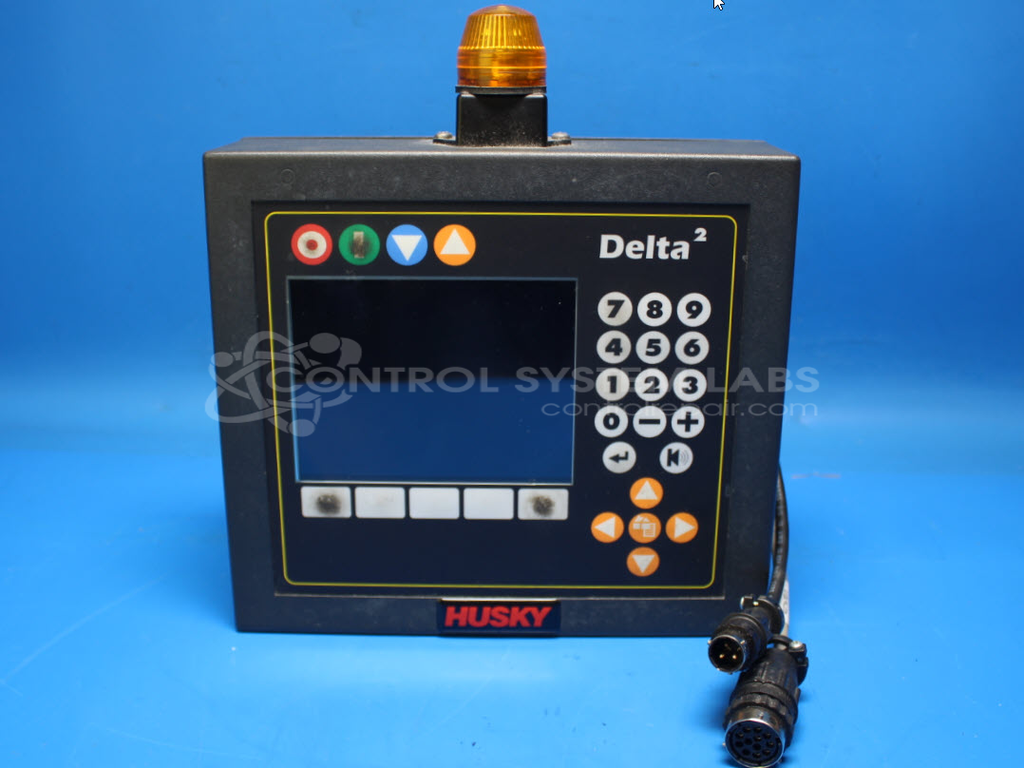
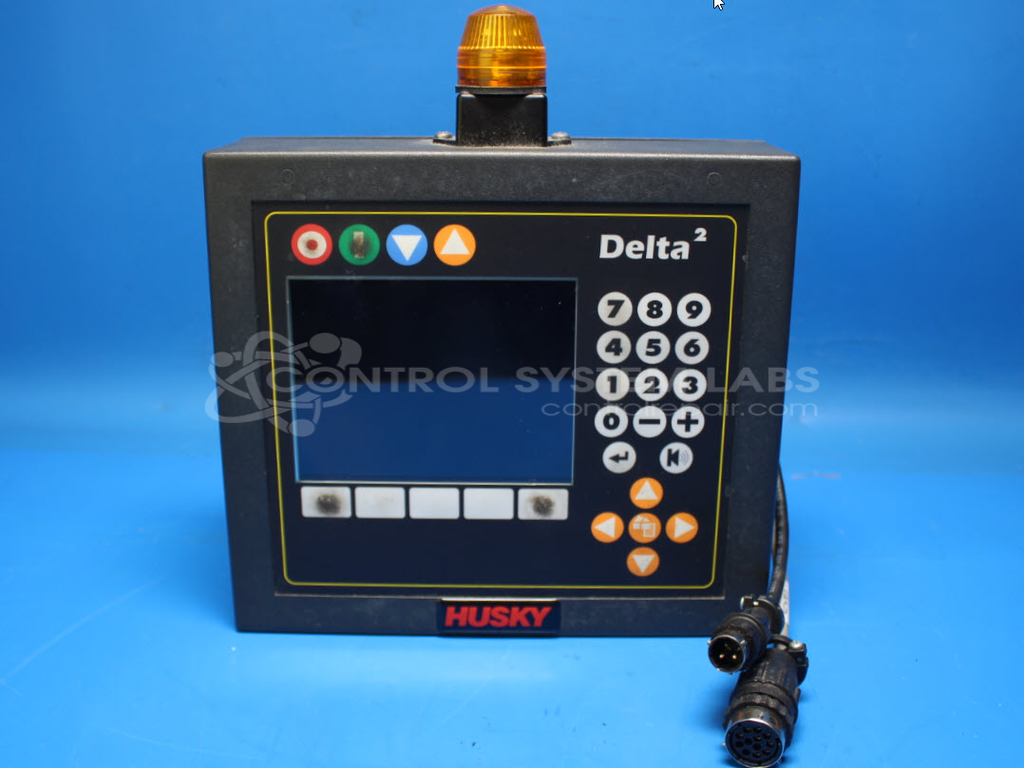
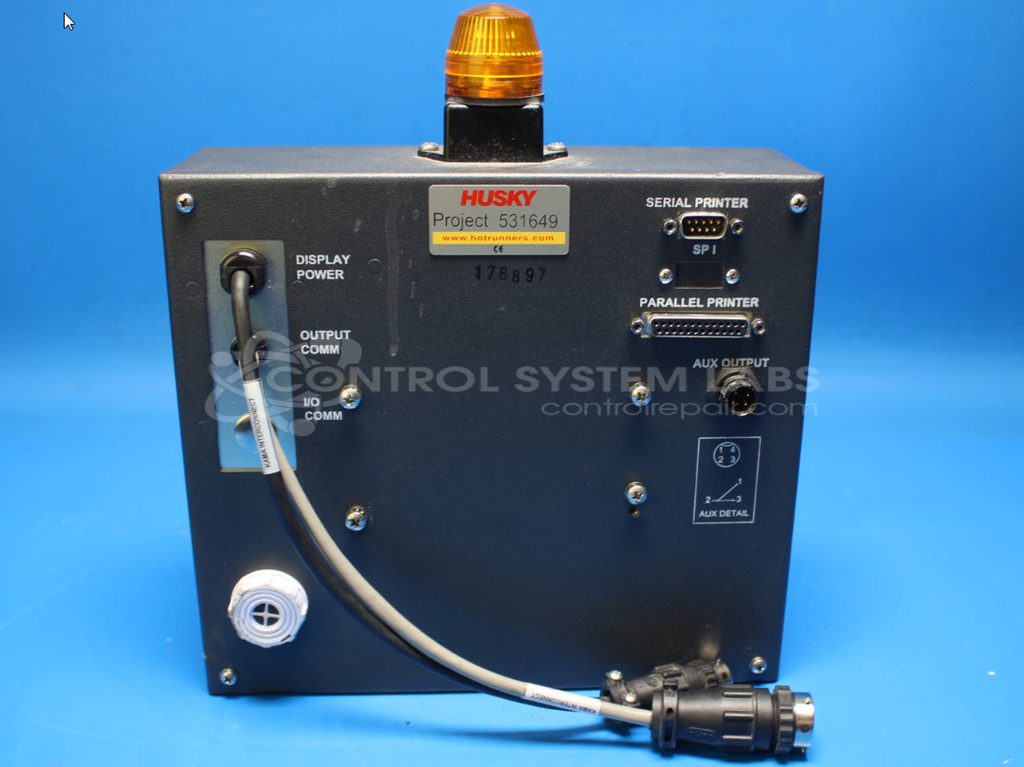
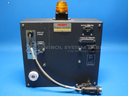
Product Overview: The Altanium Control Panel with Display (Husky DELTA 2) is an operator interface panel used in paper manufacturing equipment. It features a 5.7-inch LCD touchscreen for process monitoring and control, integrated keypad for data entry, and alarm signaling capabilities. The system includes LED indicator lights and runs on a multi-voltage power supply providing 5.1V, ±15V outputs. This panel serves as the primary human-machine interface for controlling and monitoring paper production machinery, allowing operators to adjust parameters, view system status, and respond to alarms during manufacturing operations.
Category: Control Panel
Manufacturer: Husky
Manufacturer Part Number: DELTA 2
Also Known As(AKA): AMERICAN MSI CORP
Please indicate problem when sending in for repair.
Common Failures
The product may experience a display issue where the screen turns a solid color from the top left to the center. This issue is typically caused by a defective display component.
Repair Approach
The standard repair involves replacing the affected modules, including the LCD screen. Other components, such as power supplies and marker lights, may also need replacement if found faulty during evaluation.
Testing & Quality
Post-repair, units undergo comprehensive testing, including diagnostic and BIOS tests, to confirm functionality. Keypad and alarm systems are evaluated, and a burn-in test is performed to verify reliability.
Service and repair your broken Husky part
We can repair your Husky model DELTA 2 in our facility. Let our skilled technicians get your Husky back in operation quickly.
Step 1 - Click the green 'Repair Now' button above to add the part and then complete the RMA.
Step 2 - The RMA form will be sent to you via email. Print the RMA form and put it in a box with the item(s) for repair.
Step 3 - Ship or mail the box to the address listed on the RMA.
Once the user has seen at least one product this snippet will be visible.