




Repair
Repair Price: $ 994.00
Purchase
CSL Part Number: 85224
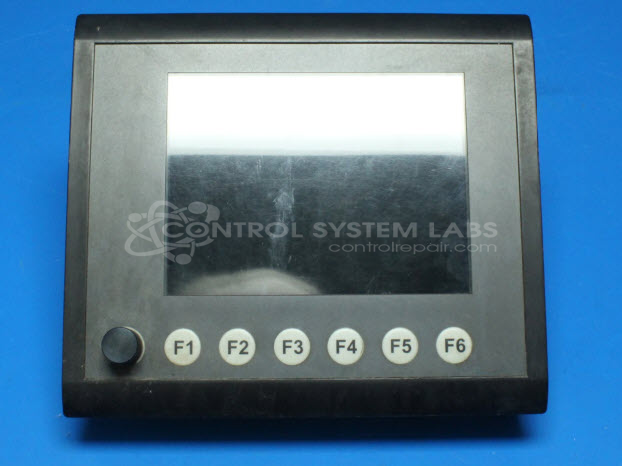
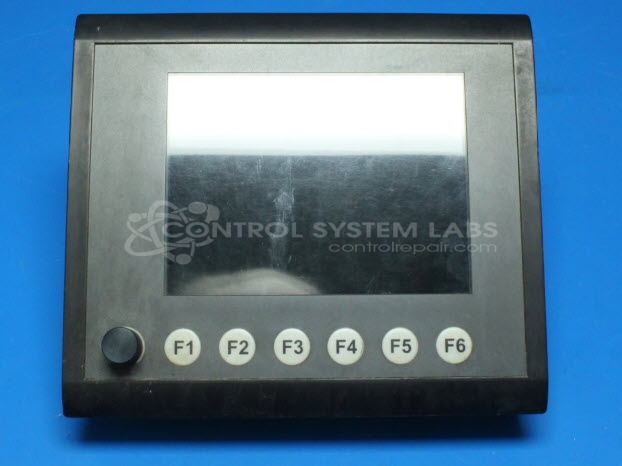
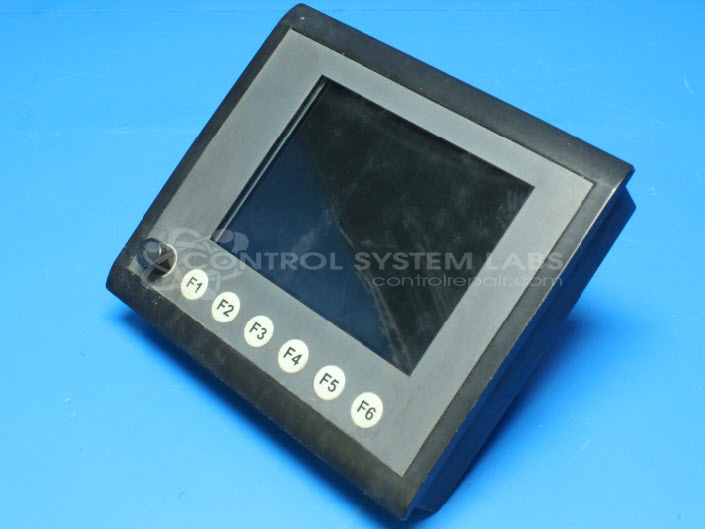
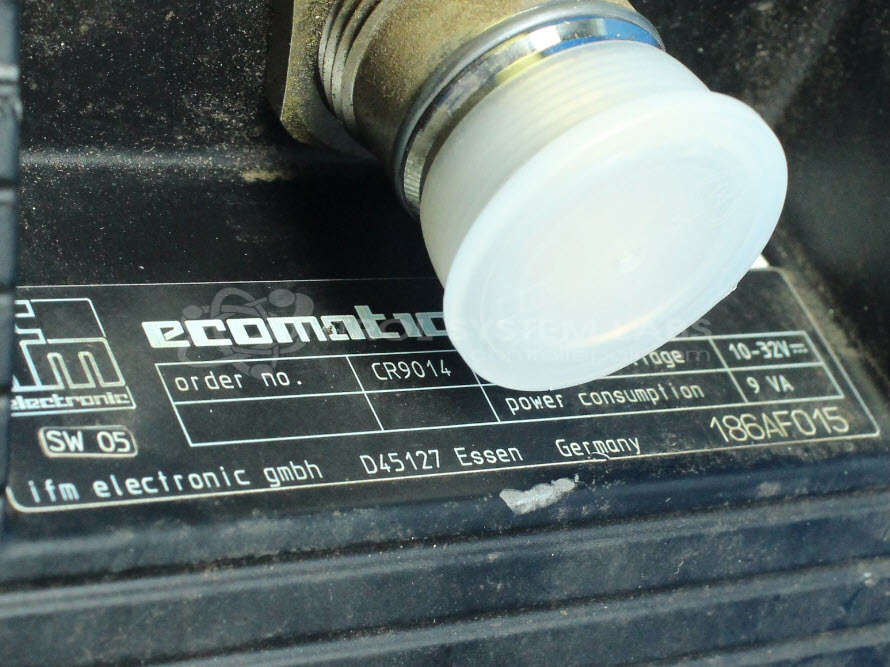
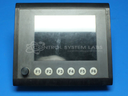
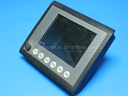
Product Overview: The Ecomat100 is a 6-inch color LCD display panel manufactured by IFM Electronic for crane control and load moment indicator (LMI) systems. It features an integrated rotary encoder for user input and RS-232 serial communication. The unit operates on 24VDC and incorporates a Freescale XPC823 microcontroller with onboard DRAM and battery-backed memory. Commonly found on material handling equipment such as Fuchs mobile cranes, it provides real-time monitoring and control interface for crane operations. The display uses a 320x240 pixel LCD screen with backlight illumination.
Category: Crane Control & LMI Systems
Manufacturer: IFM Electronic
Manufacturer Part Number: CR9014
Common Failures
Common issues reported include front control knob concerns and display problems, which may result from worn backlights, RS-232 transceiver faults, discharged batteries, or LCD damage. Power draw concerns and processor heating have also been observed.
Repair Approach
Our repair approach may include backlight conversion to LED systems, replacement of transceiver chips and LCD screens, and replacement of capacitors and resistors as needed. Some components, such as pre-programmed microcontrollers, may not be repairable depending on parts availability or firmware constraints. We evaluate each unit individually and provide a quotation before any repair work begins.
Testing & Quality
Repaired units are tested to verify performance, which may include burn-in testing and diagnostic evaluation. We use diagnostic tools to assess board-level faults and thermal conditions where applicable.
Service and repair your broken IFM Electronic part
We can repair your IFM Electronic model CR9014 in our facility. Let our skilled technicians get your IFM Electronic back in operation quickly.
Step 1 - Click the green 'Repair Now' button above to add the part and then complete the RMA.
Step 2 - The RMA form will be sent to you via email. Print the RMA form and put it in a box with the item(s) for repair.
Step 3 - Ship or mail the box to the address listed on the RMA.
Once the user has seen at least one product this snippet will be visible.