



Repair
Repair Price: $ 876.00
Purchase
CSL Part Number: 86462
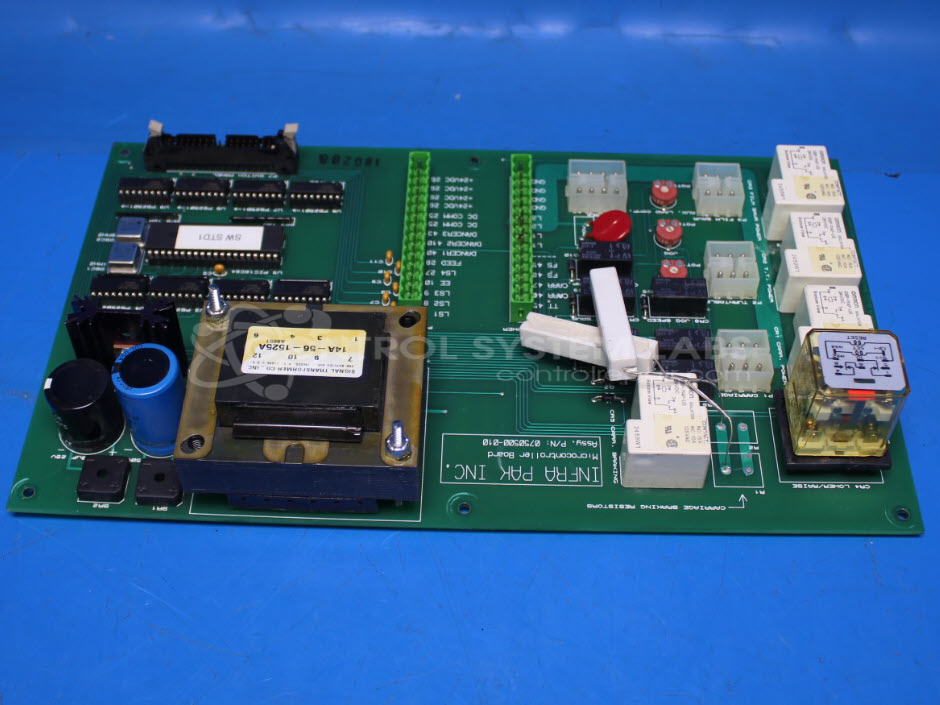
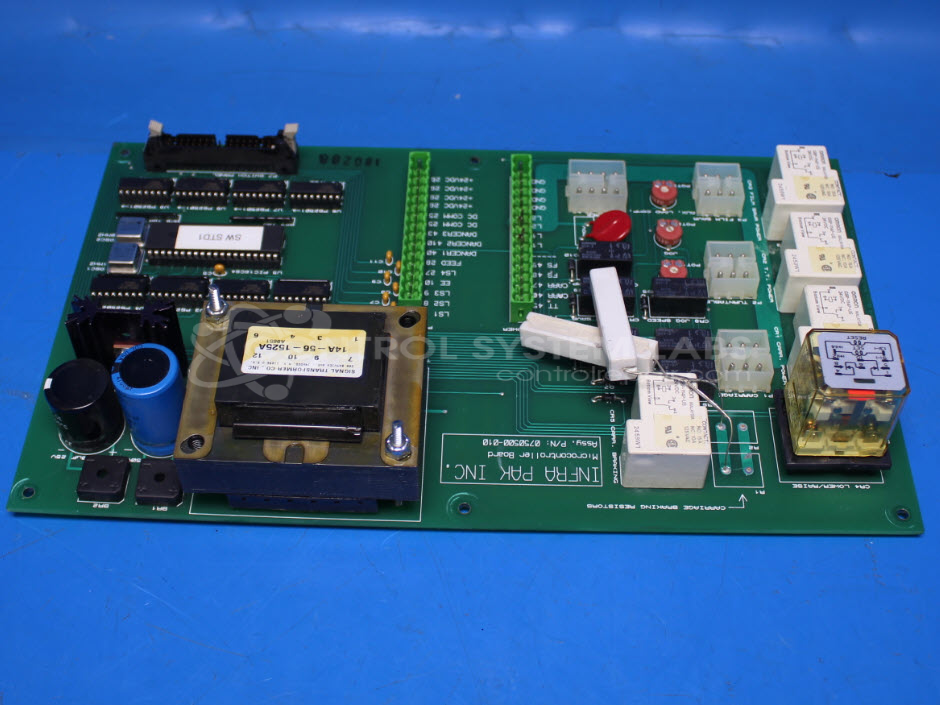
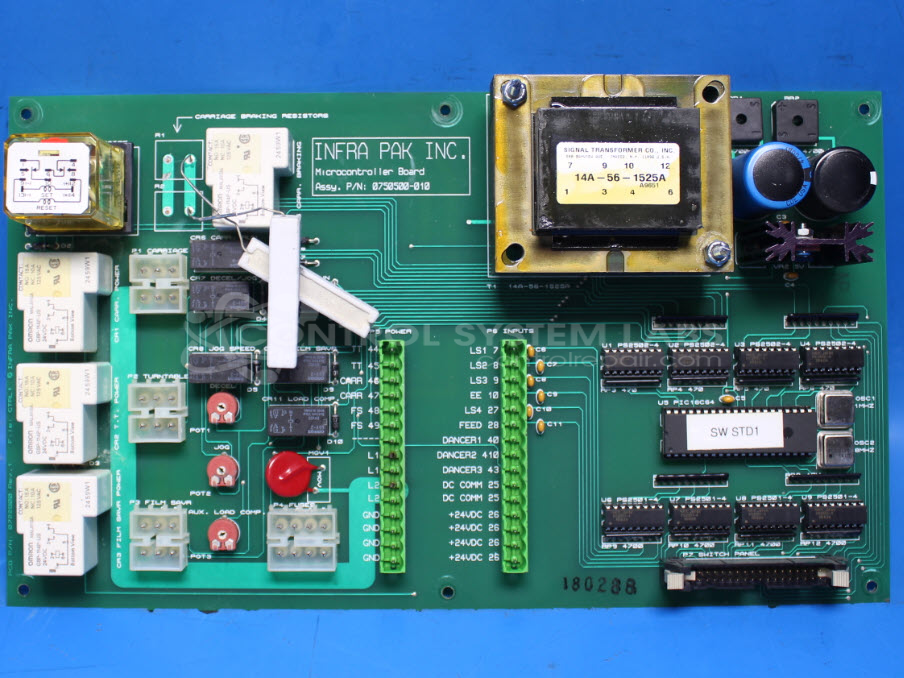
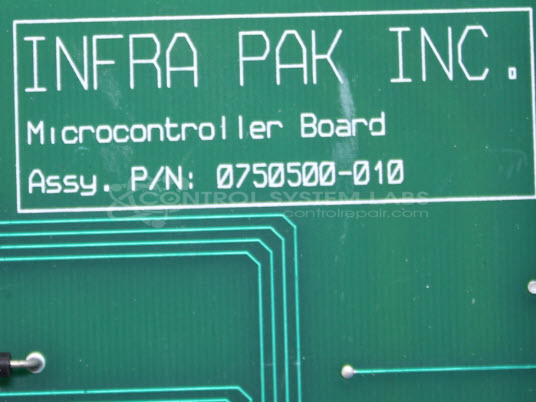
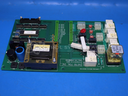
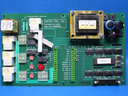
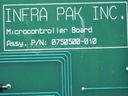
Product Overview: The Infra Pak 0750500-010 is a microcontroller-based control board used in automated carriage systems, specifically the EZ Duz It Powered-Plus platform. It manages carriage raise and lower functions in both manual and automatic modes, interfacing with limit switches, relay outputs, and DC drive connections. The board uses a PIC16C64A 8-bit microcontroller operating at 4MHz and coordinates with separate display and switch boards to control industrial material handling equipment through programmed logic sequences.
Category: Control Board
Manufacturer: Infra Pak
Manufacturer Part Number: 0750500-010
Please include the 'EZPP Display Board' and 'EZPP Switch Board' when sending in for repairs.
Common Failures
The primary issue reported involves the carriage failing to raise during automatic cycles, although it functions correctly in manual mode. This issue is typically linked to faulty microcontroller components and improper relay activation. Additionally, a burned resistor was identified during testing but was not the root cause of the carriage malfunction.
Repair Approach
Repairs often involve replacing defective components, such as microcontrollers, and ensuring all relays are properly connected and functioning. The repair process includes creating and updating test fixtures and mapping microcontroller pins to verify the connections leading to the relays and carriage functions. It is also recommended to check all limit switches (Up, Down, Home) as they can impact carriage movement.
Testing & Quality
Each repair undergoes comprehensive diagnostic testing, including level 4 testing and burn-in tests without a load. All components are checked for proper voltage levels, and relays are verified for correct operation. The quality checks are validated by multiple technicians to ensure the system functions as expected.
Service and repair your broken Infra Pak part
We can repair your Infra Pak model 0750500-010 in our facility. Let our skilled technicians get your Infra Pak back in operation quickly.
Step 1 - Click the green 'Repair Now' button above to add the part and then complete the RMA.
Step 2 - The RMA form will be sent to you via email. Print the RMA form and put it in a box with the item(s) for repair.
Step 3 - Ship or mail the box to the address listed on the RMA.
Once the user has seen at least one product this snippet will be visible.