



Repair
Repair Price: $ 352.00
Purchase
CSL Part Number: 85756
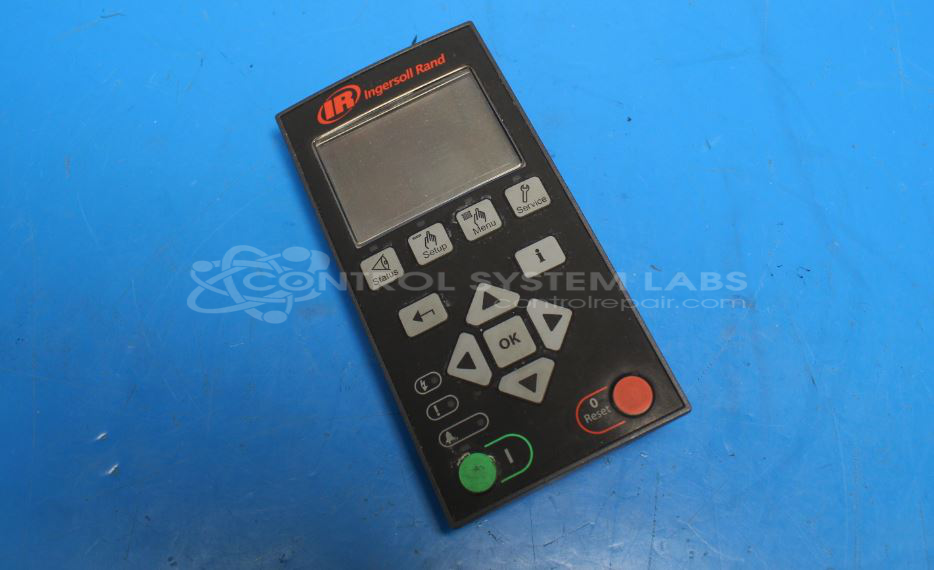
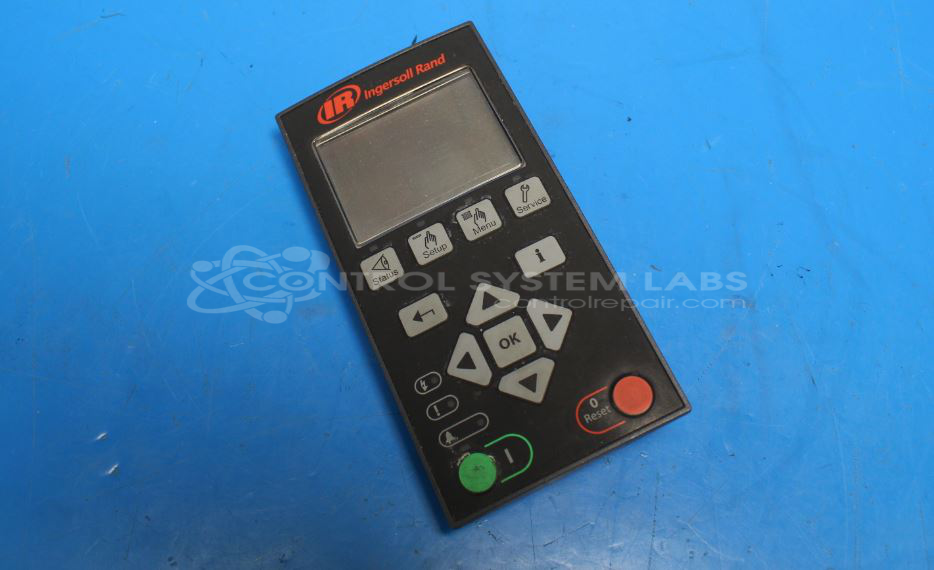
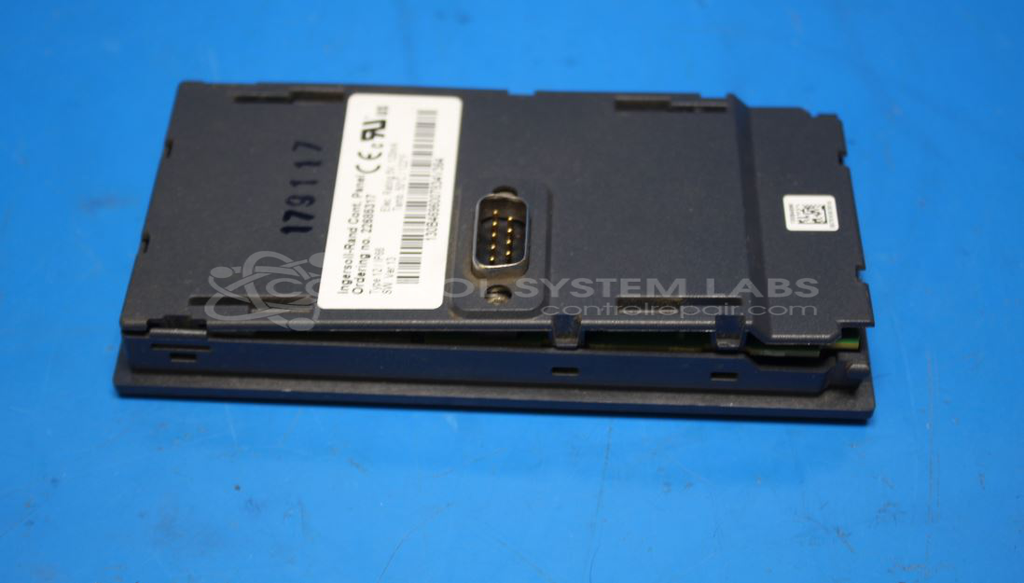
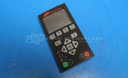
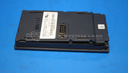
Product Overview: The Unigy Drive Compressor Controller (Ingersoll Rand 22685317) is an operator interface panel for controlling and monitoring Ingersoll Rand air compressors. It features an LCD display with backlight, multiple control buttons, and status LEDs that allow operators to configure compressor parameters and view operating status. This controller is used in industrial compressed air systems across manufacturing, processing, and other facilities requiring reliable air supply management.
Category: Operator & Control Panels
Manufacturer: Ingersoll Rand
Manufacturer Synonyms: Ingersoll-Rand Company
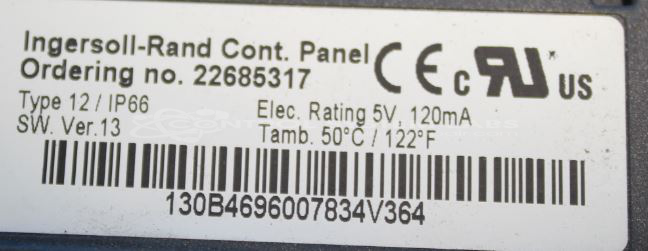
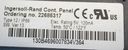
Manufacturer Part Number: 22685317
Common Failures
Frequently observed issues include physical damage leading to dirt ingress, which can disrupt electrical contacts, and internal corrosion affecting screen legibility. Both conditions can significantly impair functionality.
Repair Approach
Repairs typically involve cleaning to address dirt and corrosion, along with restoring mechanical integrity by sealing the unit to prevent future ingress. In cases of severe screen damage where the display component is unavailable, we can discuss alternative solutions or replacement options.
Testing & Quality
Testing is performed to verify button and LED functions are operating correctly after repair. However, certain tests may be limited due to unavailable components or external equipment requirements, such as compressors.
Service and repair your broken Ingersoll Rand part
We can repair your Ingersoll Rand model 22685317 in our facility. Let our skilled technicians get your Ingersoll Rand back in operation quickly.
Step 1 - Click the green 'Repair Now' button above to add the part and then complete the RMA.
Step 2 - The RMA form will be sent to you via email. Print the RMA form and put it in a box with the item(s) for repair.
Step 3 - Ship or mail the box to the address listed on the RMA.
Once the user has seen at least one product this snippet will be visible.