



Repair
Repair Price: $ 1,228.00
Purchase
CSL Part Number: 35812
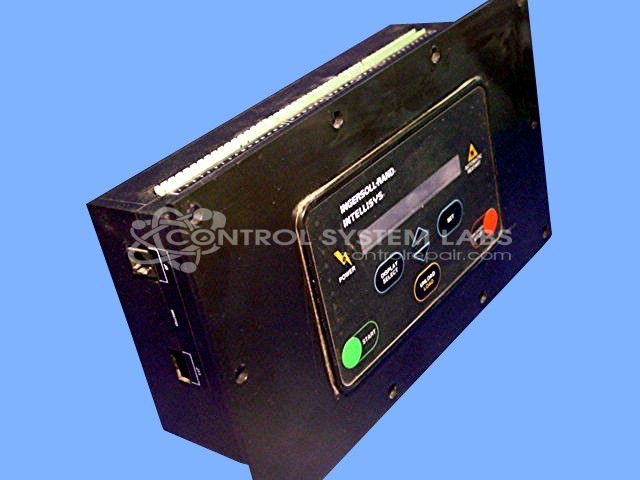
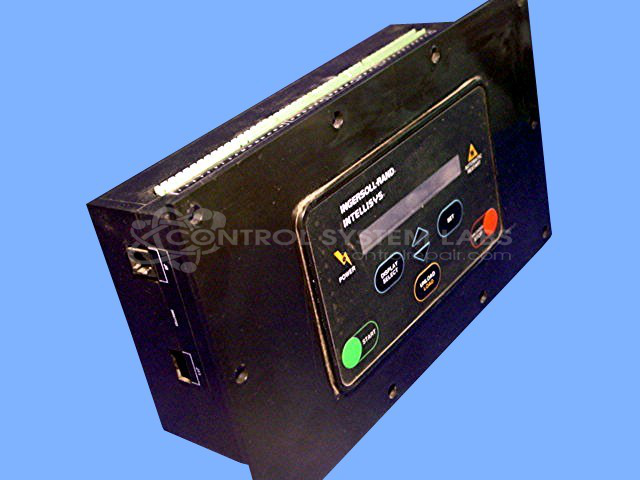
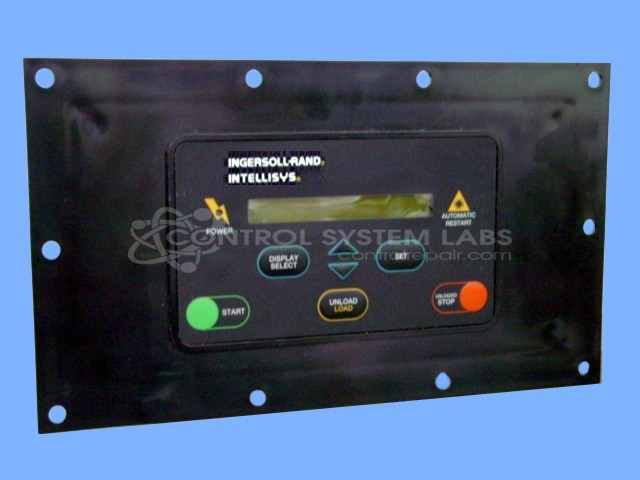
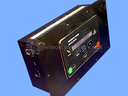
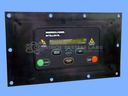
Product Overview: The Intellisys Control Panel is a microprocessor-based control and monitoring system designed by Ingersoll Rand for their SSR rotary screw air compressors in the 15-50 and 100 horsepower range. It provides operator interface, system diagnostics, and communication capabilities for compressor automation and remote monitoring. The panel features an integrated display with LED indicators, user input buttons, and RS485 communication interface for networking multiple units or connecting to building management systems. It includes battery backup for maintaining system parameters and real-time clock functions during power interruptions.
Category: Operator & Control Panels
Manufacturer: Ingersoll Rand
Manufacturer Synonyms: Ingersoll-Rand Company
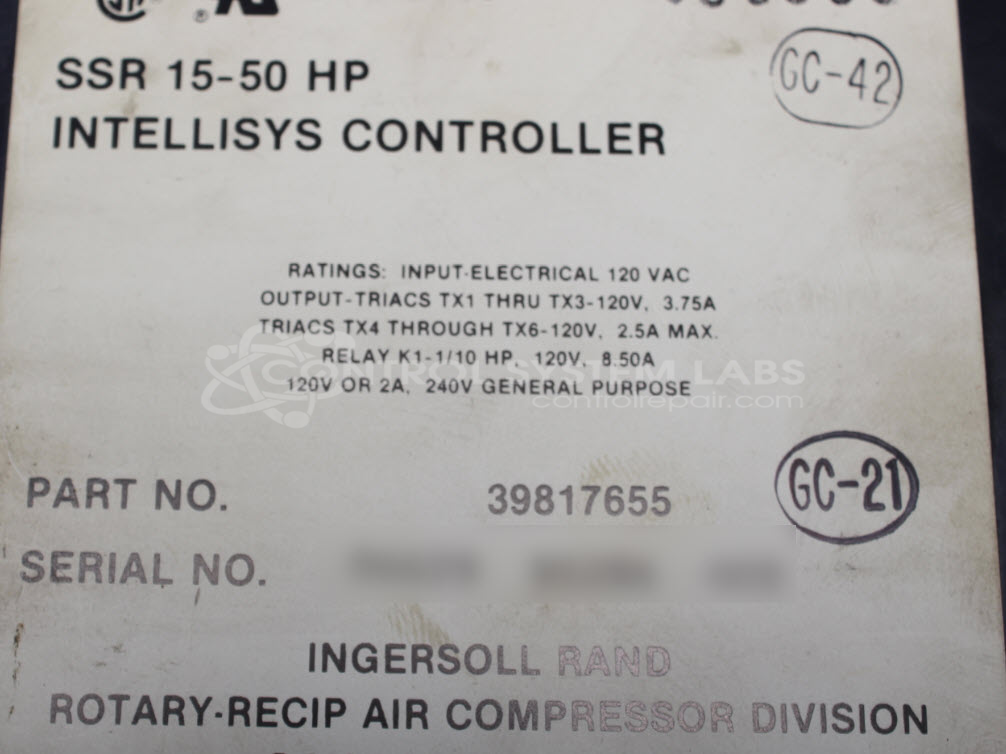
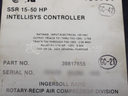
Manufacturer Part Number: SSR 15-50/100HP
Also Known As(AKA): 39817655
Keypad replacement additional
Common Failures
The product may experience issues with the RS485 Transceiver chip, affecting communication functionality. Additionally, there have been instances of non-functional LEDs on the front overlay due to corrosion at the board connection. Battery depletion has also been observed in some units.
Repair Approach
Repairs may involve replacing the RS485 Transceiver chip to restore communication. Repair of the LEDs on the front overlay requires replacing the entire overlay, which is not commonly performed. Battery replacement can be performed when necessary.
Testing & Quality
Each unit undergoes comprehensive testing to verify functionality after repair, with particular emphasis on communication capabilities. Cosmetic or non-essential repairs, such as LED issues, may not be completed based on customer preferences and cost considerations.
Service and repair your broken Ingersoll Rand part
We can repair your Ingersoll Rand model SSR 15-50/100HP in our facility. Let our skilled technicians get your Ingersoll Rand back in operation quickly.
Step 1 - Click the green 'Repair Now' button above to add the part and then complete the RMA.
Step 2 - The RMA form will be sent to you via email. Print the RMA form and put it in a box with the item(s) for repair.
Step 3 - Ship or mail the box to the address listed on the RMA.
Once the user has seen at least one product this snippet will be visible.