



Repair
Repair Price: $ 844.00
Purchase
CSL Part Number: 115318
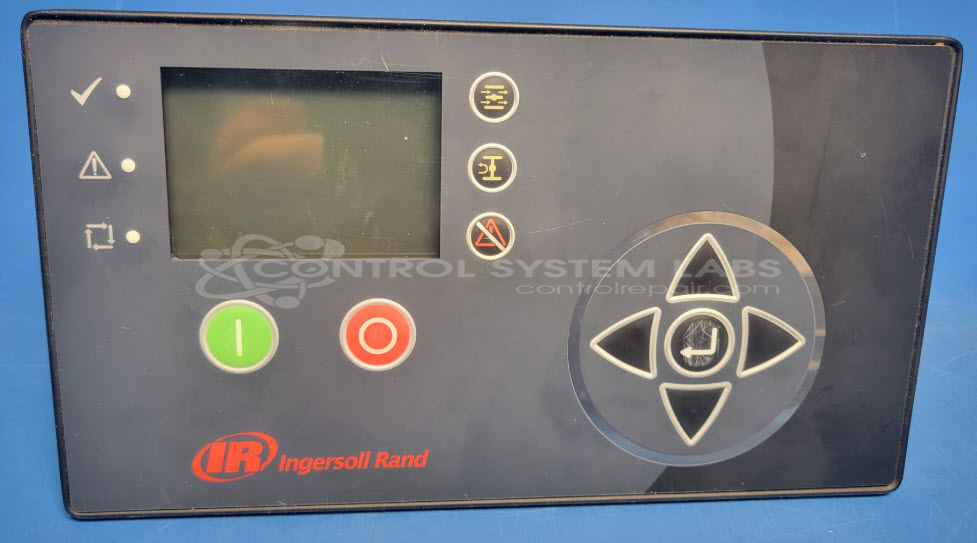
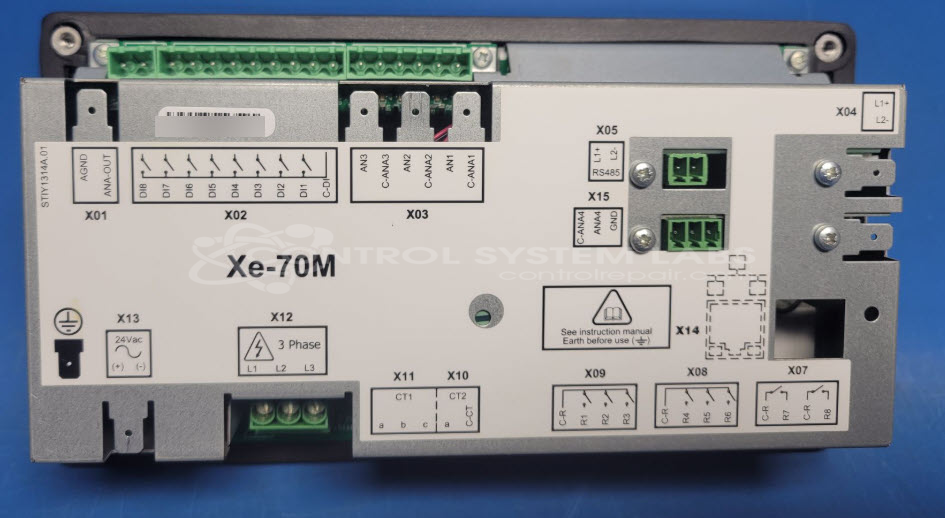
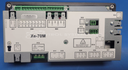
Product Overview: The Ingersoll Rand Xe-70M is a control panel module designed for the Airmaster Q1 series of air compressors. It serves as the primary user interface and control center, managing compressor operation, monitoring system parameters, and displaying operational status. This module integrates display functionality with control logic to regulate compressor performance, pressure settings, and maintenance alerts. It is specifically engineered for industrial compressed air systems where reliable monitoring and precise control are essential for efficient operation.
Category: Control Module
Manufacturer: Ingersoll Rand
Manufacturer Synonyms: Ingersoll-Rand Company
Manufacturer Part Number: Xe-70M
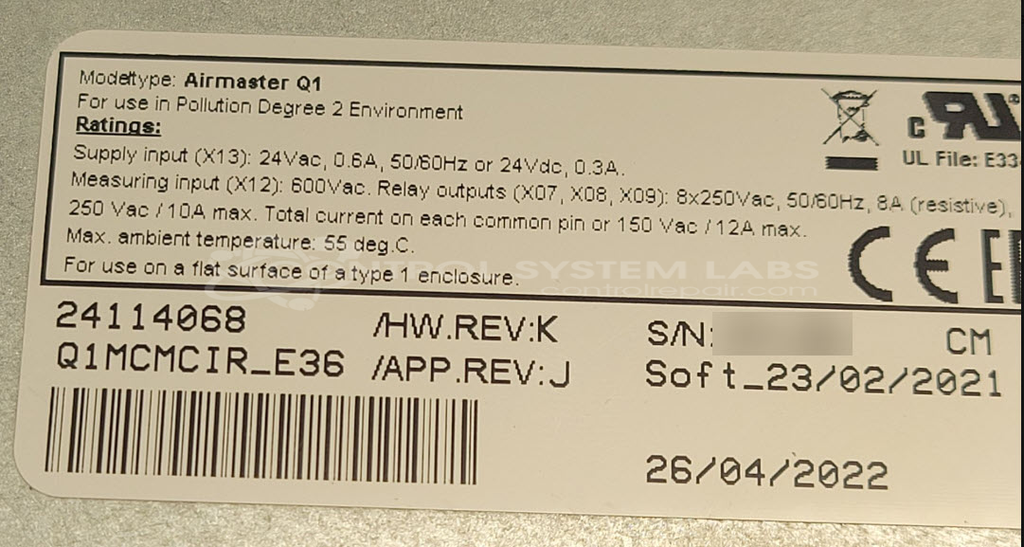
Also Known As(AKA): Airmaster Q1 24114068 Q1MCMCIR_E36
Include password if used with it.
Common Failures
Symptoms of failure for this product include a non-functioning display with no LED indicators due to underlying damage such as burned components and lifting connectors.
Repair Limitations
This type of damage can lead to issues with the inner layers of the printed circuit board (PCB). We would be glad to review the item and provide a quotation once the unit is received and evaluated. In some cases, damage may result in a Beyond Economic Repair (BER) determination, at which point the control panel would be returned or recycled per customer instruction.
Service and repair your broken Ingersoll Rand part
We can repair your Ingersoll Rand model Xe-70M in our facility. Let our skilled technicians get your Ingersoll Rand back in operation quickly.
Step 1 - Click the green 'Repair Now' button above to add the part and then complete the RMA.
Step 2 - The RMA form will be sent to you via email. Print the RMA form and put it in a box with the item(s) for repair.
Step 3 - Ship or mail the box to the address listed on the RMA.
Once the user has seen at least one product this snippet will be visible.