





Repair
Repair Price: $ 935.00
Purchase
CSL Part Number: 80889
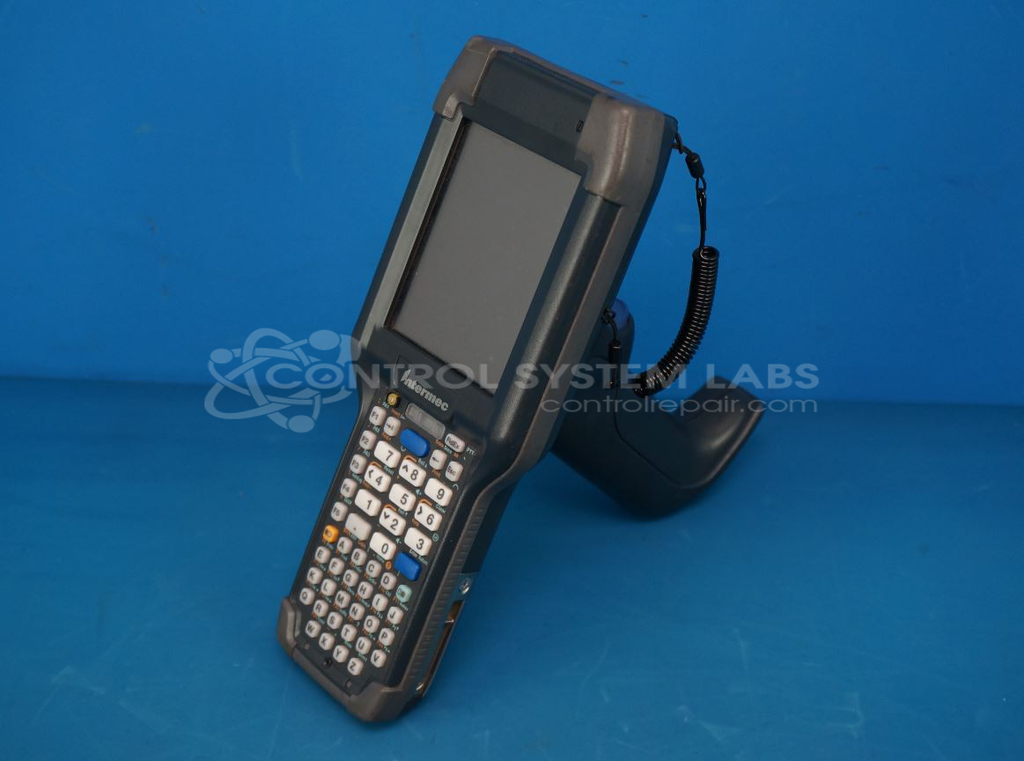
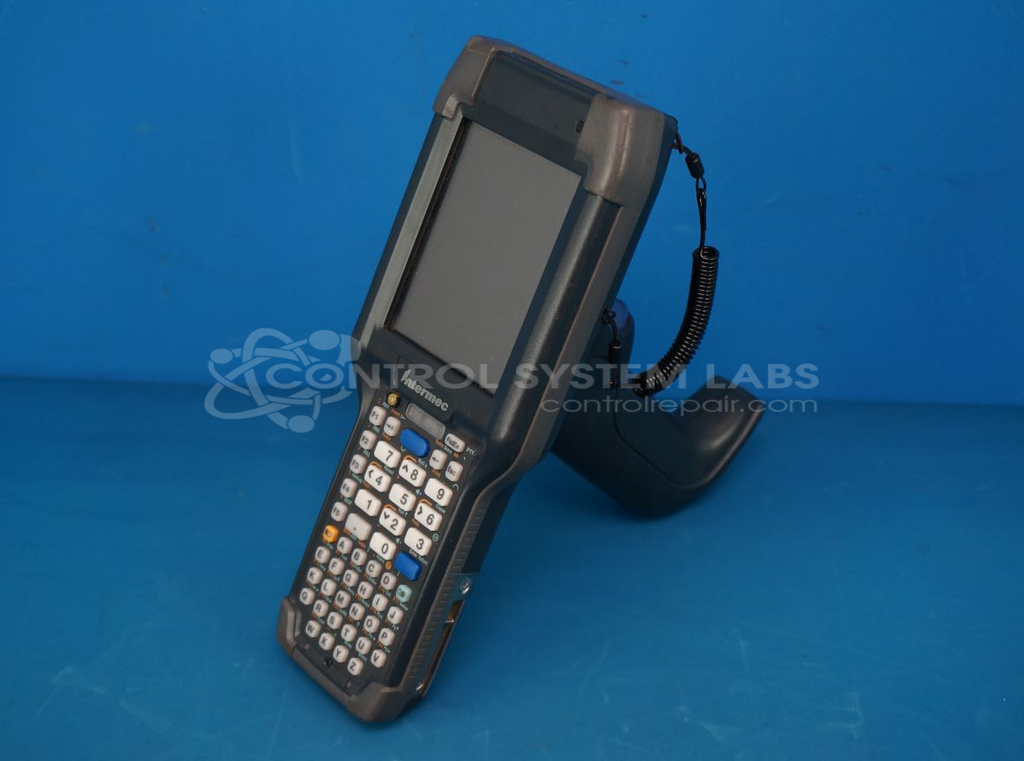
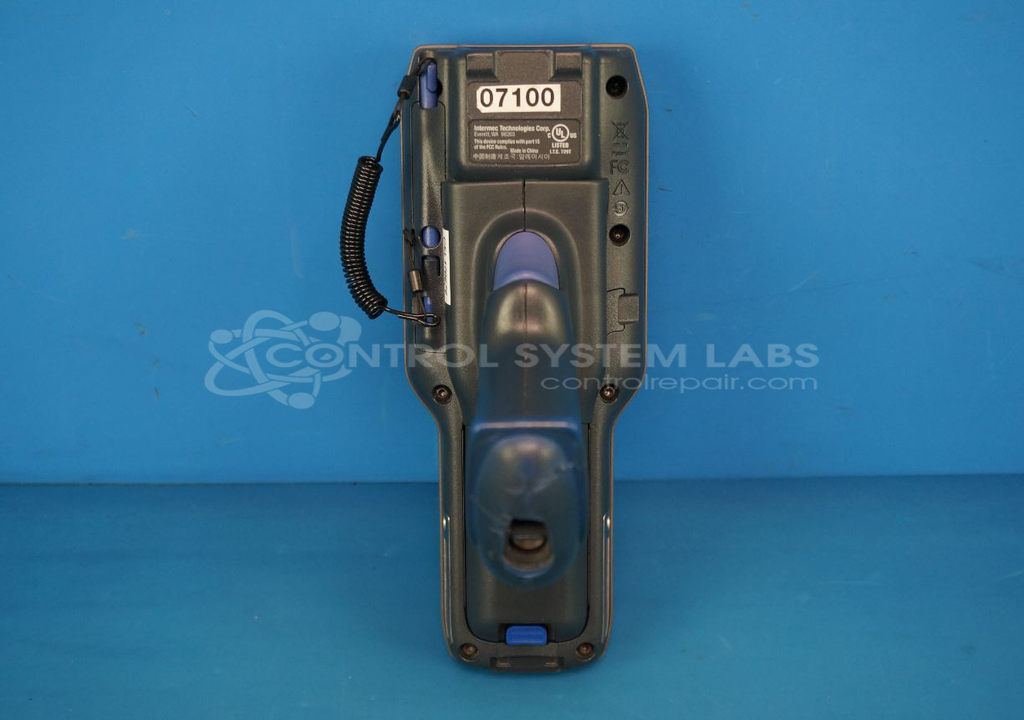
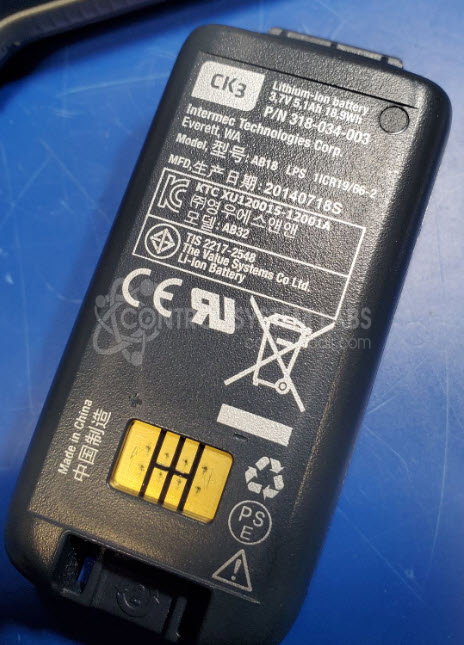
Product Overview: The Intermec CK3X is a rugged handheld mobile computer with integrated barcode scanning capability, running Windows Embedded Handheld operating system. It combines data collection, wireless communication, and computing functions in a portable form factor designed for warehouse, distribution, and inventory management applications. The device features a rechargeable lithium battery pack and charging cradle for continuous operation in industrial environments.
Category: Scanners
Manufacturer: Intermec
Manufacturer Synonyms: Intermec Technologies, Honeywell
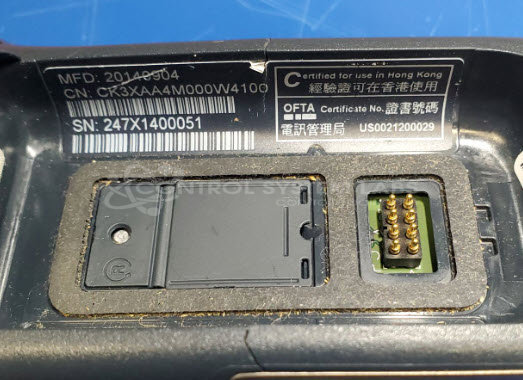
Manufacturer Part Number: CK3XAA4M000W4100
Common Failures
Frequently reported issues include the device not turning on, liquid exposure, and charging connector damage. Some units also experienced failures related to battery performance, where the device would not power up due to a dead or malfunctioning battery.
Repair Approach
In cases where the unit does not power up, battery replacement or charging system inspections are common solutions. For power issues connected to the battery, a new lithium battery pack may be installed. External damage, such as a broken charging connector, is addressed through inspection and necessary adjustments or replacement of affected parts.
Testing & Quality
Post-repair testing ensures the device powers up correctly and can load its operating system. Units are tested for battery functionality, charging capability, and overall operational performance. Devices that pass these tests are verified to meet quality standards.
Limited Repair
The Intermec part number is only available as a limited repair at our facility. Repairs to this item may be limited due to several reasons:
- Availability of parts
- Less than 100% test ability due to required support equipment
To have us attempt a repair on your Intermec part follow these steps:
Step 1 -
Click the Repair Now button above to add the part and complete the RMA form.
Step 2 -
Print the RMA form that is sent to your email, and put it in the box with the parts for repair.
Step 3 -
Mail the box to the address on the RMA.
After we receive your item, we will perform an inspection and an authorization to repair will be sent for your approval. Work will begin after your authorization is received.
Once the user has seen at least one product this snippet will be visible.