



Repair
Repair Price: $ 1,240.00
Purchase
CSL Part Number: 80329
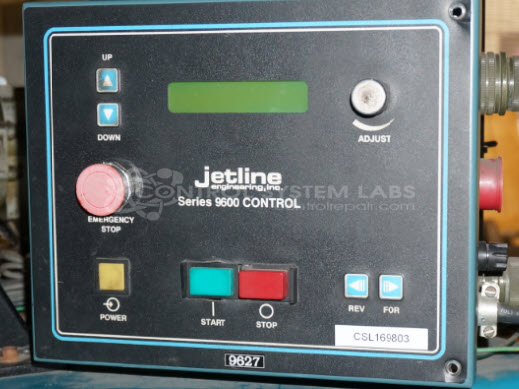
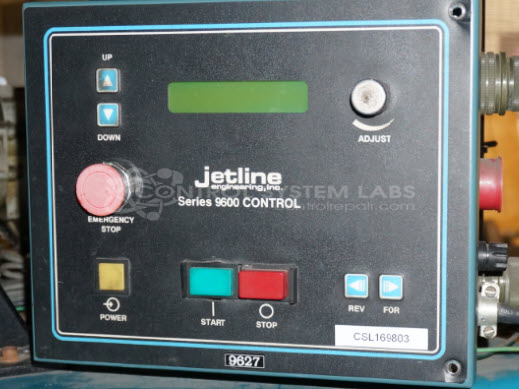
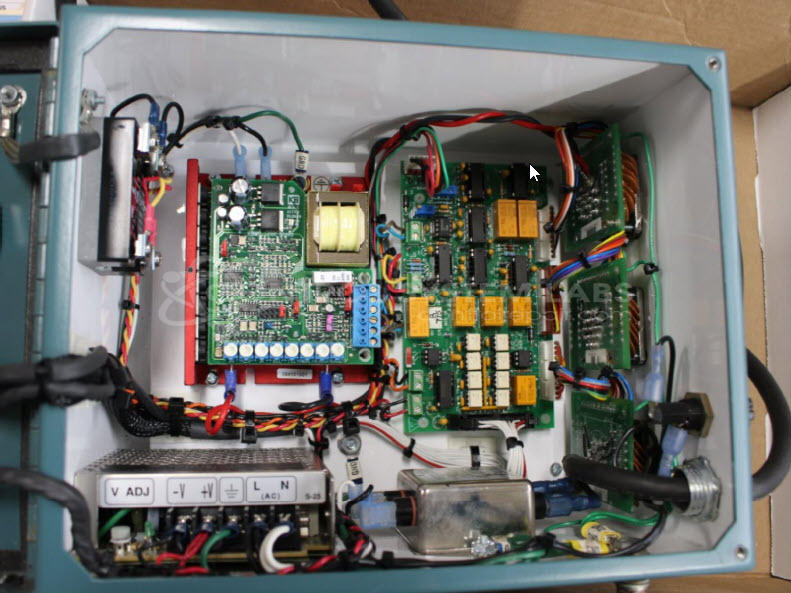
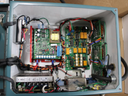
Product Overview: The 9600 Control Seam Welder is a microprocessor-based motion controller for automated welding equipment. It manages travel speed, torch lift, and weld sequencing in seam welding applications. The system includes a CPU card, motor speed control module, and relay I/O board housed in a front-panel chassis with LCD display and rotary encoder for parameter adjustment. It drives 90-volt DC motors with tachometer feedback for closed-loop speed control and provides configurable I/O for limit switches, arc-on signals, and emergency stop functions.
Category: Welders
Manufacturer: Jetline Engineering
Manufacturer Synonyms: Miller
Manufacturer Part Number: 9627
Common Failures
Common issues reported with this product include display problems, failure to save settings, travel speed discrepancies, and intermittent stop button functionality. A recurring problem involves the non-volatile RAM losing data or presenting erroneous numbers. Users have also reported black boxes on the display and calibration concerns.
Repair Approach
Repairs may involve replacing defective components such as the NVSRAM, encoder, pushbutton switches, and DC-DC converters. The encoder often requires attention due to its vulnerability to mechanical failure. Technicians address power supply issues and recalibrate settings as needed to restore proper operation.
Testing & Quality
Testing is conducted to verify functionality, including burn-in tests with motors and cycling through calibration settings. Units are tested for display visibility and responsiveness of controls after repairs. Parameters are verified and adjusted post-repair, and units that pass testing are returned to service.
Service and repair your broken Jetline Engineering part
We can repair your Jetline Engineering model 9627 in our facility. Let our skilled technicians get your Jetline Engineering back in operation quickly.
Step 1 - Click the green 'Repair Now' button above to add the part and then complete the RMA.
Step 2 - The RMA form will be sent to you via email. Print the RMA form and put it in a box with the item(s) for repair.
Step 3 - Ship or mail the box to the address listed on the RMA.
Once the user has seen at least one product this snippet will be visible.