



Repair
Repair Price: $ 1,384.00
Purchase
CSL Part Number: 75530
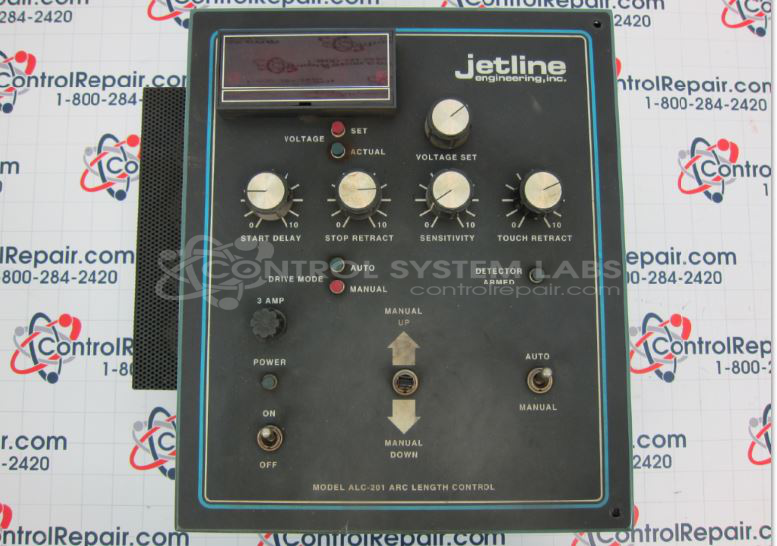
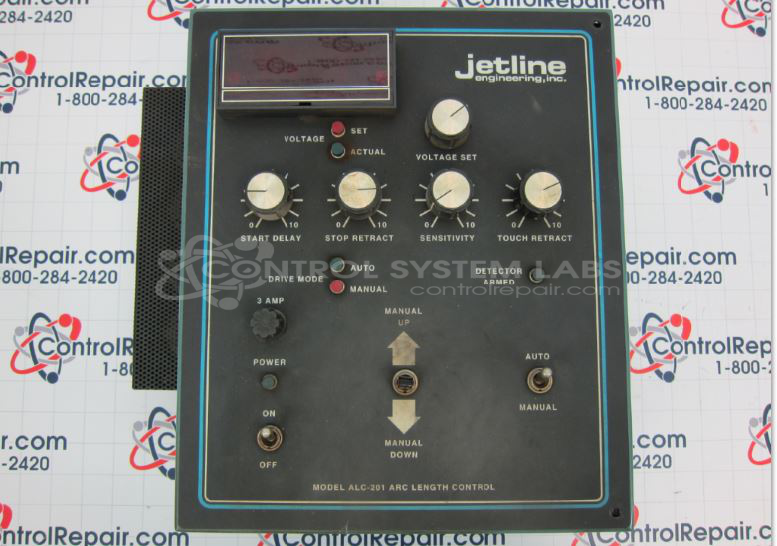
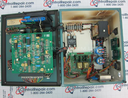
Product Overview: The ALC201 is an arc length controller manufactured by Jetline Engineering for automated welding systems. It regulates the distance between the welding electrode and workpiece by monitoring arc voltage and adjusting electrode position to maintain consistent weld quality. This controller is typically used in robotic or fixed welding fixtures where different part geometries require adaptive arc control. The unit features adjustable setpoints, pilot lamp indicators, internal relay controls, and a digital voltmeter display for monitoring arc parameters during operation.
Category: Operator Interface
Manufacturer: Jetline Engineering
Manufacturer Synonyms: Miller
Manufacturer Part Number: ALC201V6TZ
Common Failures
Common issues identified include loose relay retainers and burned-out pilot lamps. Additionally, exterior components such as knobs and switches required cleaning.
Repair Approach
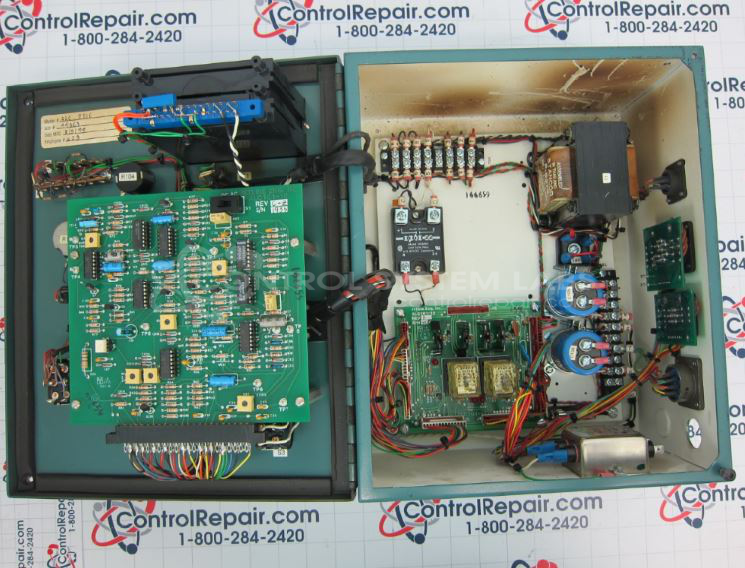
The repair process involved securing loose relay retainers inside the cabinet and replacing burned-out pilot lamps. Customer-supplied spares were utilized for these replacements. The components were also cleaned as part of the repair.
Testing & Quality
Post-repair testing confirmed that the internal display reacted correctly to diagnostic functions, and the power supply voltages were within expected ranges. The repaired items passed testing to confirm functionality.
Service and repair your broken Jetline Engineering part
We can repair your Jetline Engineering model ALC201V6TZ in our facility. Let our skilled technicians get your Jetline Engineering back in operation quickly.
Step 1 - Click the green 'Repair Now' button above to add the part and then complete the RMA.
Step 2 - The RMA form will be sent to you via email. Print the RMA form and put it in a box with the item(s) for repair.
Step 3 - Ship or mail the box to the address listed on the RMA.
Once the user has seen at least one product this snippet will be visible.