



Repair
Repair Price: $ 940.00
Purchase
CSL Part Number: 22887
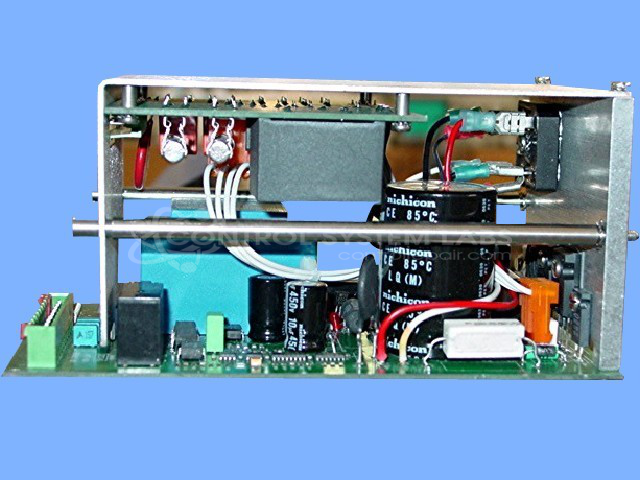
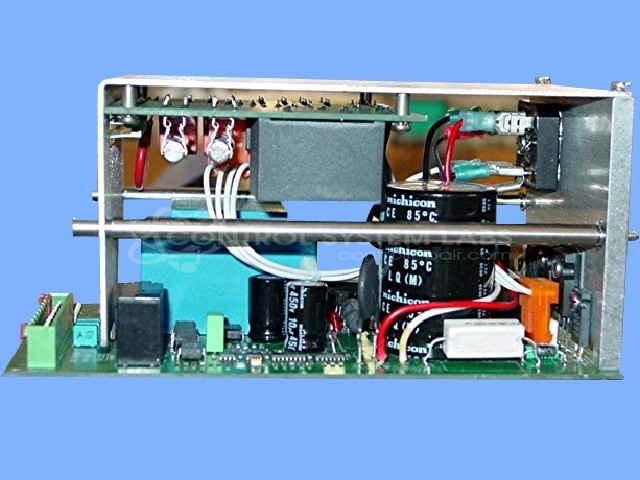
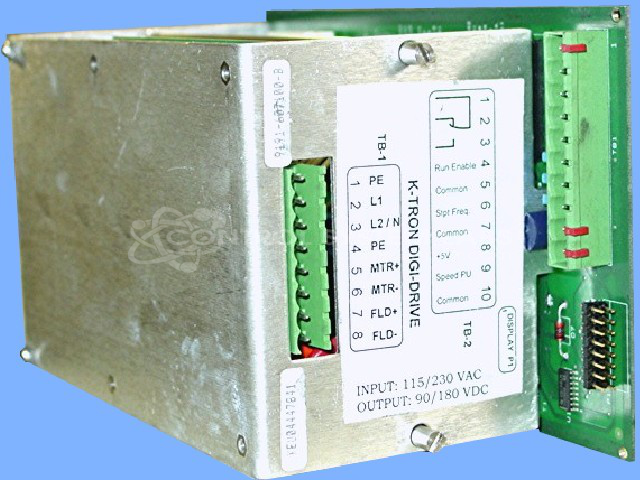
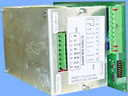
Product Overview: The 115/230VAC Digi Drive Power Board Assembly (K-Tron 9191-607100-B) is a DC motor control board used in K-Tron's Digi-Drive series. It regulates power and speed control for DC motors in industrial feeding and material handling applications. The board operates on dual voltage input (115 or 230VAC) and includes encoder feedback circuitry for precise motor speed control. Commonly found in gravimetric feeders, loss-in-weight systems, and other process control equipment requiring accurate material metering and delivery.
Category: DC Motor Controls
Manufacturer: K-Tron
Manufacturer Part Number: 9191-607100-B
Series: Digi-Drive
Also Known As(AKA): X919160710 P/N
Common Failures
This product may experience "error 9" symptoms, which can be related to internal component issues. During evaluation, our technicians review optoisolators, connectors, and related circuits to determine the root cause.
Repair Approach
Once the unit is evaluated and a quotation is approved, repairs may involve replacing faulty components such as optoisolators and connectors. Connection points and related circuitry are inspected and serviced as needed to restore proper operation.
Testing & Quality
After repair work is completed, units are tested to verify proper function. Testing may include operation with DC motors and encoders to confirm that the original fault has been addressed.
Service and repair your broken K-Tron part
We can repair your K-Tron model 9191-607100-B in our facility. Let our skilled technicians get your K-Tron back in operation quickly.
Step 1 - Click the green 'Repair Now' button above to add the part and then complete the RMA.
Step 2 - The RMA form will be sent to you via email. Print the RMA form and put it in a box with the item(s) for repair.
Step 3 - Ship or mail the box to the address listed on the RMA.
Once the user has seen at least one product this snippet will be visible.