



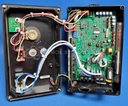
Repair
Repair Price: $ 494.00
Purchase
CSL Part Number: 41693
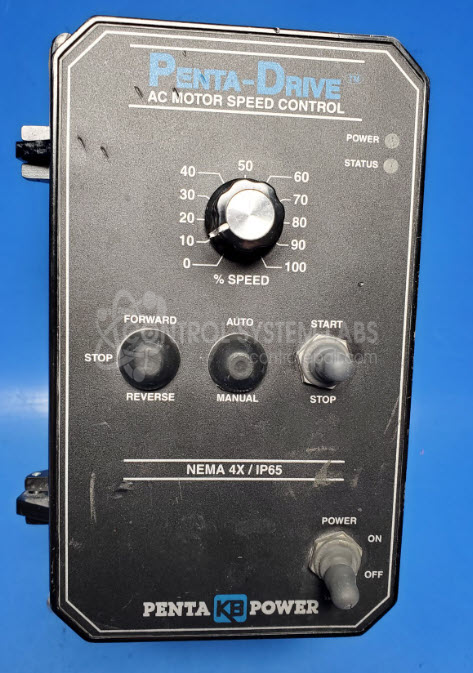
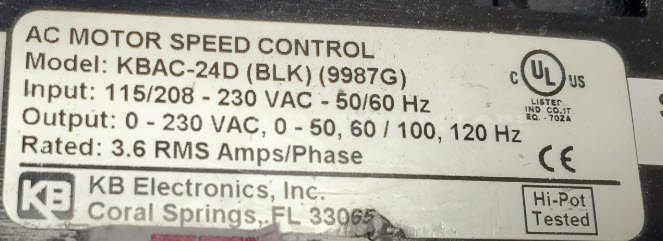
Product Overview: The KB Electronics KBAC-24D is an AC motor speed controller that accepts 115/208VAC input and delivers 0-230VAC output at 3.6A to control single-phase AC motors. It provides variable frequency drive functionality for applications requiring adjustable motor speed, commonly used in conveyors, fans, pumps, and paper processing equipment. The unit features soft-start capability, adjustable acceleration and deceleration rates, and current limiting protection. Available in NEMA 4X enclosures for harsh environments.
Category: AC Motor Controls
Manufacturer: KB Electronics
Manufacturer Synonyms: NIDEC
Manufacturer Part Number: KBAC-24D (BLK) (9987G)
Series: KBAC AC Motor Controller
Please provide wiring diagram of the machine this is used in.
Common Failures
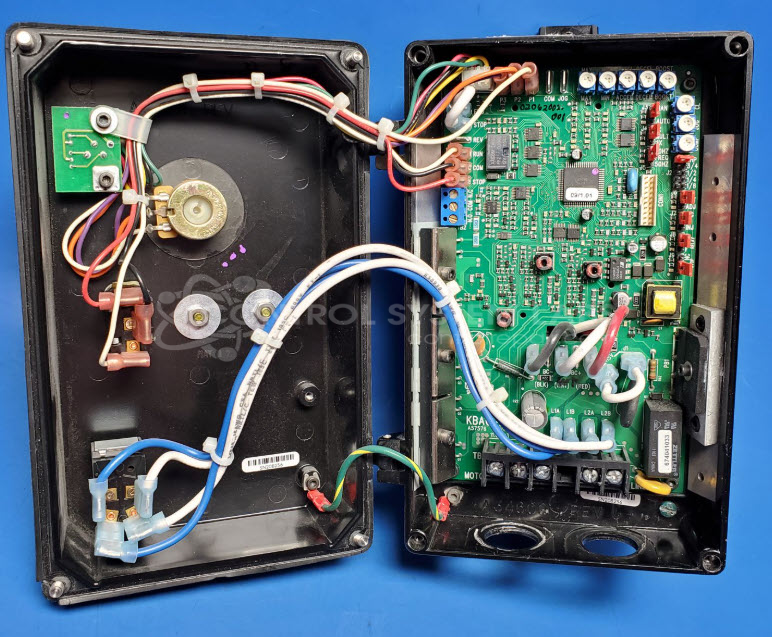
One frequently encountered issue with this product is corrosion found underneath the circuit board. Such corrosion can lead to various operational problems if not addressed.
Repair Approach
The primary solution for these issues involves thorough cleaning and preventative maintenance. Components showing signs of wear are often replaced as a preventative measure to support longevity and reliability. Additionally, a fixture may be added to support performance and reduce the likelihood of recurrence.
Testing & Quality
After repairs, the product undergoes a burn-in test, including running its motor and testing with lamps, to verify functionality. Final inspections are conducted to confirm that all systems operate correctly, with status indicators checked for continuity and correctness. The product is then subjected to comprehensive testing procedures to confirm quality and performance standards before returning to the customer.
Service and repair your broken KB Electronics part
We can repair your KB Electronics model KBAC-24D (BLK) (9987G) in our facility. Let our skilled technicians get your KB Electronics back in operation quickly.
Step 1 - Click the green 'Repair Now' button above to add the part and then complete the RMA.
Step 2 - The RMA form will be sent to you via email. Print the RMA form and put it in a box with the item(s) for repair.
Step 3 - Ship or mail the box to the address listed on the RMA.
Once the user has seen at least one product this snippet will be visible.