



Repair
Repair Price: $ 3,788.00
Purchase
CSL Part Number: 69849
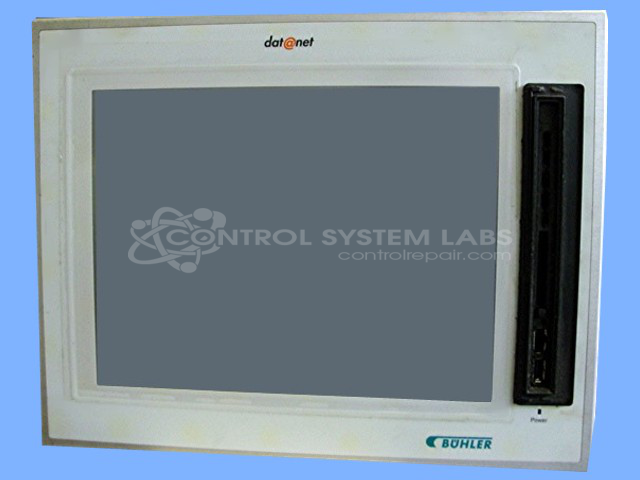
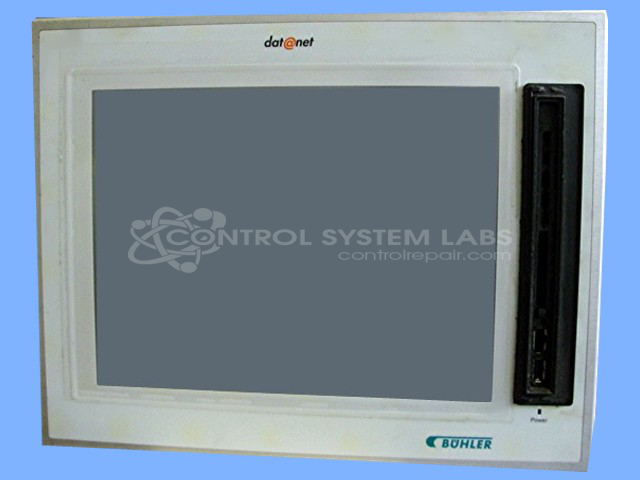
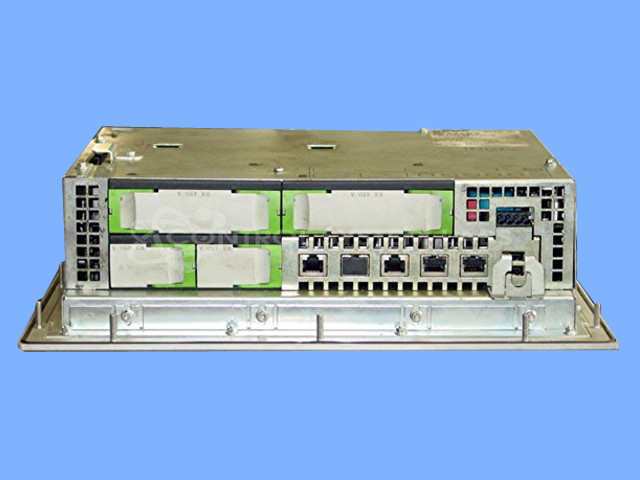
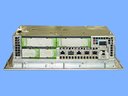
Product Overview: The Buhler K2-400 Panel PC is a 12.1-inch industrial operator workstation manufactured by KEBA. It features a CELERON 400 MHz processor, four USB interfaces, one Ethernet interface, and one K-Net interface for industrial networking. This panel PC integrates touchscreen HMI functionality with computing capabilities, commonly used in paper manufacturing and other industrial process control applications where operators need direct machine interaction and monitoring at the production floor level.
Category: Operator / Monitor Workstation
Manufacturer: KEBA
Manufacturer Part Number: 457/X
Also Known As(AKA): 67182
Common Failures
Common issues with this product include screen flickering and unresponsiveness to touch. These symptoms are often linked to touchscreen components and corrosion-related failures.
Repair Approach
The repair process typically involves replacing faulty touchscreen components and addressing corrosion issues. Failed components are replaced, and repairs are followed by software installation and screen calibration.
Testing & Quality
After repair, products undergo testing, including diagnostic testing, software installation, and calibration of the touchscreen. Final testing ensures the device functions correctly before it is returned.
Service and repair your broken KEBA part
We can repair your KEBA model 457/X in our facility. Let our skilled technicians get your KEBA back in operation quickly.
Step 1 - Click the green 'Repair Now' button above to add the part and then complete the RMA.
Step 2 - The RMA form will be sent to you via email. Print the RMA form and put it in a box with the item(s) for repair.
Step 3 - Ship or mail the box to the address listed on the RMA.
Once the user has seen at least one product this snippet will be visible.