



Repair
Repair Price: $ 1,200.00
Purchase
CSL Part Number: 70904
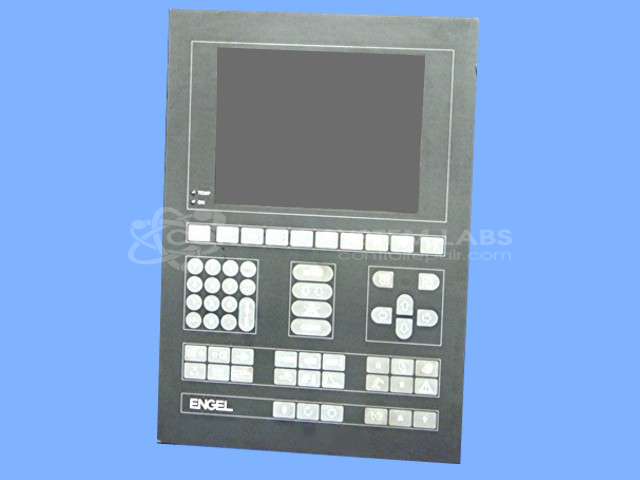
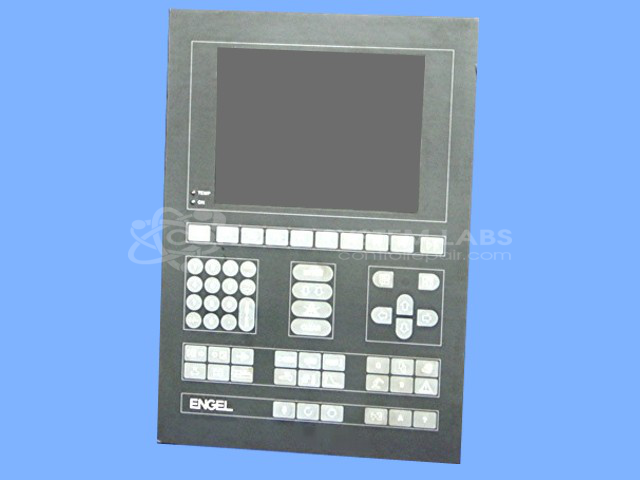
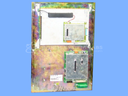
Product Overview: The KEBA E-CON-CC100/A/22178 is an operator display and keypad panel designed for Engel injection molding machines. It serves as the primary human-machine interface, allowing operators to monitor process parameters and input commands to control machine functions. The panel features a membrane keypad overlay for tactile input and operates on 24 VDC power. It is commonly used in plastic injection molding applications where real-time machine control and parameter adjustment are essential for production efficiency.
Category: Operator & Control Panels
Manufacturer: KEBA
Manufacturer Part Number: E-CON-CC100/A/22178
Send in with copies of wiring diagrams
Common Failures
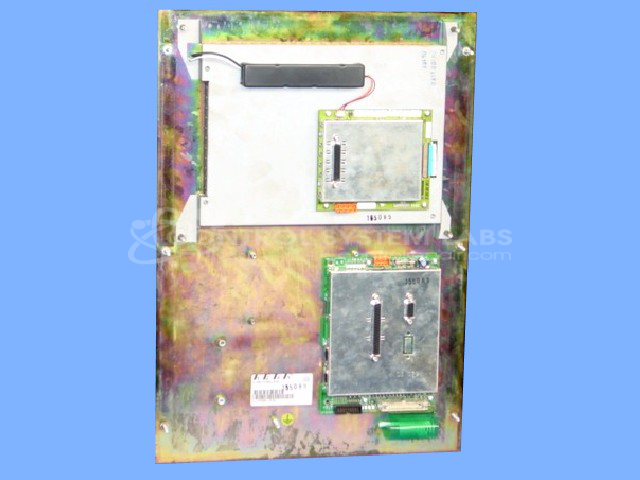
Customers commonly report non-functional front buttons on this product. Another frequent issue is corrosion on the display card, which can affect overall functionality.
Repair Approach
Repairs may involve cleaning the display card to remove surface corrosion and replacing the membrane keypad if necessary. For units with defective overlays, replacement may be recommended. Additionally, securing loose components and cleaning connections can help restore functionality.
Testing & Quality
Post-repair testing includes ensuring proper voltage levels and confirming the presence of necessary clock signals. Buttons on the membrane keypad are pressed to verify functionality.
Limited Repair
The KEBA part number is only available as a limited repair at our facility. Repairs to this item may be limited due to several reasons:
- Availability of parts
- Less than 100% test ability due to required support equipment
To have us attempt a repair on your KEBA part follow these steps:
Step 1 -
Click the Repair Now button above to add the part and complete the RMA form.
Step 2 -
Print the RMA form that is sent to your email, and put it in the box with the parts for repair.
Step 3 -
Mail the box to the address on the RMA.
After we receive your item, we will perform an inspection and an authorization to repair will be sent for your approval. Work will begin after your authorization is received.
Once the user has seen at least one product this snippet will be visible.