



Repair
Repair Price: $ 1,900.00
Purchase
CSL Part Number: 82500
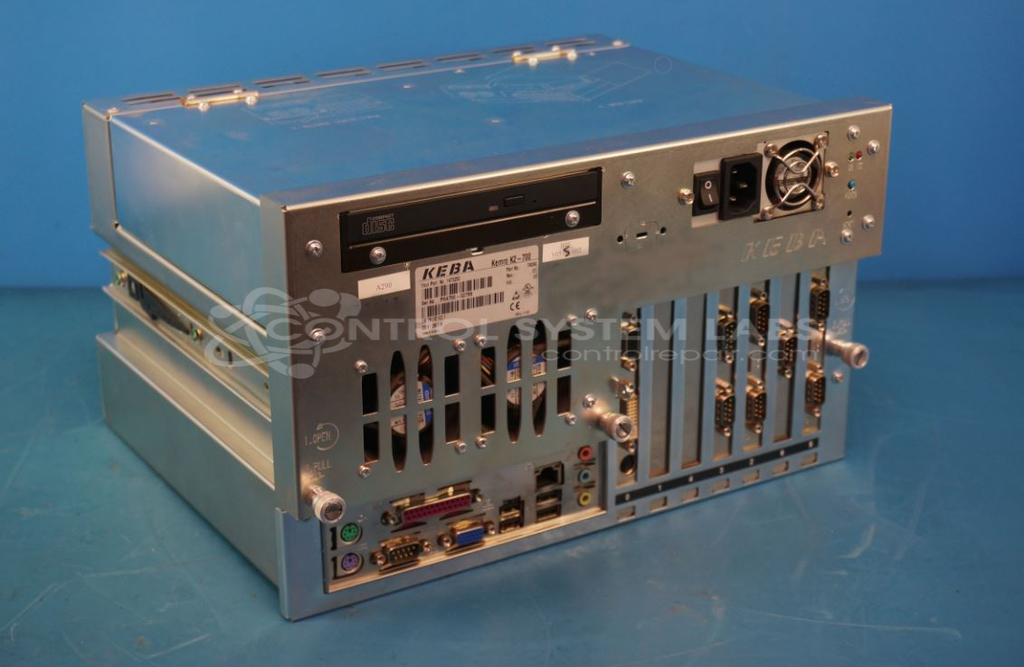
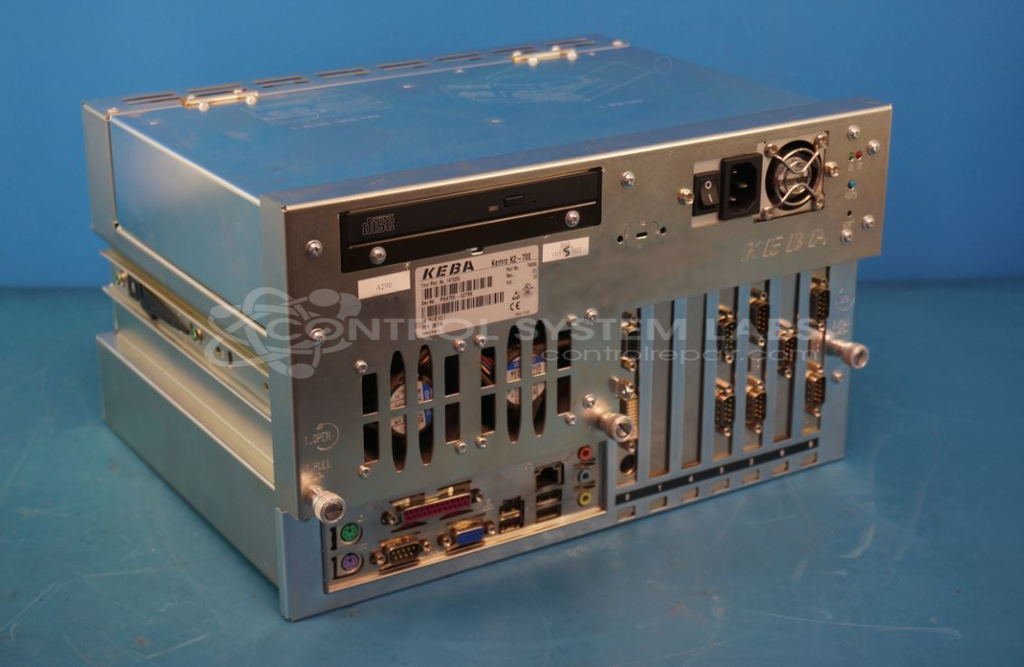
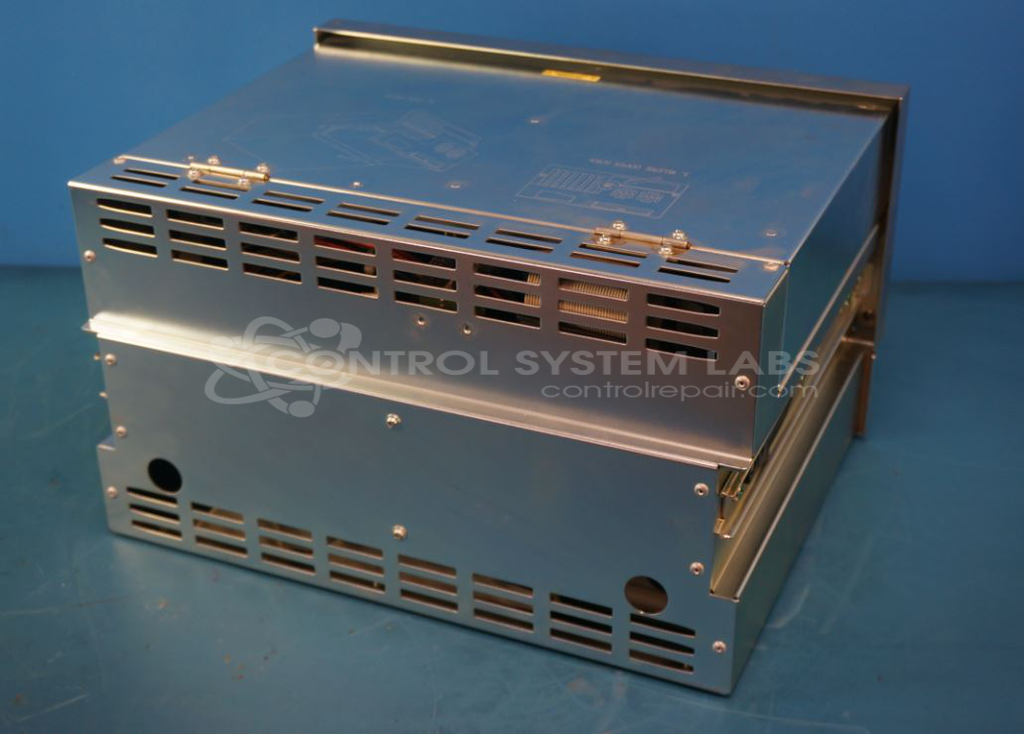
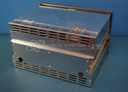
Product Overview: The KEBA KEMRO K2-700 is an industrial control computer combining PLC functionality with an integrated touch screen LCD monitor. Part of the K2-200 series, it serves as a central control and visualization platform in paper manufacturing and converting equipment. The system is built on an Intel Pentium 4 3.2 GHz platform and features multiple expansion slots for serial communication, video, and CAN bus cards. It provides operator interface, process control, and data communication capabilities in a single rugged package designed for industrial environments.
Category: Touch Screen LCD Monitor
Manufacturer: KEBA
Manufacturer Part Number: K2-700
Series: KEMRO K2-200 PLC
Also Known As(AKA): 1473250
Common Failures
Typical issues include the system not booting due to processor fan failure and motherboard defects. Improperly seated RAM sticks and bent CPU pins can also lead to motherboard damage.
Repair Approach
Repairs may involve replacing the motherboard and ensuring proper seating of RAM and CPU components. Connectors are secured with adhesive for additional reliability. Preventative replacement of capacitors may also be performed on the new motherboard.
Testing & Quality
Post-repair, the units undergo thorough testing, including checking keyboard, display, and USB ports. A burn-in test with load, involving VGA, keyboard, and mouse, is conducted to evaluate performance stability. All repairs are verified through extensive testing.
Service and repair your broken KEBA part
We can repair your KEBA model K2-700 in our facility. Let our skilled technicians get your KEBA back in operation quickly.
Step 1 - Click the green 'Repair Now' button above to add the part and then complete the RMA.
Step 2 - The RMA form will be sent to you via email. Print the RMA form and put it in a box with the item(s) for repair.
Step 3 - Ship or mail the box to the address listed on the RMA.
Once the user has seen at least one product this snippet will be visible.