



Repair
Repair Price: $ 1,712.00
Purchase
CSL Part Number: 86529
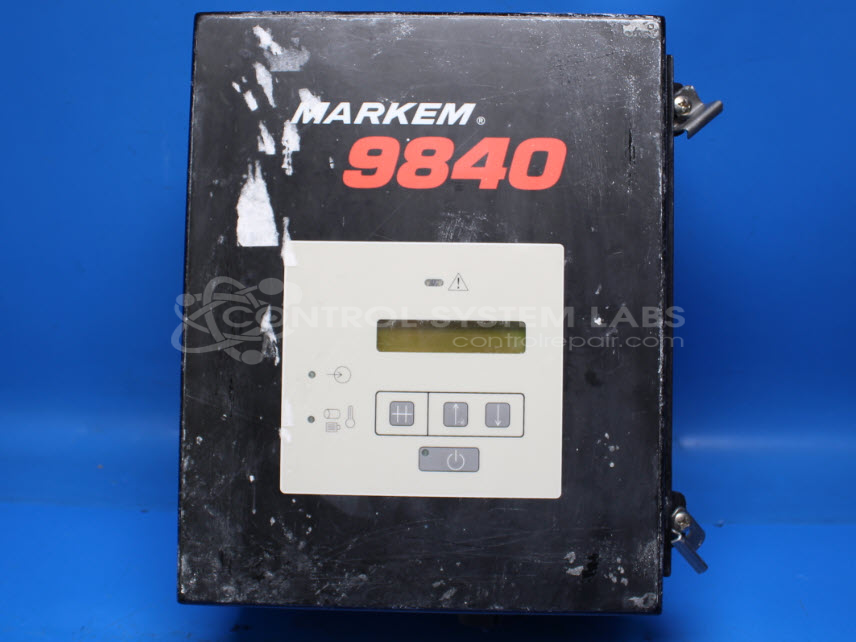
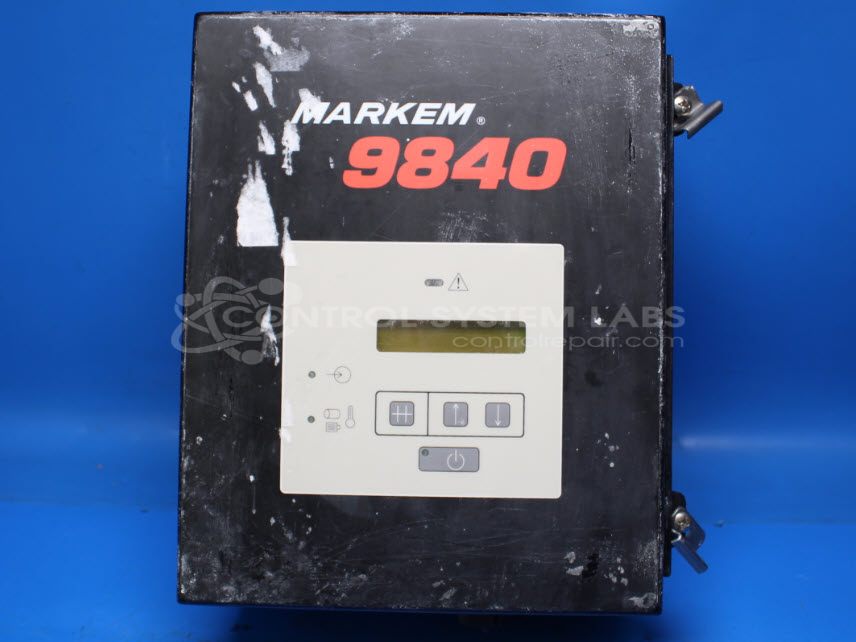
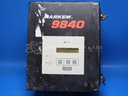
Product Overview: The Markem 9840BX Code Dater Controller is a control assembly used in packaging equipment to coordinate print timing with production line speed. It interfaces with encoding systems that apply date codes, batch numbers, and other variable data onto packaged goods. The controller monitors line speed via sensor inputs and synchronizes the printing device accordingly, ensuring accurate print registration at varying production rates. It operates in multiple speed modes and features a keypad interface for configuration and diagnostics. This controller is commonly found in food, beverage, pharmaceutical, and consumer goods packaging lines where high-speed product marking is required.
Category: Control Assembly
Manufacturer: Markem Corporation
Manufacturer Synonyms: Markem-Imaje
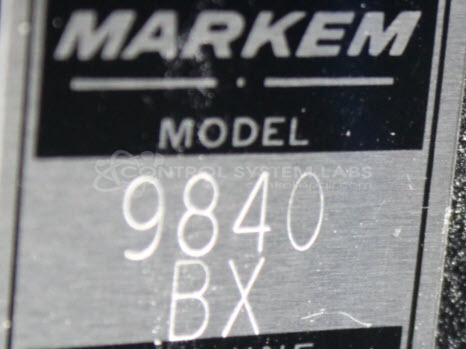
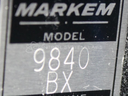
Manufacturer Part Number: 9840BX
Common Failures
Some units may experience an issue where the device does not register line speed. This can lead to operational disruptions if not addressed.
Repair Approach
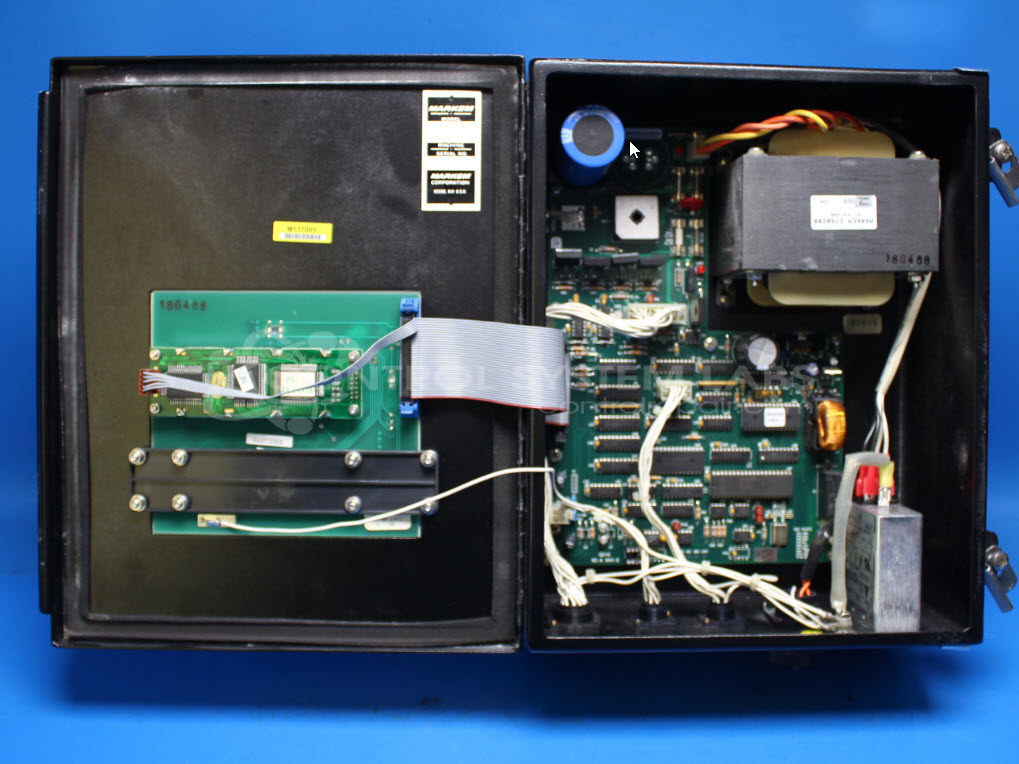
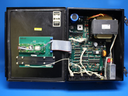
Our team evaluated the unit and replaced several capacitors to restore stable operation. After component replacement, we verified the unit's power-up sequence and keypad functions.
Testing & Quality
Post-repair testing included a four-hour burn-in test with a motor to confirm that line speed registers correctly. Testing confirmed no faults were detected. Our quality assurance process is designed to validate operational readiness before units are returned to customers.
Service and repair your broken Markem Corporation part
We can repair your Markem Corporation model 9840BX in our facility. Let our skilled technicians get your Markem Corporation back in operation quickly.
Step 1 - Click the green 'Repair Now' button above to add the part and then complete the RMA.
Step 2 - The RMA form will be sent to you via email. Print the RMA form and put it in a box with the item(s) for repair.
Step 3 - Ship or mail the box to the address listed on the RMA.
Once the user has seen at least one product this snippet will be visible.