




Repair
Repair Price: $ 1,920.00
Purchase
CSL Part Number: 101474
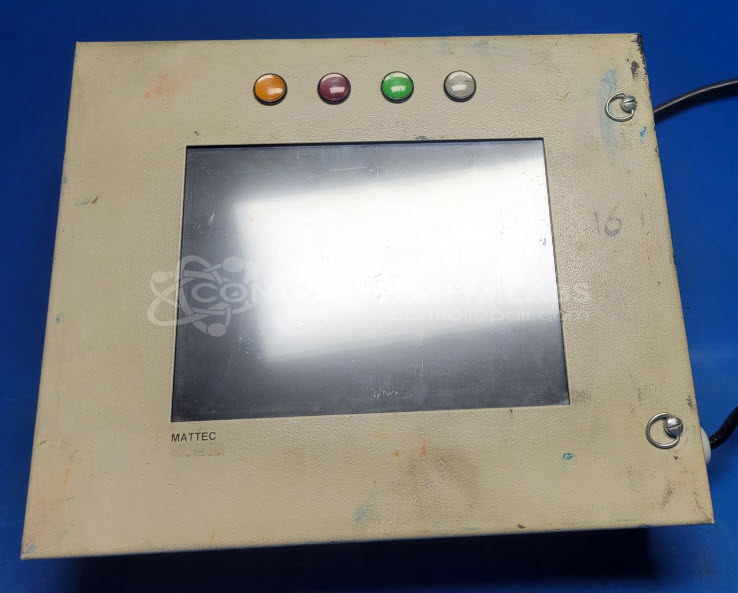
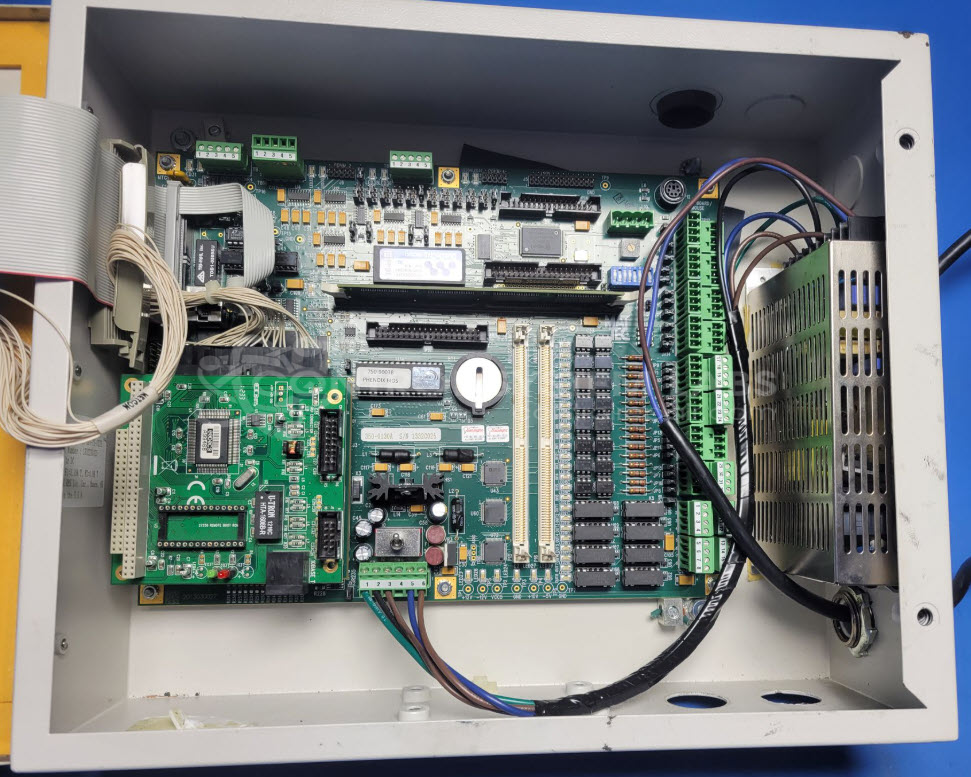
Product Overview: The Mattec 561-1068A is an operator panel featuring an integrated touch screen display for human-machine interface applications in industrial automation systems. It uses a main motherboard with LCD display and video controller to provide visual feedback and user input capabilities. Common in manufacturing and process control equipment, it allows operators to monitor system status and input commands. The panel includes a CHIPS board for graphics processing and supports multiple display functions. This operator interface is typically found in injection molding machines and similar industrial equipment requiring real-time operator interaction.
Category: Operator & Control Panels
Manufacturer: Mattec
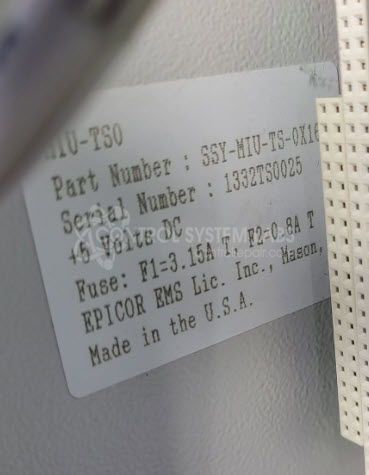
Manufacturer Part Number: 561-1068A
Please include manuals and wiring diagrams with the item
Common Failures
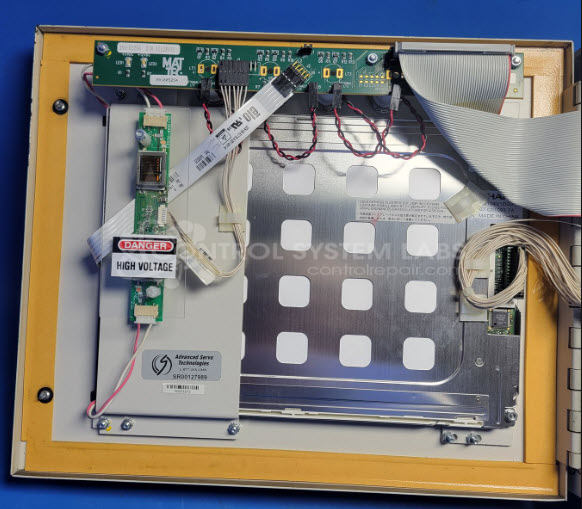
One frequent issue reported is a black screen with no display output and non-functional backlighting. Investigation often reveals defective components such as the SDRAM controller or issues related to the power supply and backlight system.
Repair Approach
Common repair actions include replacing defective components such as the SDRAM controller and upgrading the backlighting system to LED where appropriate. If the screen remains non-functional, further diagnostics and component replacements such as the CHIPS board or related video driver ICs may be performed. In some cases, rework on the video driver IC connections has restored screen functionality.
Testing & Quality
Upon completion of repairs, comprehensive tests are conducted to verify functionality. These include touchscreen and display tests, followed by a burn-in test to confirm system stability. Repaired units that pass these quality assurance stages are returned to service.
Service and repair your broken Mattec part
We can repair your Mattec model 561-1068A in our facility. Let our skilled technicians get your Mattec back in operation quickly.
Step 1 - Click the green 'Repair Now' button above to add the part and then complete the RMA.
Step 2 - The RMA form will be sent to you via email. Print the RMA form and put it in a box with the item(s) for repair.
Step 3 - Ship or mail the box to the address listed on the RMA.
Once the user has seen at least one product this snippet will be visible.