




Repair
Repair Price: $ 1,920.00
Purchase
CSL Part Number: 117236
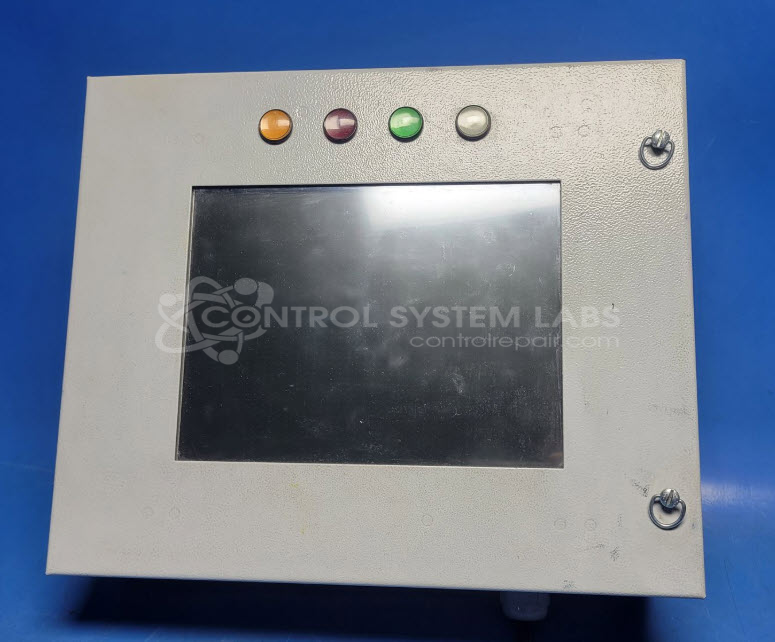
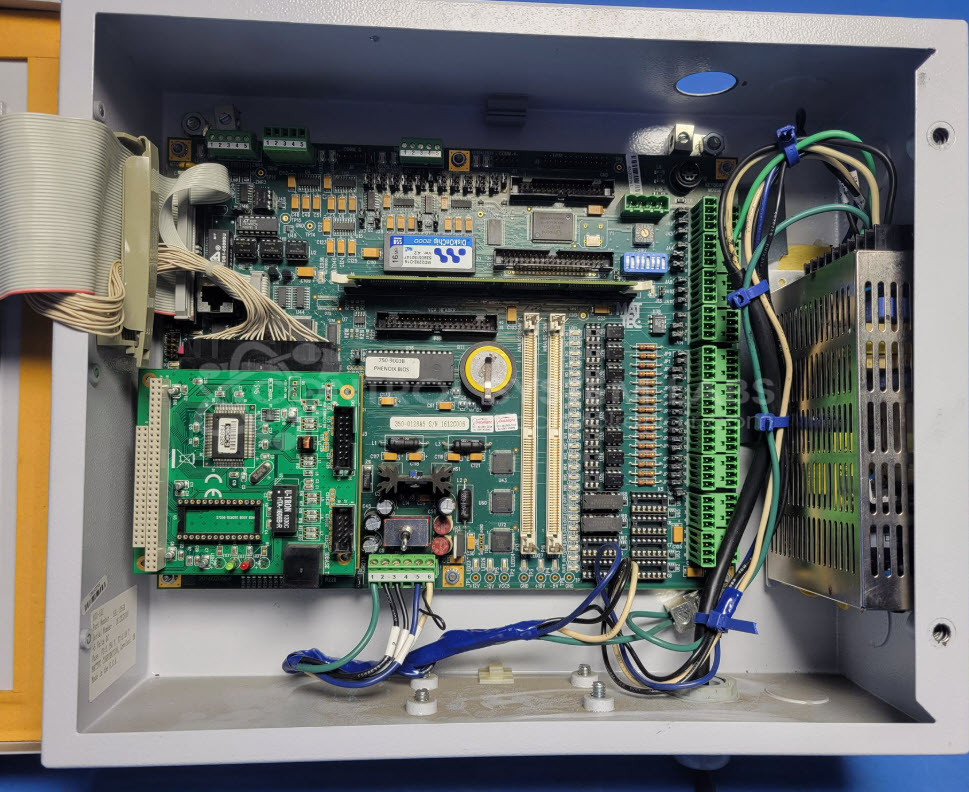
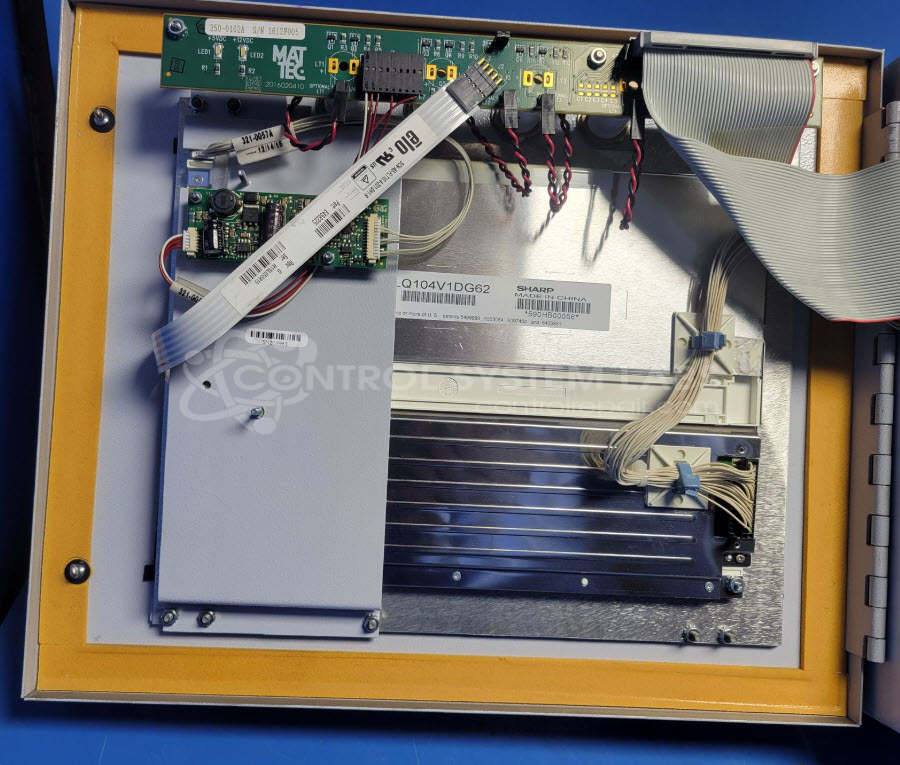
Product Overview: The Mattec MIU-SXS is a touch screen machine control panel used as an operator interface workstation in industrial automation systems. It features an integrated display with touch control for managing machine operations and monitoring system status. The unit contains a video control board with CHIPS processor that drives the display output. This panel is commonly found in plastic injection molding equipment and other automated manufacturing machinery where operators need direct machine control and real-time status feedback at the point of operation.
Category: Operator / Monitor Workstation
Manufacturer: Mattec
Manufacturer Part Number: MIU-SXS
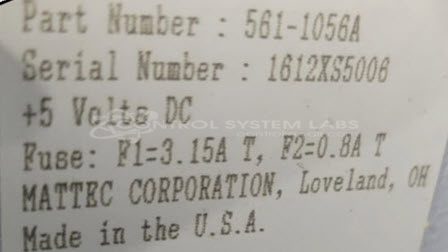
Also Known As(AKA): 561-1056A
Please include manuals and wiring diagrams with the item
Common Failures
Customers often report issues with the display, such as a black screen or the screen freezing shortly after startup. These problems are typically linked to defects in the video components of the product.
Repair Approach
Repairs often involve replacing or reworking the video board and associated components. In some cases, secure connections and cleaning of the internal wiring are needed to restore functionality. These efforts address the primary issues with display and operational stability.
Testing & Quality
Each repaired unit undergoes thorough testing, including display and touch control evaluations. A burn-in test is also performed to verify reliability after repairs. This testing helps ensure that the product functions correctly before it is returned.
Service and repair your broken Mattec part
We can repair your Mattec model MIU-SXS in our facility. Let our skilled technicians get your Mattec back in operation quickly.
Step 1 - Click the green 'Repair Now' button above to add the part and then complete the RMA.
Step 2 - The RMA form will be sent to you via email. Print the RMA form and put it in a box with the item(s) for repair.
Step 3 - Ship or mail the box to the address listed on the RMA.
Once the user has seen at least one product this snippet will be visible.