


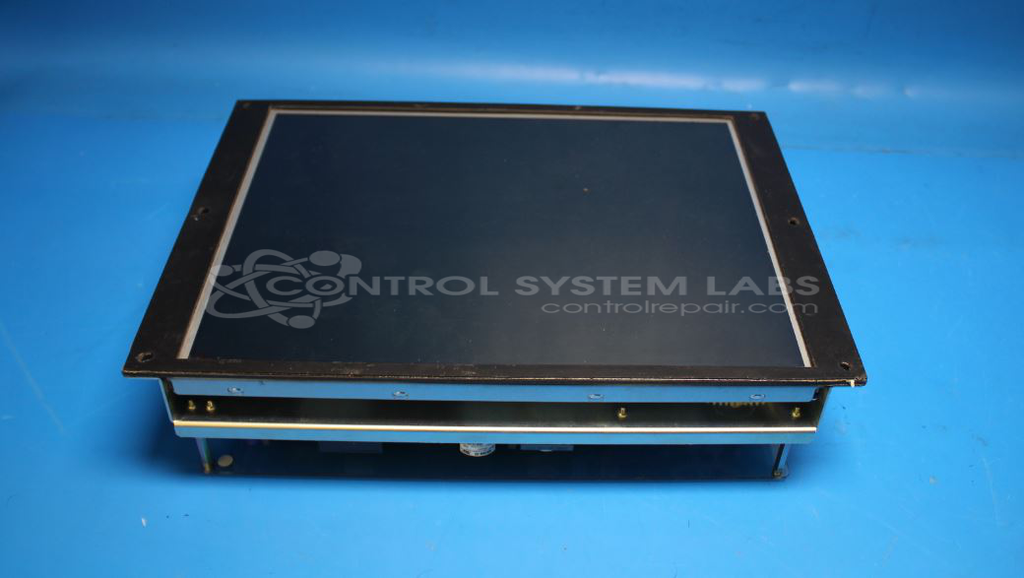


Repair
Call for price
Purchase
CSL Part Number: 85481
Product Overview: A complete 15-inch TFT LCD display assembly used in CNC machine tool control panels. It renders machine status, program data, and operator interface graphics. Features a CCFL-backlit panel with four tubes, a 12V power supply, and an integrated TFT interface board for signal processing.
Category: LCD Display
Manufacturer: Mazak
Manufacturer Part Number: AA150XN04 and TFT-I/F-2
Common Failures
This product has encountered issues primarily related to the display's backlight, resulting in a dim or incorrect display. The backlight failure typically stems from issues within the power supply to the backlight, affecting the overall visibility of the screen.
Repair Approach
Our team can evaluate the functionality of all cold cathode fluorescent lamp (CCFL) tubes and the 12V power supply. Once the unit is received and reviewed, we can provide a quotation before any repair work begins. Common repair solutions may include replacing the fuse on the CCFL supply board to restore backlight function.
Testing & Quality
Post-repair, the unit undergoes extensive testing, including an overnight operational test to verify stability and functionality of the display. These checks are designed to confirm that all components, particularly the CCFL tubes and the power supply, are operating as expected.
Service and repair your broken Mazak part
We can repair your Mazak model AA150XN04 and TFT-I/F-2 in our facility. Let our skilled technicians get your Mazak back in operation quickly.
Step 1 - Click the green 'Repair Now' button above to add the part and then complete the RMA.
Step 2 - The RMA form will be sent to you via email. Print the RMA form and put it in a box with the item(s) for repair.
Step 3 - Ship or mail the box to the address listed on the RMA.
Once the user has seen at least one product this snippet will be visible.