



Repair
Repair Price: $ 1,554.00
Purchase
CSL Part Number: 86861
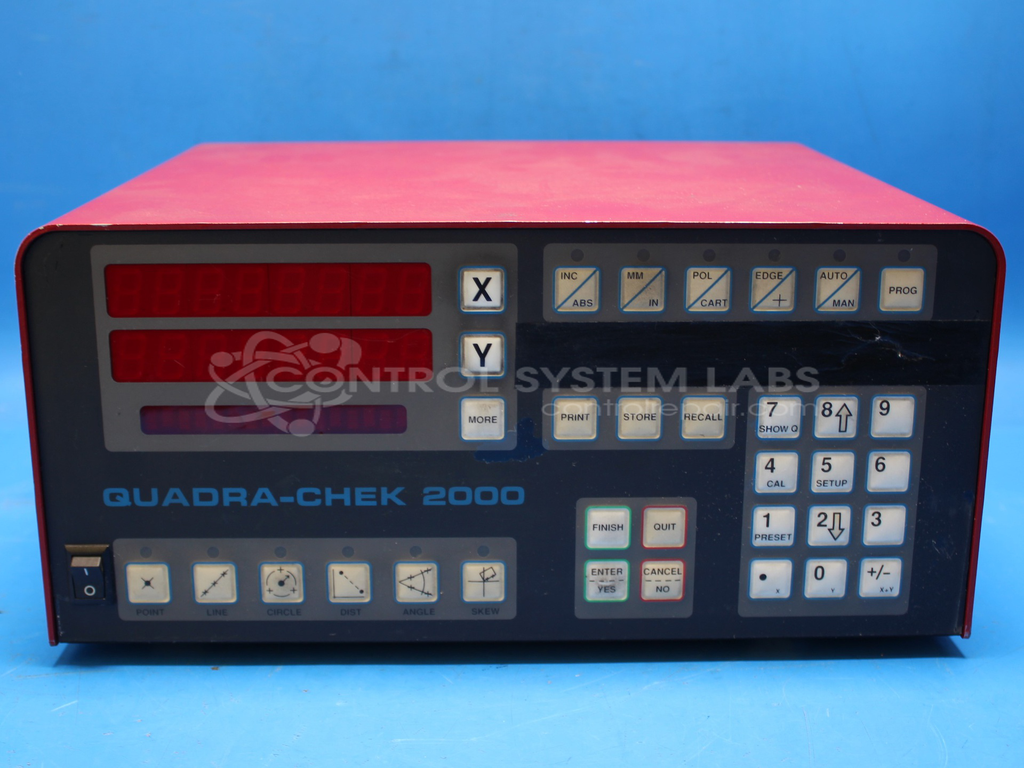
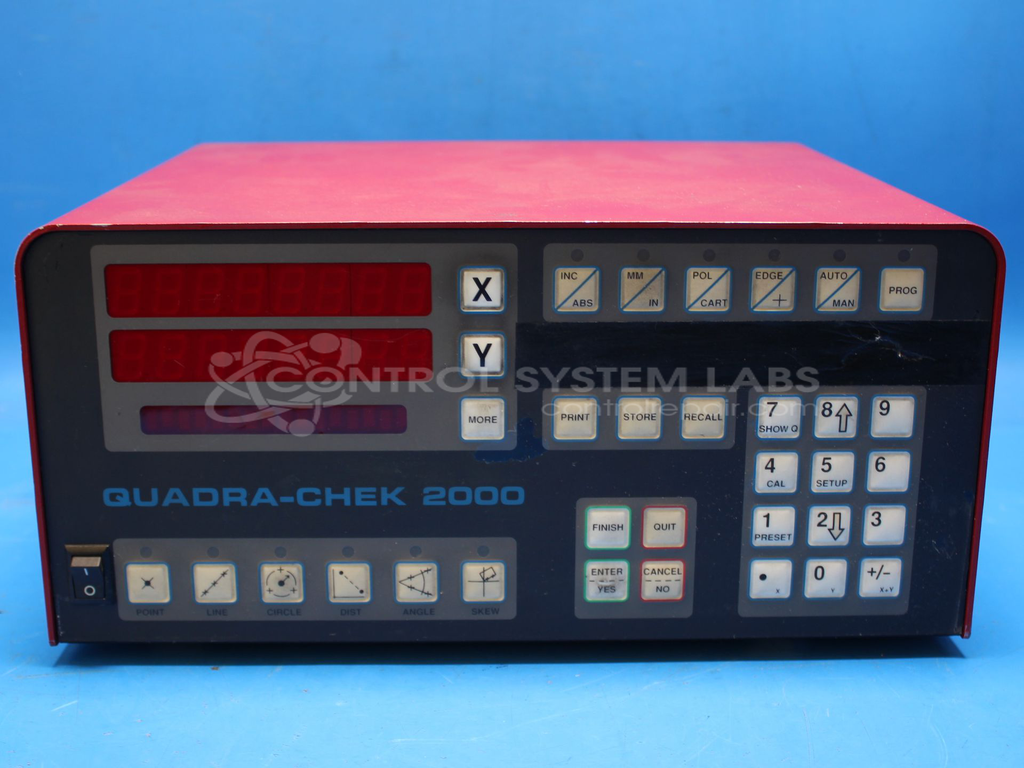
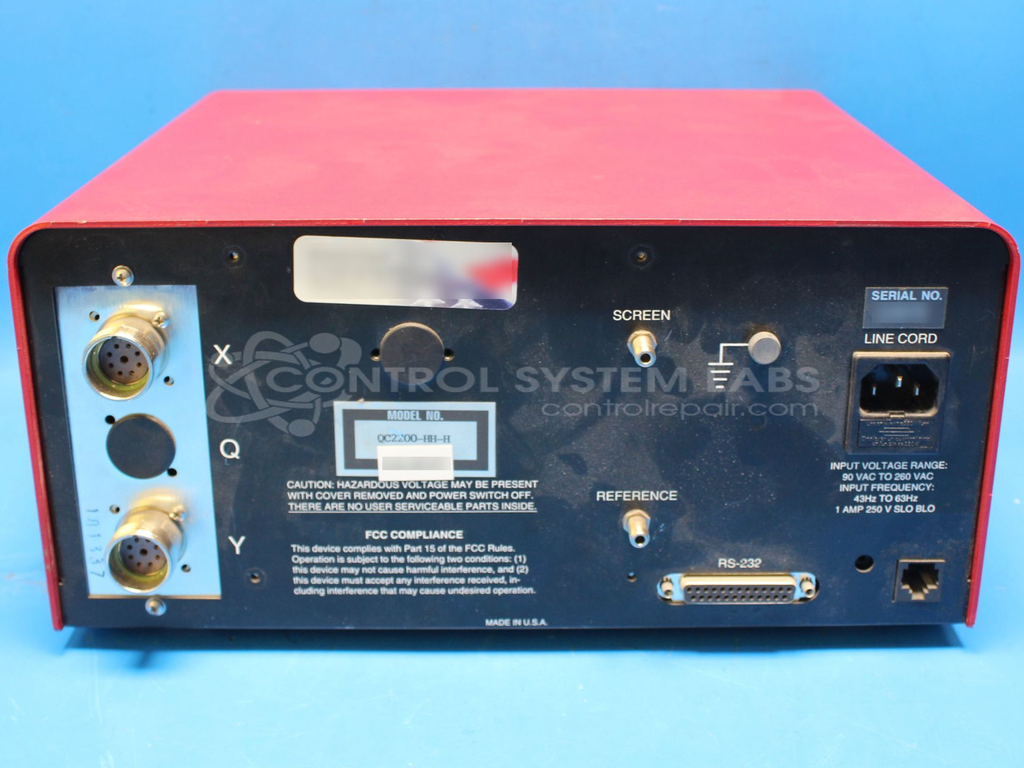
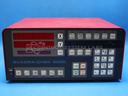
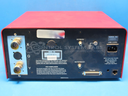
Product Overview: The Quadra-Check 2000 DRO is a digital readout system manufactured by Metronics (part of HEIDENHAIN) for precision dimensional measurement applications. It provides coordinate measuring and inspection capabilities commonly used with optical comparators, measuring machines, and other metrology equipment. The QC2200-HH-H model features programmable measurement functions, multi-axis display, and statistical process control capabilities. This readout processes linear encoder signals to display precise position data, enabling quality control inspection and part verification in manufacturing and machine shop environments.
Category: Meters / Gauges / Readouts
Manufacturer: Metronics
Alternate Manufacturer Names: HEIDENHAIN
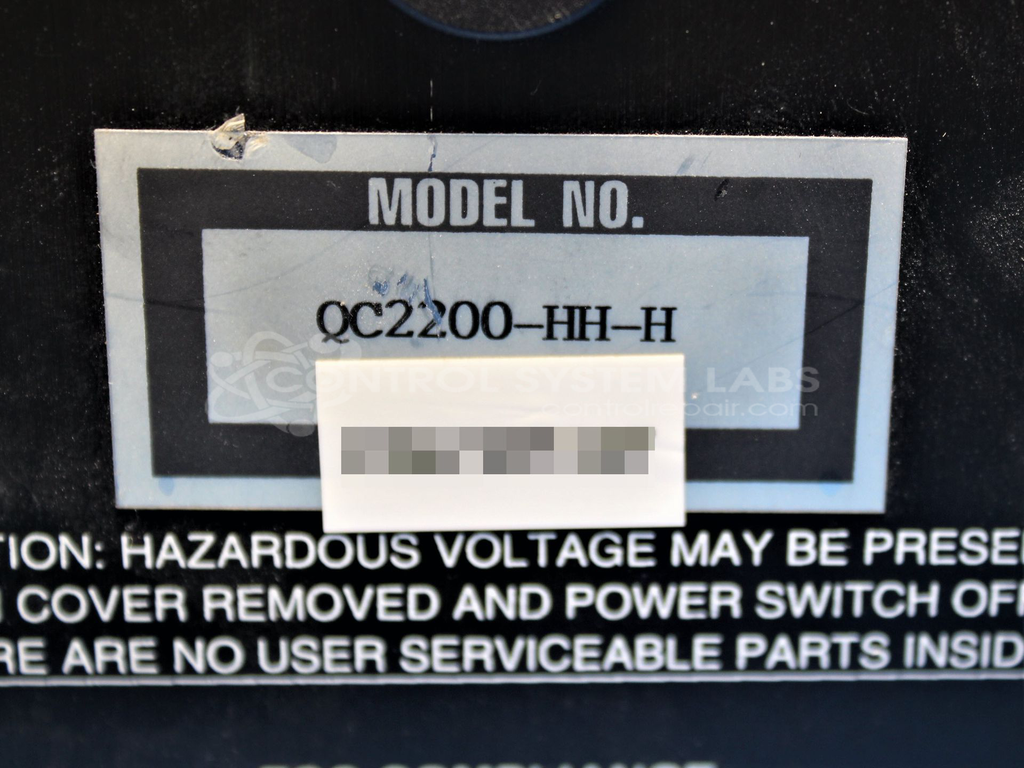
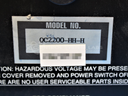
Manufacturer Part Number: QC2200-HH-H
Series: Quadra-Check 2000 Readout
Other Synonyms: HEIDENHAIN
Requires sending in for repair quote.
Common Failures
CSL has evaluated units with reported electrical odor and smoking. Root causes identified during evaluation have included defective capacitors, rechargeable batteries, and corrosion.
Repair Approach
Repairs have involved replacement of damaged electrolytic capacitors and nickel-metal hydride batteries. Cases of burn damage have been identified and repaired as needed.
Testing & Quality
Following repair, units undergo comprehensive testing including diagnostic procedures, burn-in testing, BIOS verification, and functionality checks for buttons and ports. Repaired units are tested to verify proper operation before return.
Service and repair your broken Metronics part
We can repair your Metronics model QC2200-HH-H in our facility. Let our skilled technicians get your Metronics back in operation quickly.
Step 1 - Click the green 'Repair Now' button above to add the part and then complete the RMA.
Step 2 - The RMA form will be sent to you via email. Print the RMA form and put it in a box with the item(s) for repair.
Step 3 - Ship or mail the box to the address listed on the RMA.
Once the user has seen at least one product this snippet will be visible.