



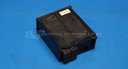
Repair
Repair Price: $ 368.00
Purchase
CSL Part Number: 84452
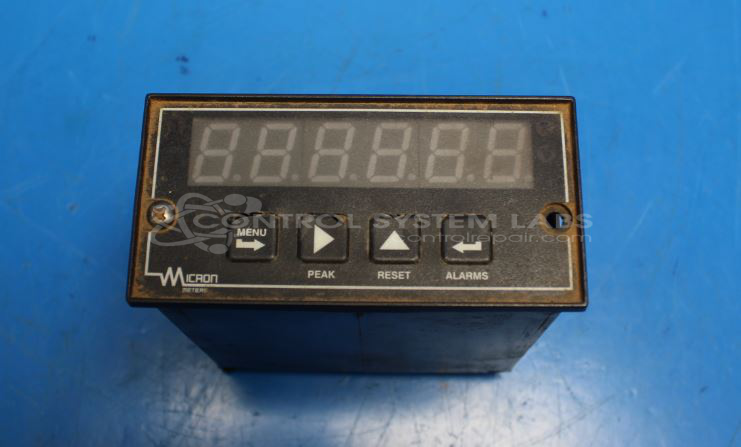
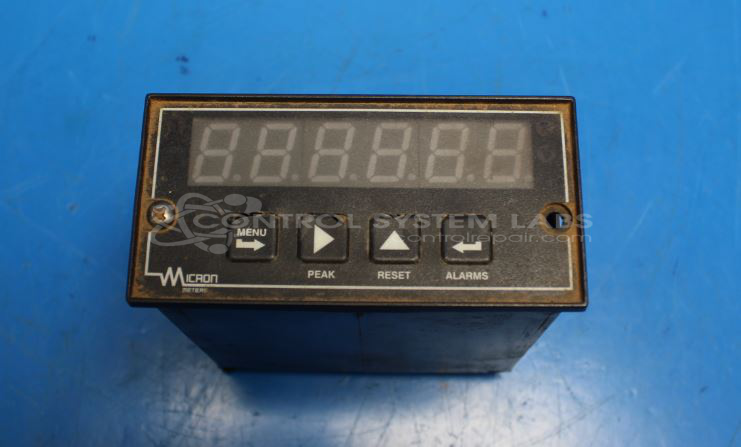
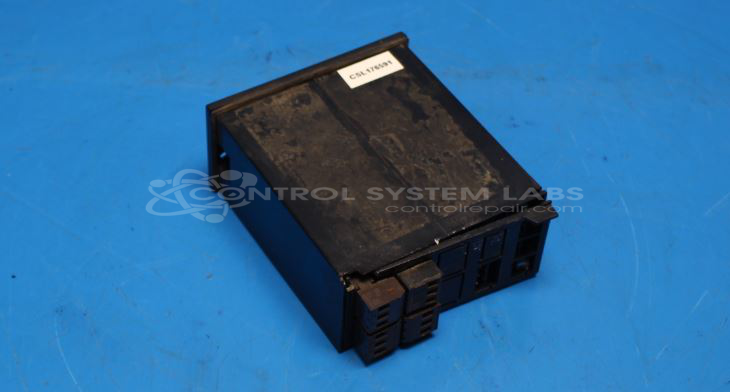
Product Overview: The M2 Series Digital Panel Meter from Micron Meters is a versatile process indicator designed for displaying analog input signals in industrial environments. The M21120WM1 model accepts standard process signals including 4-20mA and 0-10VDC inputs, providing accurate linear measurement across its full range. It features integrated alarm relays for setpoint control and both current and voltage outputs for signal retransmission. Commonly used in process control, monitoring applications, and manufacturing equipment where visual indication and alarm functionality are required.
Category: Meters / Gauges / Readouts
Manufacturer: Micron Meters
Manufacturer Part Number: M21120WM1
Common Requests
Customers sometimes request evaluation of the product even when it appears to be functioning correctly. The goal is often to confirm continued reliability and precision.
Repair Approach
During evaluation, connections may be resoldered if necessary to support stable performance. Routine cleaning is also performed to maintain optimal working conditions. Calibration is verified, and accuracy is checked across the entire scale. In many cases, these units pass inspection with no faults detected.
Testing & Quality
Testing confirms that both the 4-20mA and 0-10V outputs function as intended, and alarm relays activate at the designated set points. This verifies that the units meet operational standards before being returned.
Service and repair your broken Micron Meters part
We can repair your Micron Meters model M21120WM1 in our facility. Let our skilled technicians get your Micron Meters back in operation quickly.
Step 1 - Click the green 'Repair Now' button above to add the part and then complete the RMA.
Step 2 - The RMA form will be sent to you via email. Print the RMA form and put it in a box with the item(s) for repair.
Step 3 - Ship or mail the box to the address listed on the RMA.
Once the user has seen at least one product this snippet will be visible.