



Repair
Call for price
Purchase
CSL Part Number: 81260
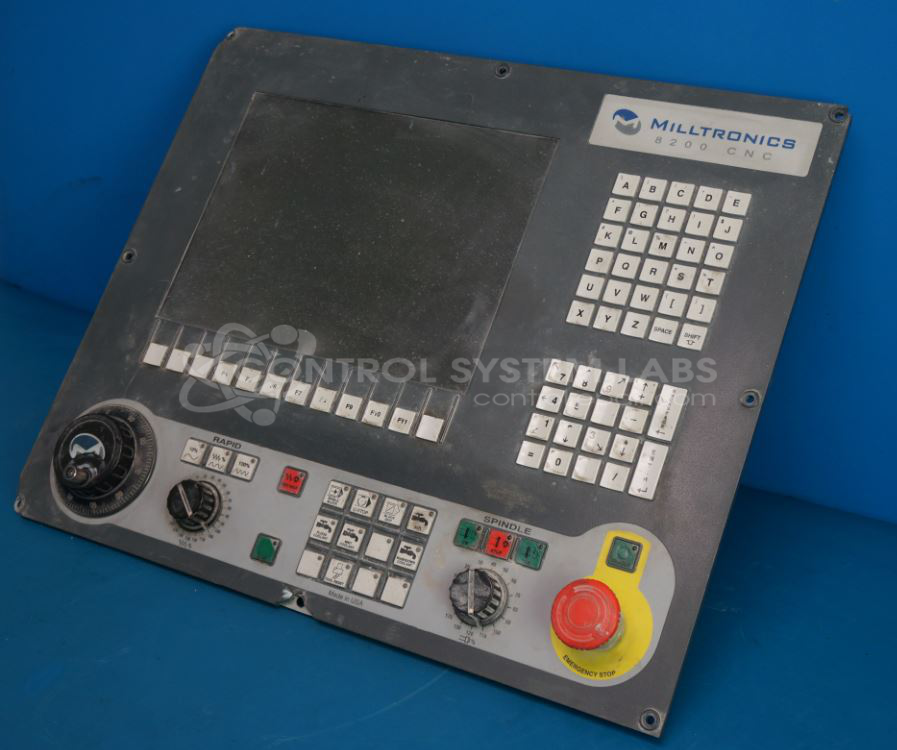
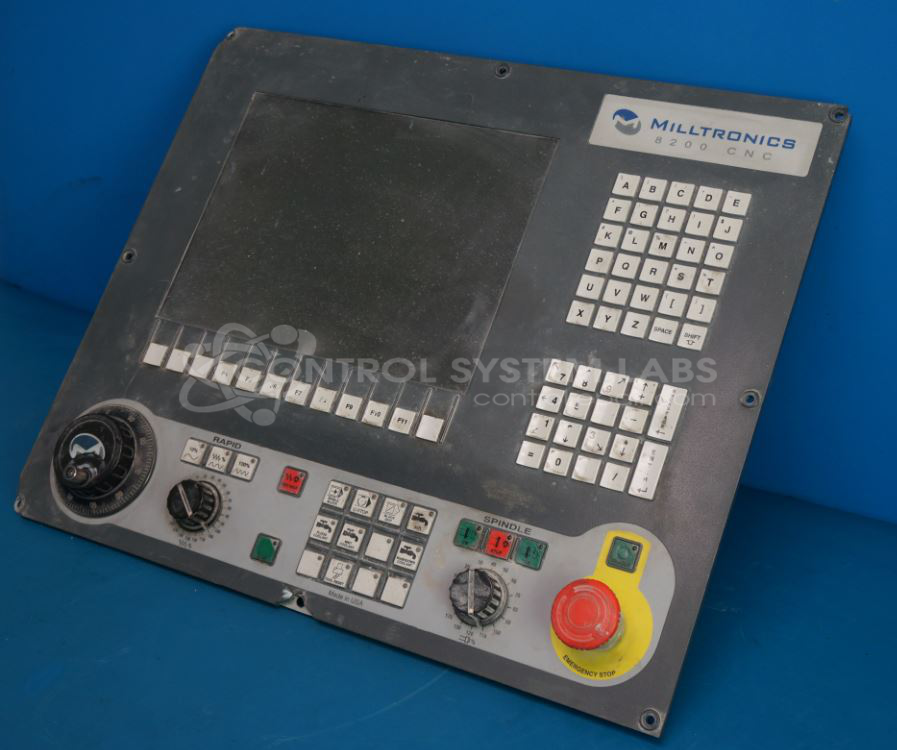
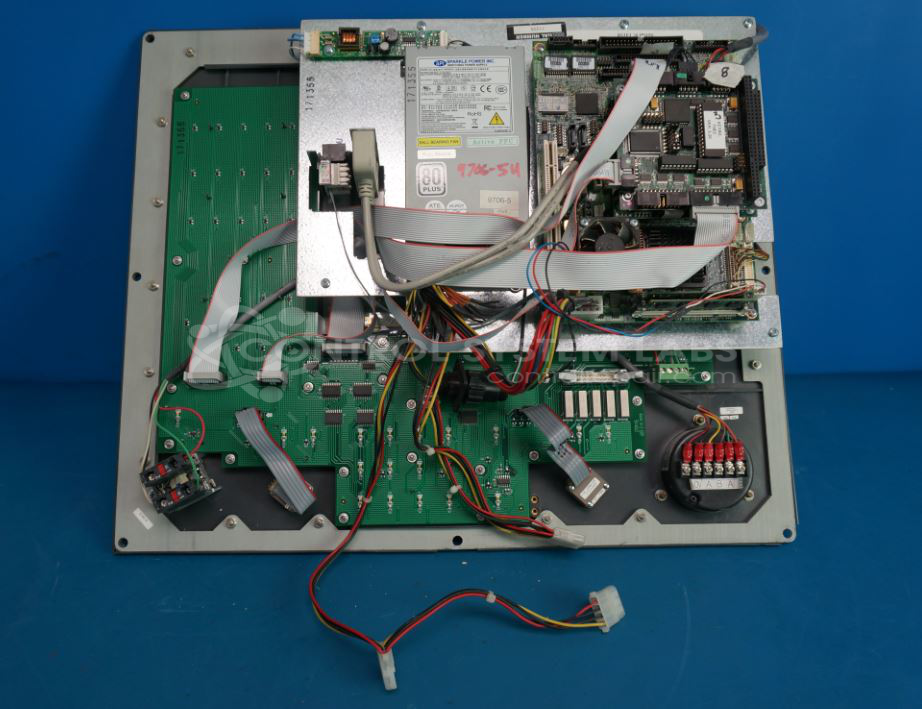
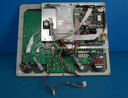
Product Overview: The Milltronics 8200 CNC (also known as Centurion 7) is a control panel with integrated display and power supply used in Milltronics CNC milling machines. It features a Linux-based operating system, keypad interface with LED indicators, and rotary encoder input. The system includes onboard power supply providing +5V and +12V rails, backup battery for memory retention, and USB connectivity. Commonly found in Milltronics RH-series vertical machining centers, it serves as the primary operator interface and machine control unit for programming, monitoring, and executing CNC operations.
Category: Control Panel
Manufacturer: Milltronics
Manufacturer Part Number: 8200 CNC
Series: Hydroranger Plus
Brand: MIlltronics
Also Known As(AKA): CENTURION 7
Common Failures
Common symptoms reported include blank control panel displays, non-responsive buttons, intermittent power issues, and inconsistent operation. These issues may affect machine functionality and typically require evaluation to determine the root cause.
Repair Approach
We can evaluate the unit to identify the specific issue. Depending on findings, repair may involve cleaning, component-level repair, or replacement of affected parts. Once the unit is received and reviewed, we can provide a quotation before any repair work begins.
Testing & Quality Assurance
Following repair, units undergo diagnostic testing to verify proper operation, including power supply verification, voltage levels, and component functionality. Units returned without repair are documented and tested per our standard protocol.
Service and repair your broken Milltronics part
We can repair your Milltronics model 8200 CNC in our facility. Let our skilled technicians get your Milltronics back in operation quickly.
Step 1 - Click the green 'Repair Now' button above to add the part and then complete the RMA.
Step 2 - The RMA form will be sent to you via email. Print the RMA form and put it in a box with the item(s) for repair.
Step 3 - Ship or mail the box to the address listed on the RMA.
Once the user has seen at least one product this snippet will be visible.