



Repair
Repair Price: $ 1,494.00
Purchase
CSL Part Number: 87822
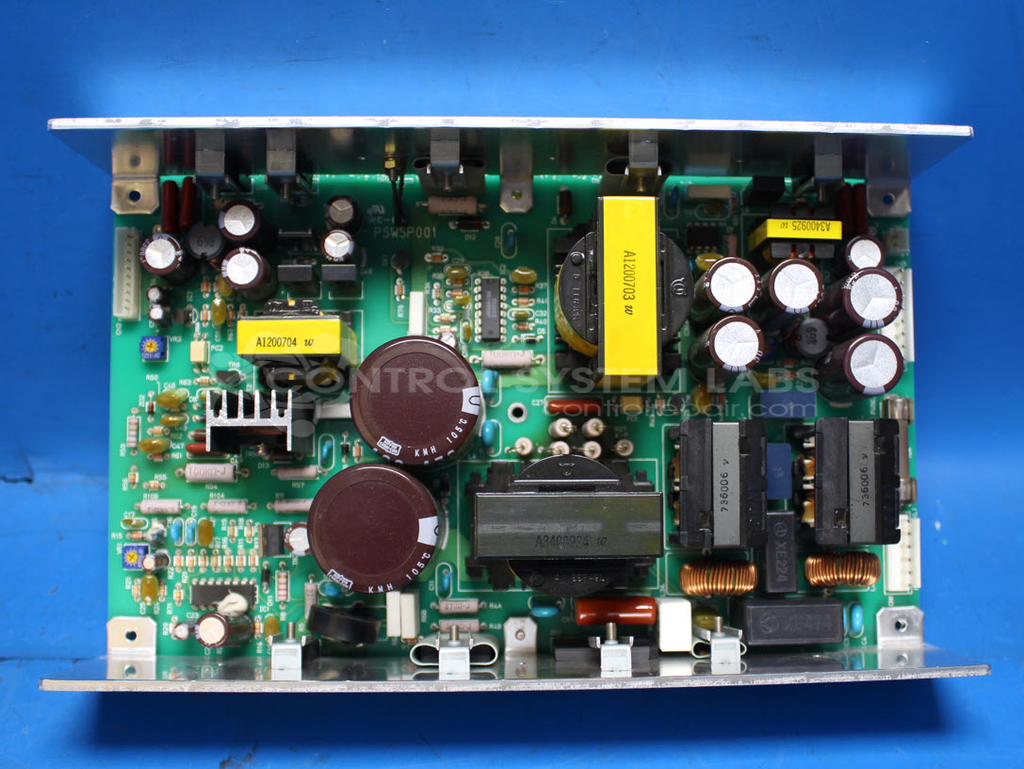
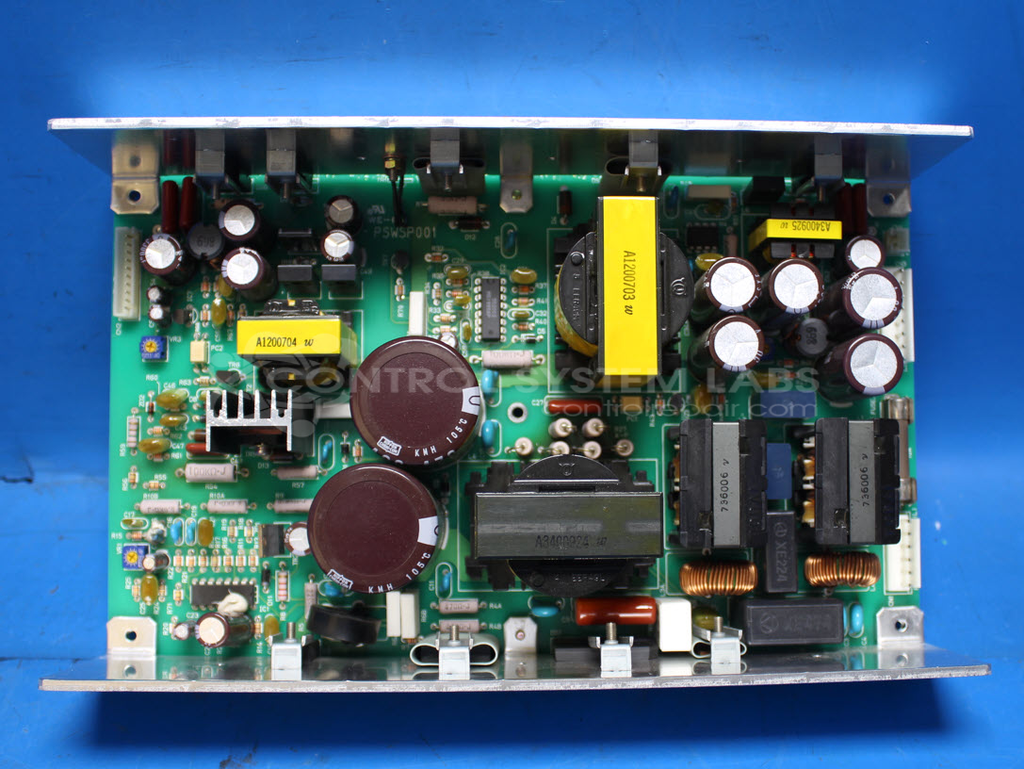
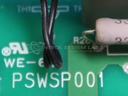
Product Overview: The Mimaki PSWSP001 is a switching power supply used in Mimaki flatbed cutters and related wide-format printing equipment. This unit provides multiple DC output voltages to power control electronics, motors, and subsystems within the machine. It operates from 200V AC mains input and includes rectification, switching regulation, and protection circuitry. The design uses high-voltage transistors, fast recovery rectifier diodes, and multiple electrolytic filter capacitors across various voltage rails to deliver stable, filtered DC power for precision cutting and printing operations.
Category: Power Supply
Manufacturer: Mimaki
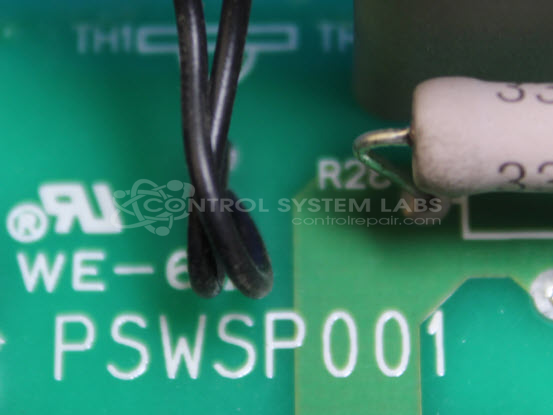
Manufacturer Part Number: PSWSP001
Common Failures
Common issues with this product include heat damage on resistors, transistor failure, and diode failure. Symptoms may include visible burn damage, reset errors, or power-related problems.
Repair Approach
Repairs typically involve diagnostic testing to identify failed transistors, capacitors, and diodes. Burn damage is addressed by repairing affected areas and reapplying solder mask beneath power resistors. Preventative replacement of electrolytic capacitors may be conducted. Out-of-tolerance resistors are checked and replaced as necessary.
Testing & Quality
Once repairs are completed, burn-in testing with load is performed. Output voltages are monitored to confirm proper operation. The product undergoes testing to verify functionality before being returned.
Service and repair your broken Mimaki part
We can repair your Mimaki model PSWSP001 in our facility. Let our skilled technicians get your Mimaki back in operation quickly.
Step 1 - Click the green 'Repair Now' button above to add the part and then complete the RMA.
Step 2 - The RMA form will be sent to you via email. Print the RMA form and put it in a box with the item(s) for repair.
Step 3 - Ship or mail the box to the address listed on the RMA.
Once the user has seen at least one product this snippet will be visible.