



Repair
Call for price
Purchase
CSL Part Number: 84455
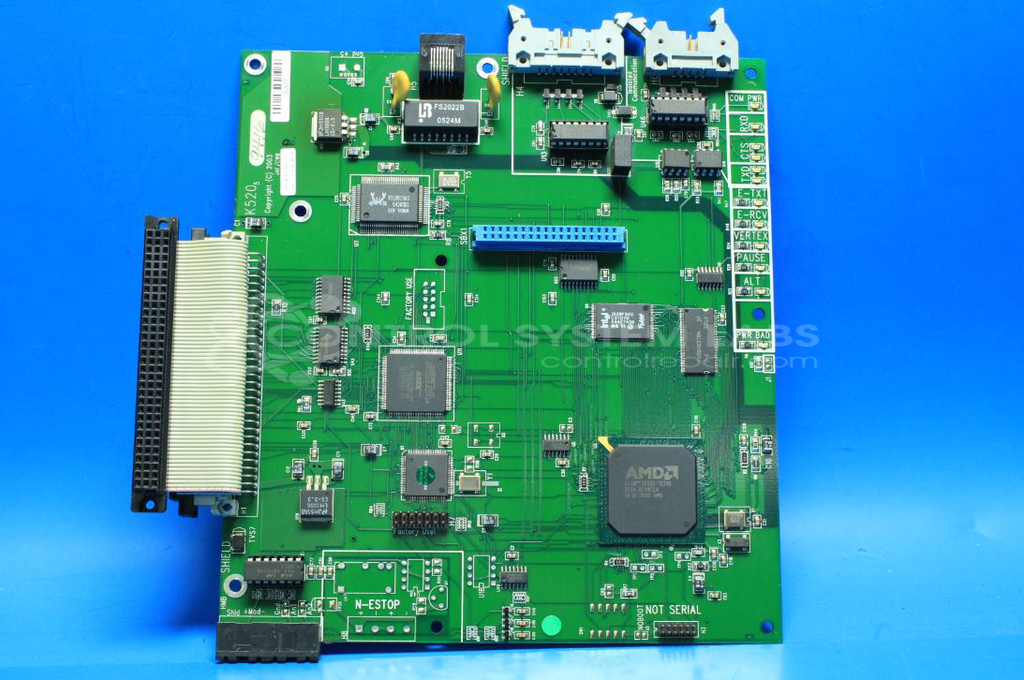
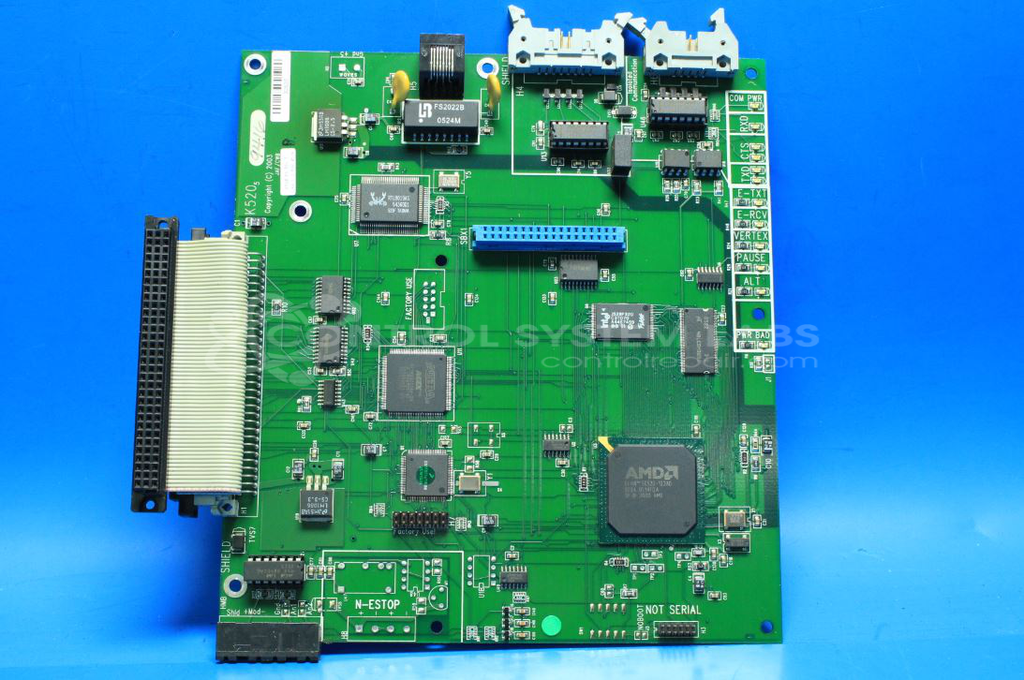
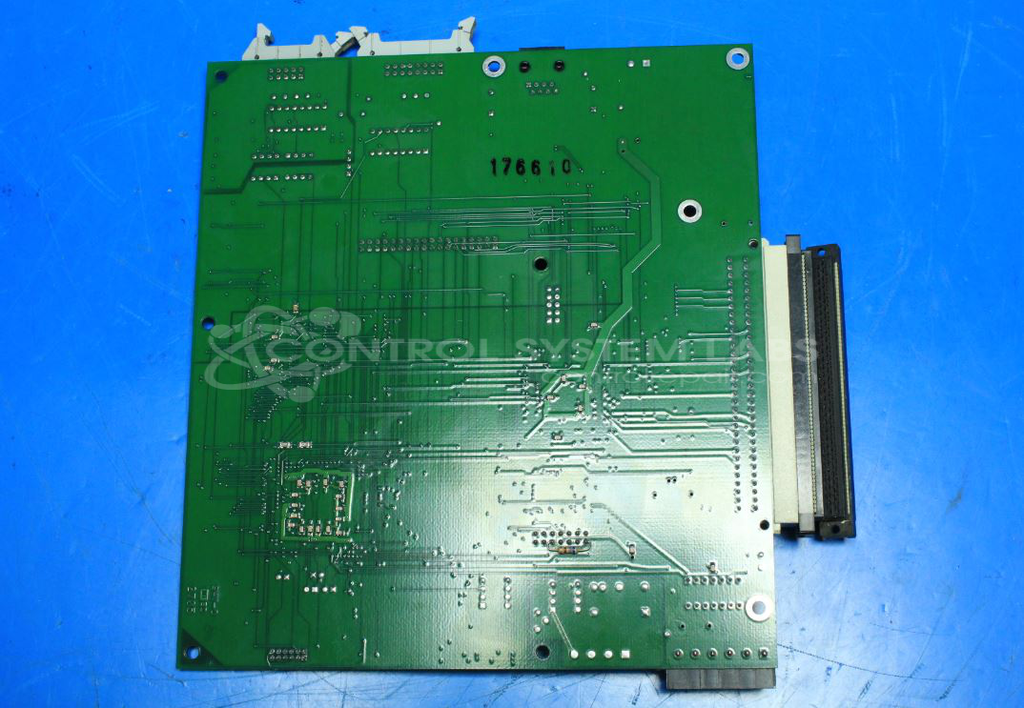
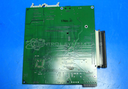
Product Overview: The K520 Rev 5 is a microprocessor-based control board manufactured by MultiCam for CNC routing and plasma cutting systems. It provides centralized machine control, motion coordination, and communications via Modbus and RS-422/RS-485 interfaces to inverter drives and other peripherals. The board manages power distribution monitoring, processor supervision, and real-time machine operations in MultiCam automated cutting equipment.
Category: Control Board
Manufacturer: MultiCam
Manufacturer Part Number: K520 Rev 5
Common Failures
Common issues with this product include the "PWR BAD" LED indicator lighting up red and the lack of Modbus output to the inverter drive. Additionally, faults in the RS-422/RS-485 interface IC can lead to communication errors.
Repair Approach
Diagnosis typically involves verifying voltage levels and observing LED indicators. In cases where a defective communication chip is identified, component replacement may be performed. Proper connection of the communication port is verified to ensure correct operation.
Testing & Quality
Testing may include burn-in tests with motors to evaluate performance. Technician review is performed to verify repair effectiveness, and outcomes are confirmed through comprehensive testing procedures.
Service and repair your broken MultiCam part
We can repair your MultiCam model K520 Rev 5 in our facility. Let our skilled technicians get your MultiCam back in operation quickly.
Step 1 - Click the green 'Repair Now' button above to add the part and then complete the RMA.
Step 2 - The RMA form will be sent to you via email. Print the RMA form and put it in a box with the item(s) for repair.
Step 3 - Ship or mail the box to the address listed on the RMA.
Once the user has seen at least one product this snippet will be visible.