



Repair
Repair Price: $ 2,994.00
Purchase
CSL Part Number: 86834
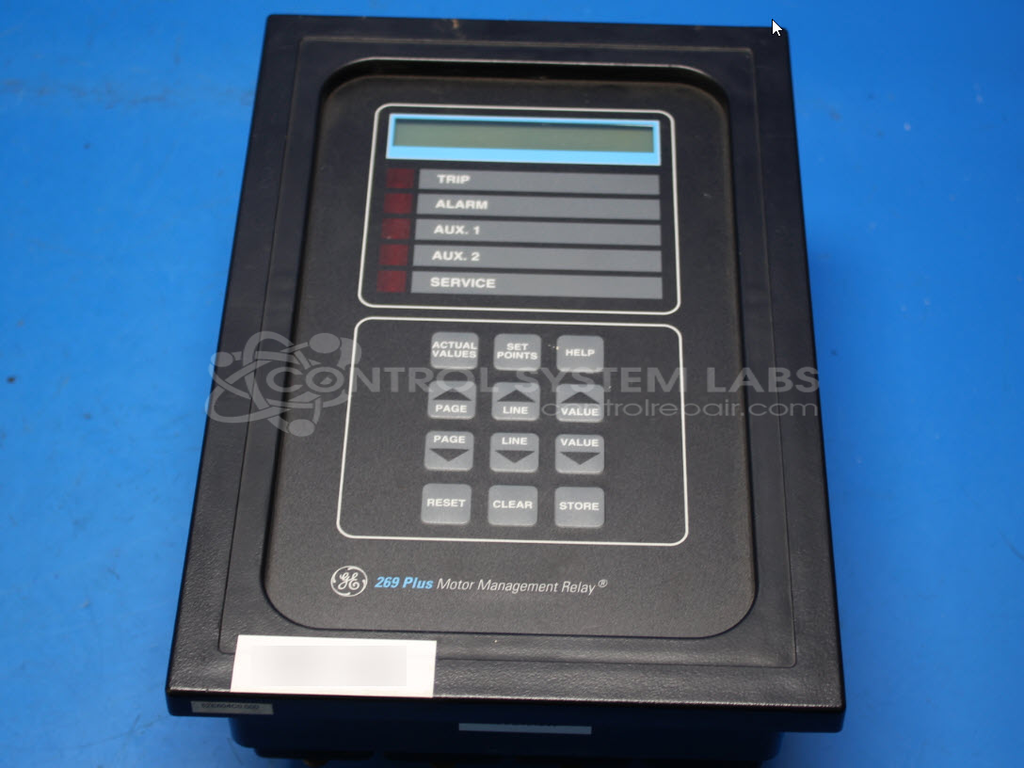
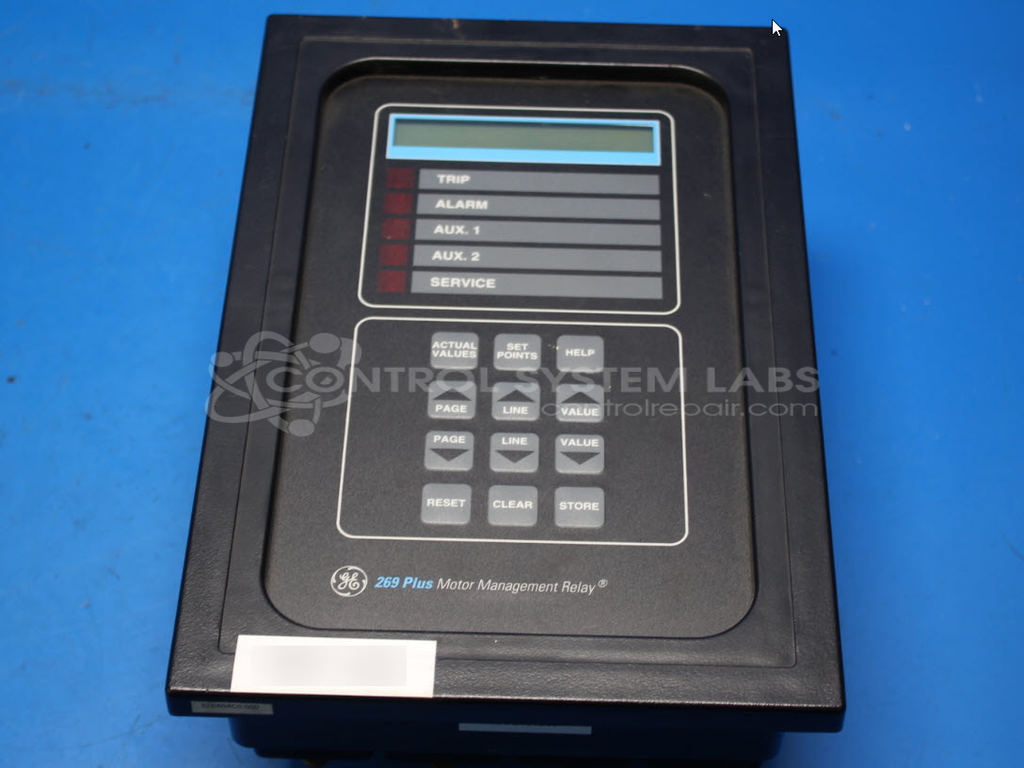
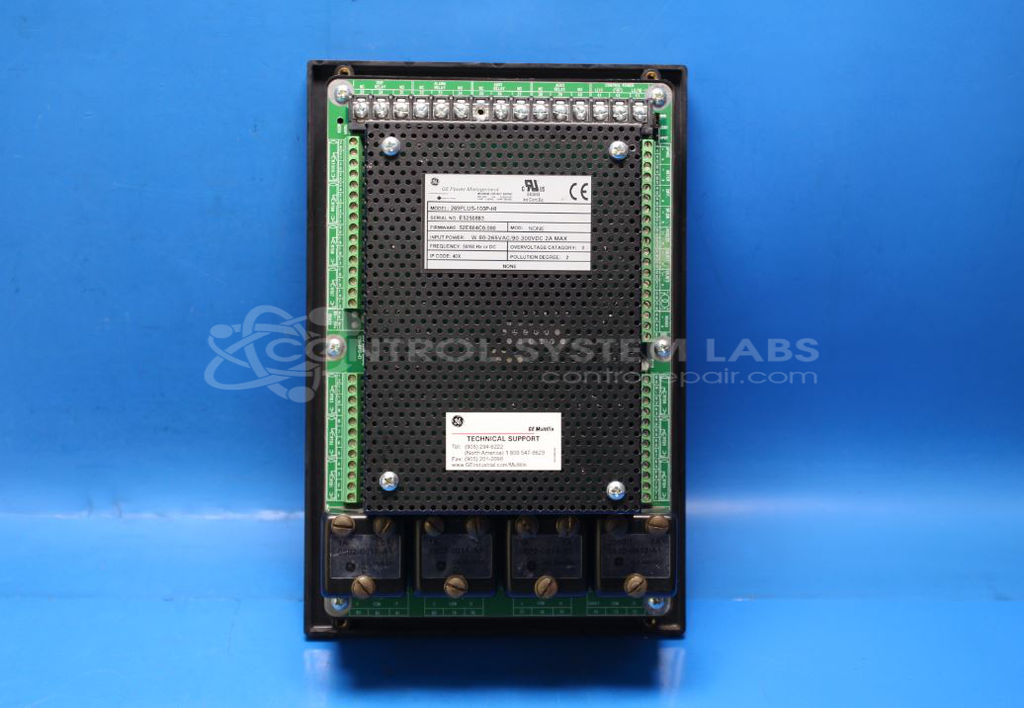
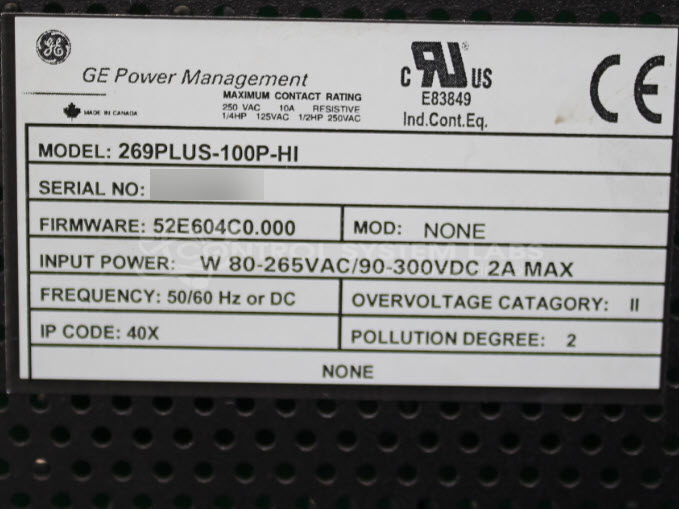
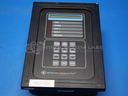
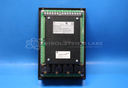
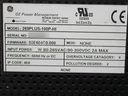
Product Overview: The GE Multilin 269 Plus is a microprocessor-based motor management relay designed to protect and monitor three-phase AC motors. It provides comprehensive protection functions including overload, ground fault, phase loss, undervoltage, and thermal modeling. The relay features programmable trip classes, RTD temperature inputs for direct winding monitoring, and metering capabilities for current, voltage, power, and energy. This model (269PLUS-100P-HI) operates on 120VAC control power and is commonly used in industrial applications such as pumps, fans, compressors, and conveyor systems where advanced motor protection and diagnostics are required.
Category: Motor Controls
Manufacturer: Multilin
Alternate Manufacturer Names: GE
Manufacturer Part Number: 269PLUS-100P-HI
Other Synonyms: GE
Common Failures
One common issue identified with this product is the failure of the motor to start after being idle for several days while power remains applied. This failure is often caused by a defective voltage regulator, which affects the power supply to the motor.
Repair Approach
To address the startup issue, the defective linear voltage regulator is replaced. Additionally, preventative replacements of related components, such as electrolytic capacitors, may be performed to enhance overall reliability and help reduce the likelihood of similar issues in the future.
Testing & Quality
Comprehensive diagnostic testing is conducted to evaluate power supply performance. Post-repair, the product undergoes burn-in testing with a simulated load to verify that repairs have been completed successfully. The product is also subject to functional testing to confirm operation before being returned to service.
Service and repair your broken Multilin part
We can repair your Multilin model 269PLUS-100P-HI in our facility. Let our skilled technicians get your Multilin back in operation quickly.
Step 1 - Click the green 'Repair Now' button above to add the part and then complete the RMA.
Step 2 - The RMA form will be sent to you via email. Print the RMA form and put it in a box with the item(s) for repair.
Step 3 - Ship or mail the box to the address listed on the RMA.
Once the user has seen at least one product this snippet will be visible.