



Repair
Repair Price: $ 1,220.00
Purchase
CSL Part Number: 87231
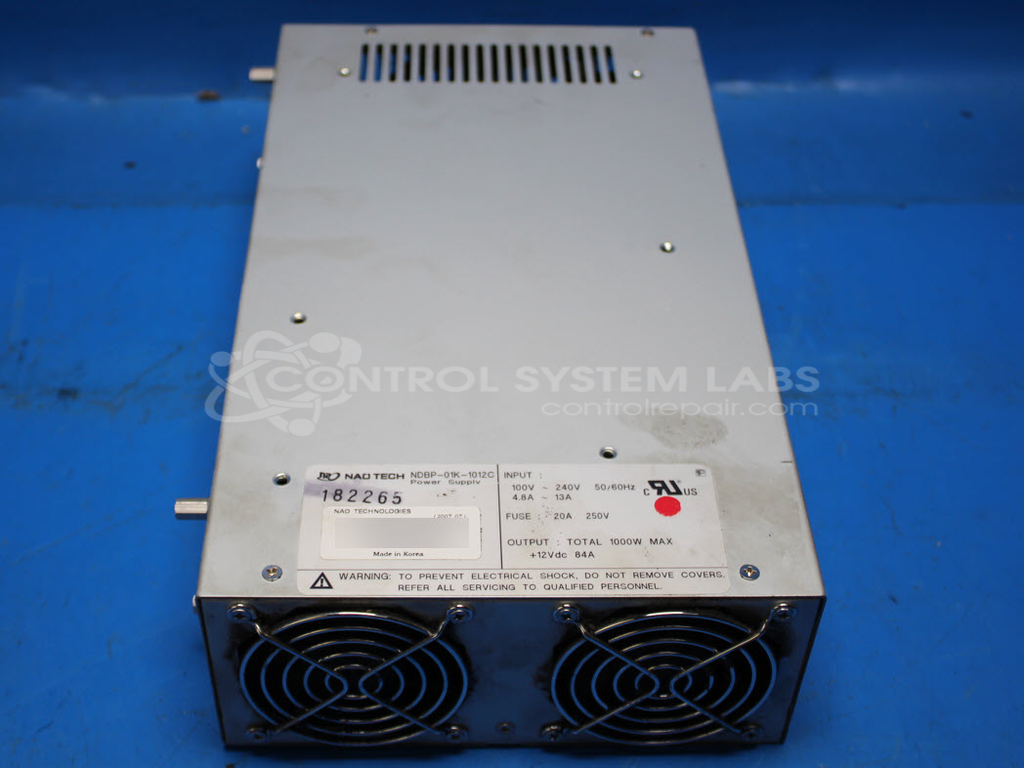
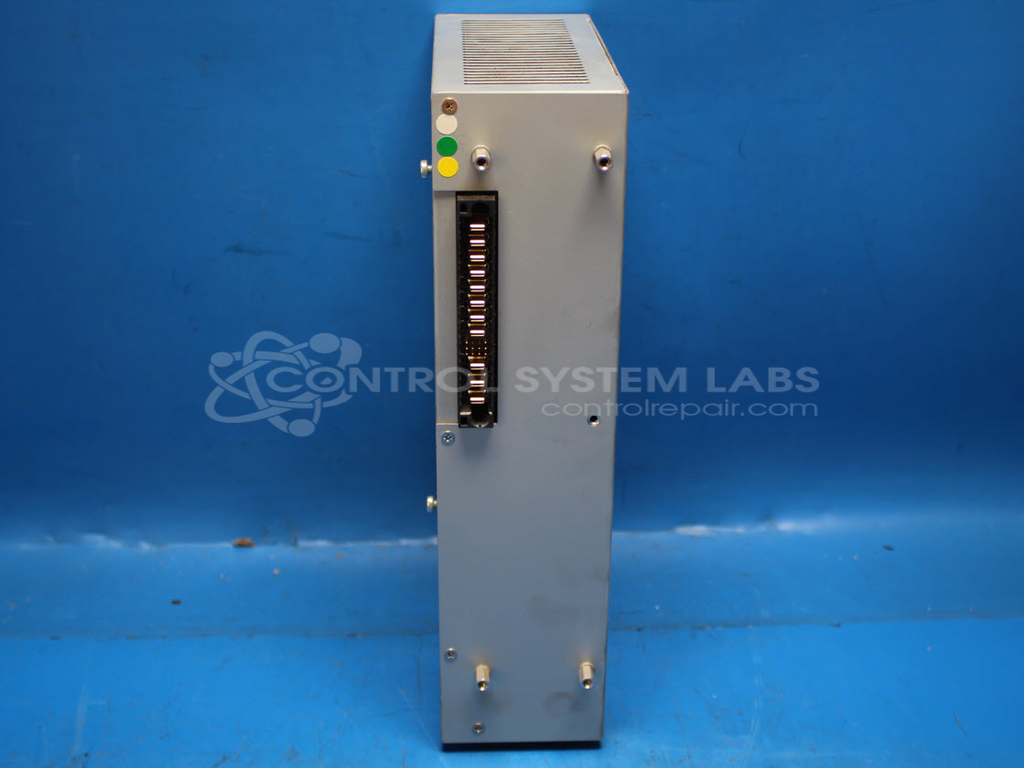
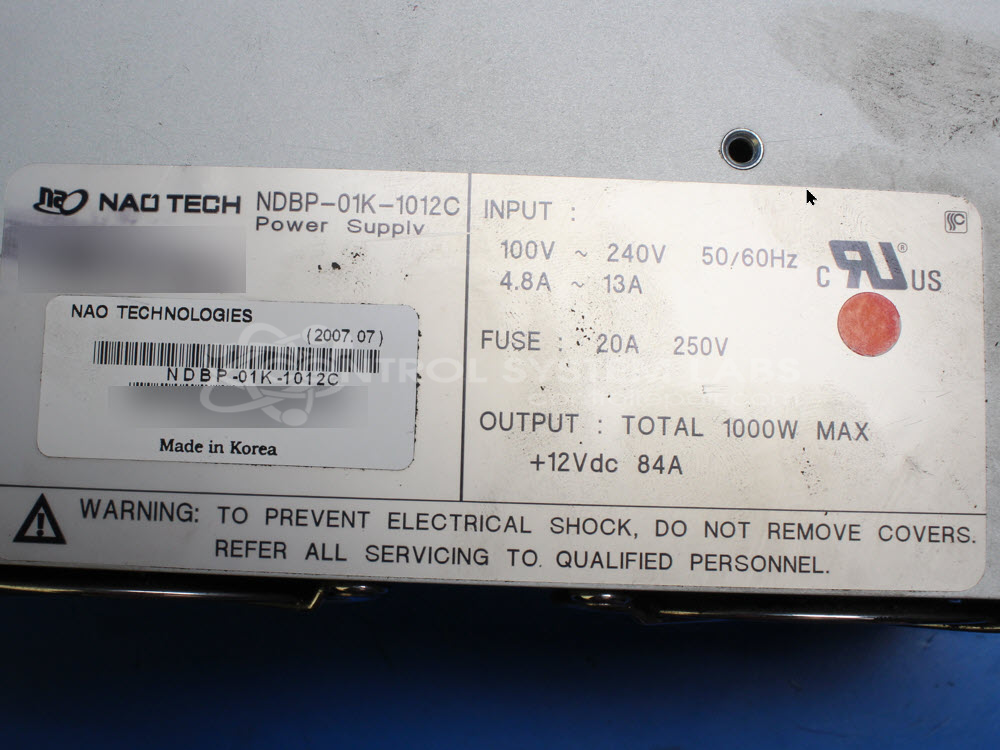
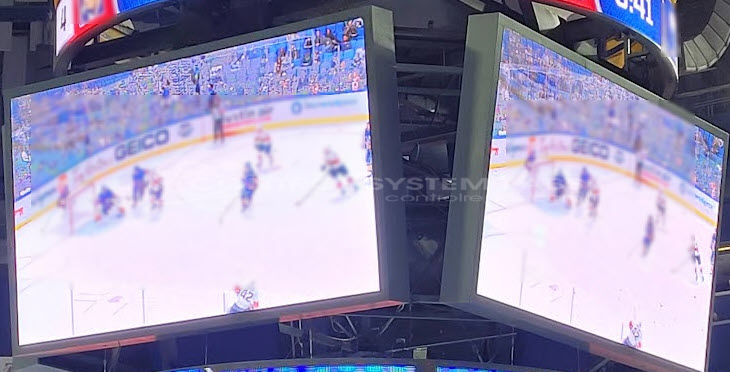
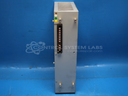
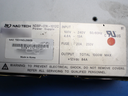
Product Overview: The NAO Technologies NDBP-01K-1012C is a 1000-watt switching power supply designed specifically for Daktronics video display scoreboards and LED video walls. It delivers 12VDC at 84 amps continuous output. The unit accepts a wide input voltage range of 100-240VAC single-phase, making it suitable for diverse installation environments. This is a high-current, rack-mount or panel-mount power supply built for demanding outdoor digital signage and sports venue applications where reliable, regulated DC power is essential for driving LED display modules.
Category: Power Supply
Manufacturer: NAO Technologies
Manufacturer Synonyms: NAO Tech
Manufacturer Part Number: NDBP-01K-1012C
Common Failures
Common issues reported include units that do not power up. Defective capacitors on the standby board have been identified in some cases. Power-related events may contribute to failures. Some units have exhibited damage that makes repair not economically viable.
Repair Approach
Repairs may involve replacing defective components and performing cleaning as needed, including removal of dust and debris from cooling systems. In some cases, additional preventative maintenance steps are performed. Diagnostic evaluation and cleaning are standard steps in the repair process to support proper function.
Testing & Quality
After repairs are completed, units are tested to verify functionality. Testing may include burn-in procedures under load conditions. Units that pass testing demonstrate stable output and expected operation. Some units may be determined to be Beyond Economic Repair when the extent of internal damage is identified during evaluation.
Service and repair your broken NAO Technologies part
We can repair your NAO Technologies model NDBP-01K-1012C in our facility. Let our skilled technicians get your NAO Technologies back in operation quickly.
Step 1 - Click the green 'Repair Now' button above to add the part and then complete the RMA.
Step 2 - The RMA form will be sent to you via email. Print the RMA form and put it in a box with the item(s) for repair.
Step 3 - Ship or mail the box to the address listed on the RMA.
Once the user has seen at least one product this snippet will be visible.