



Repair
Repair Price: $ 460.00
Purchase
CSL Part Number: 11319
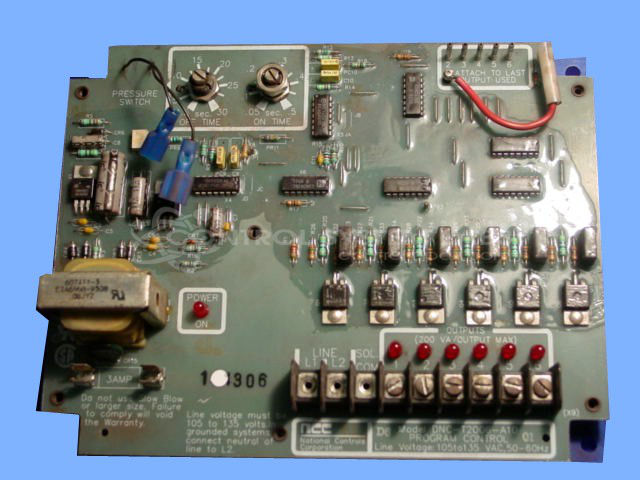
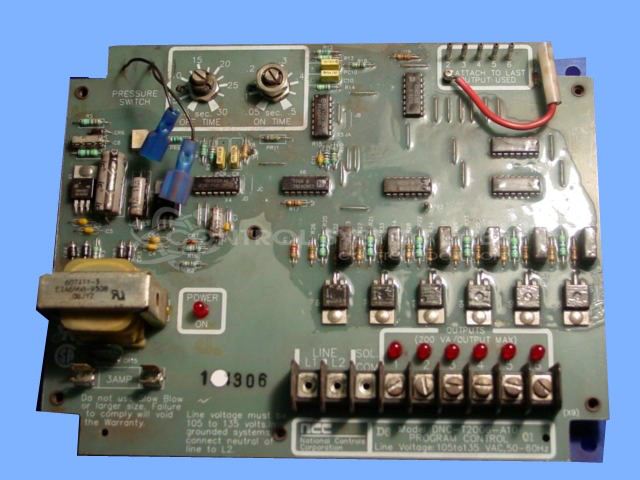
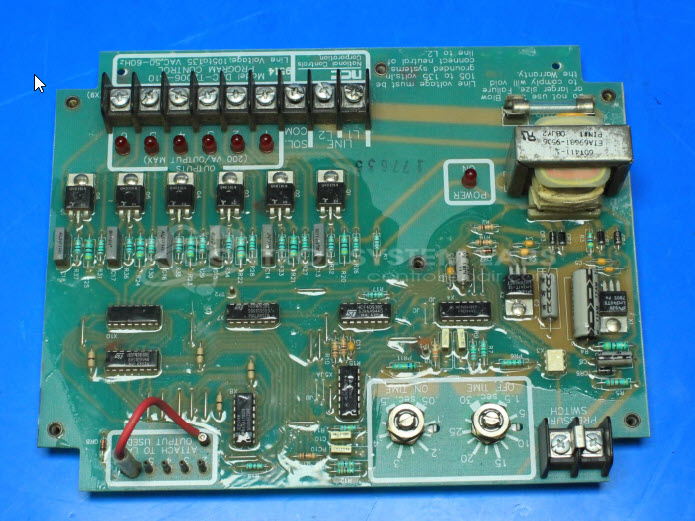
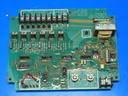
Product Overview: The DNC-T2006-A10 is a programmable pulse cleaning timer with six relay outputs designed for automated dust collector bag house systems. It controls the sequential pulsing of solenoid valves that release compressed air to clean filter bags in industrial dust collection equipment. Commonly found in woodworking, metalworking, and bulk material handling facilities, it operates on 115V or 230V AC input and provides configurable timing intervals for pulse duration and cycle periods to optimize filter cleaning performance.
Category: Bag House Timers
Manufacturer: National Controls Corp.
Manufacturer Synonyms: NCC Ametek
Manufacturer Part Number: DNC-T2006-A10
Series: Dust Collector Controls
Common Failures
Repair history indicates frequent issues with components related to the vacuum system and power supply components. These problems were typically caused by solder joint deterioration or component failures.
Repair Approach
Repairs often involved replacing faulty capacitors or power supply components. In cases where original components were unavailable, board modifications were performed to accommodate suitable replacement components. Damage repairs were conducted where necessary.
Testing & Quality
Post-repair testing included burn-in tests and load tests to verify proper operation. Repaired units were tested to confirm resolution of reported issues.
Service and repair your broken National Controls Corp. part
We can repair your National Controls Corp. model DNC-T2006-A10 in our facility. Let our skilled technicians get your National Controls Corp. back in operation quickly.
Step 1 - Click the green 'Repair Now' button above to add the part and then complete the RMA.
Step 2 - The RMA form will be sent to you via email. Print the RMA form and put it in a box with the item(s) for repair.
Step 3 - Ship or mail the box to the address listed on the RMA.
Once the user has seen at least one product this snippet will be visible.