



Repair
Repair Price: $ 986.00
Purchase
CSL Part Number: 86838
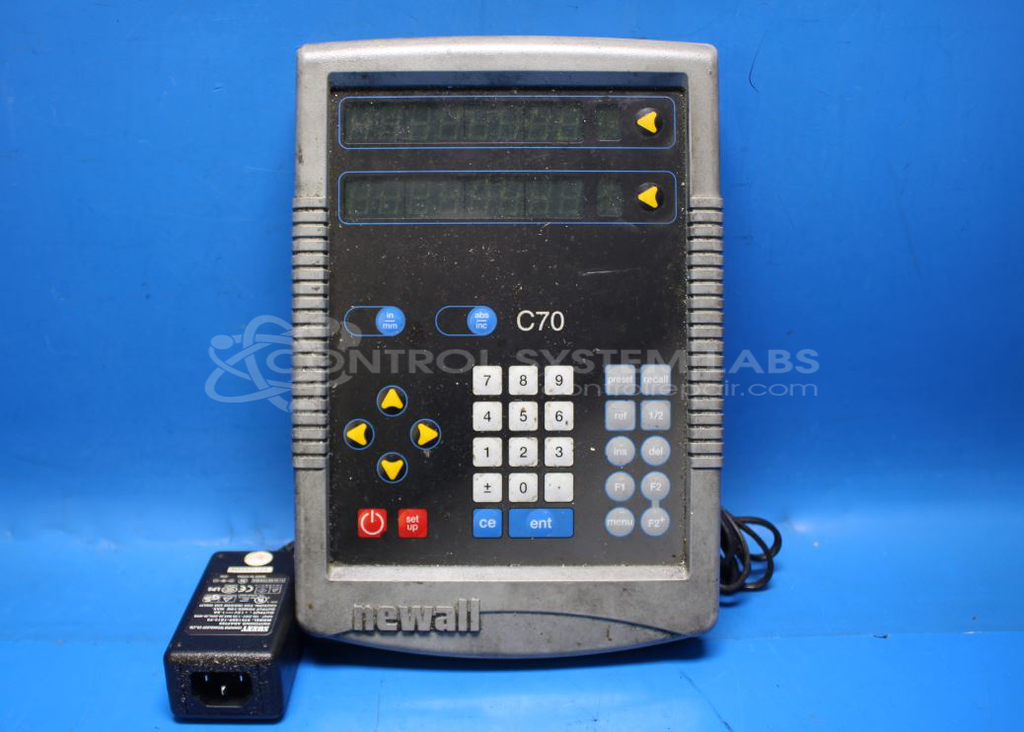
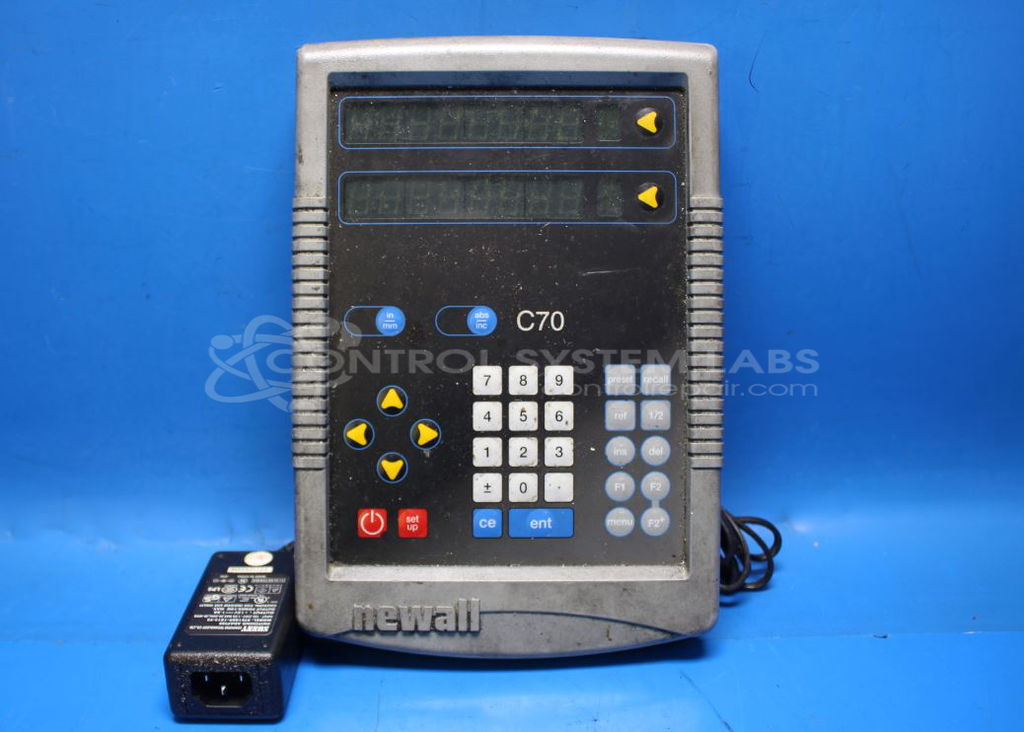
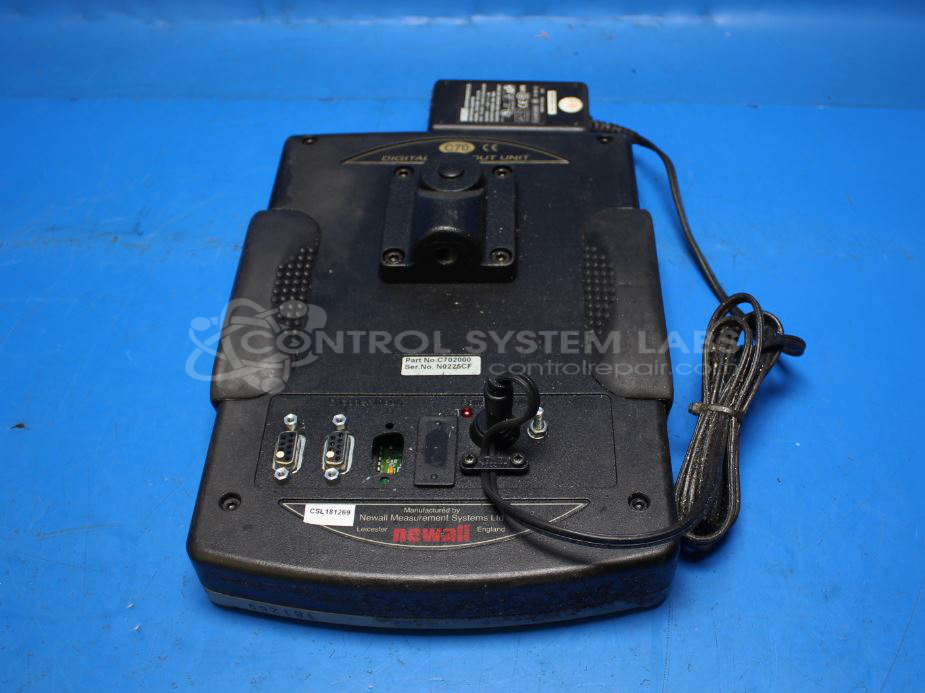
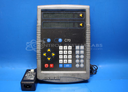
Product Overview: The C70 Digital 2 Axis Readout Unit by Newall Electronics is a digital readout (DRO) system designed to provide precise position measurement on two axes for machine tools such as mills, lathes, and grinders. It interfaces with linear scales to display real-time position data, enabling accurate machining and workpiece positioning. The unit requires a 19V DC power supply for proper operation and features a multi-segment digital display with user controls for setup and operation.
Category: Meters / Gauges / Readouts
Manufacturer: Newall Electronics
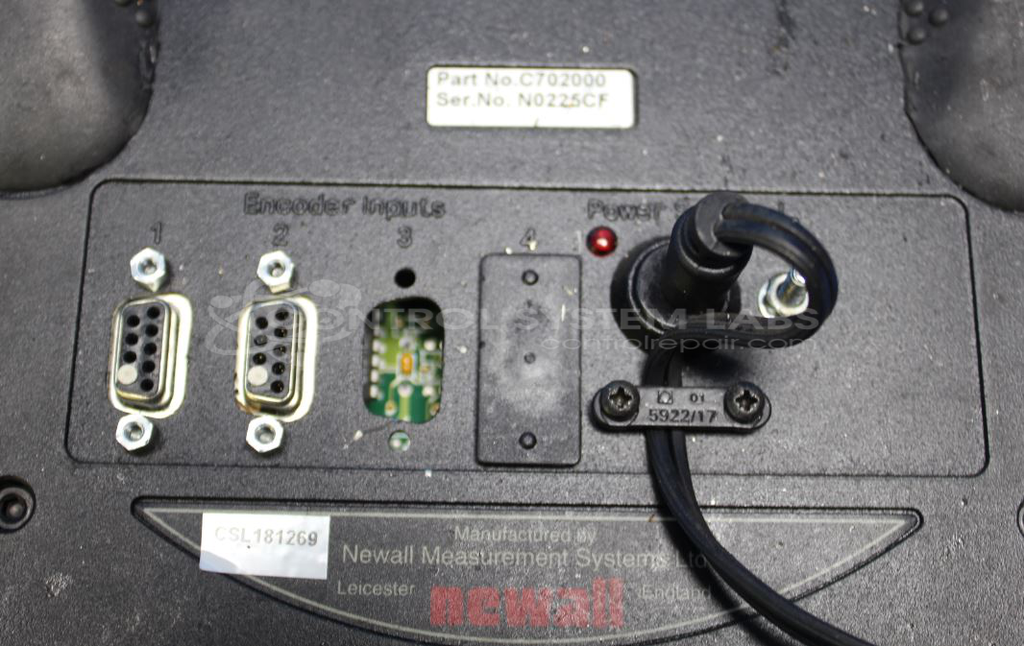
Manufacturer Part Number: C702000
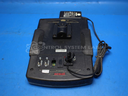
Please include the AC power adaptor in with your DRO when sending in for repair.
Common Failures
Some units may beep on power-up, display a code, and then shut down. This can occur whether or not axis cables are connected. Additionally, some units may have display segments that no longer function.
Repair Approach
Issues with beeping on power-up and subsequent shutdowns may be related to an inadequate external power supply. A consistent power supply output of 19V is recommended for proper functionality. If display segments are missing or not functioning, replacement may be required. Replacement of electrolytic capacitors can also be performed as part of preventative maintenance.
Testing & Quality
A display test can be initiated by holding the "enter" button while powering up, allowing verification of display segment functionality. Units are tested with a recommended power supply to confirm proper operation before determining repair requirements.
Service and repair your broken Newall Electronics part
We can repair your Newall Electronics model C702000 in our facility. Let our skilled technicians get your Newall Electronics back in operation quickly.
Step 1 - Click the green 'Repair Now' button above to add the part and then complete the RMA.
Step 2 - The RMA form will be sent to you via email. Print the RMA form and put it in a box with the item(s) for repair.
Step 3 - Ship or mail the box to the address listed on the RMA.
Once the user has seen at least one product this snippet will be visible.