



Repair
Repair Price: $ 416.00
Purchase
CSL Part Number: 85946
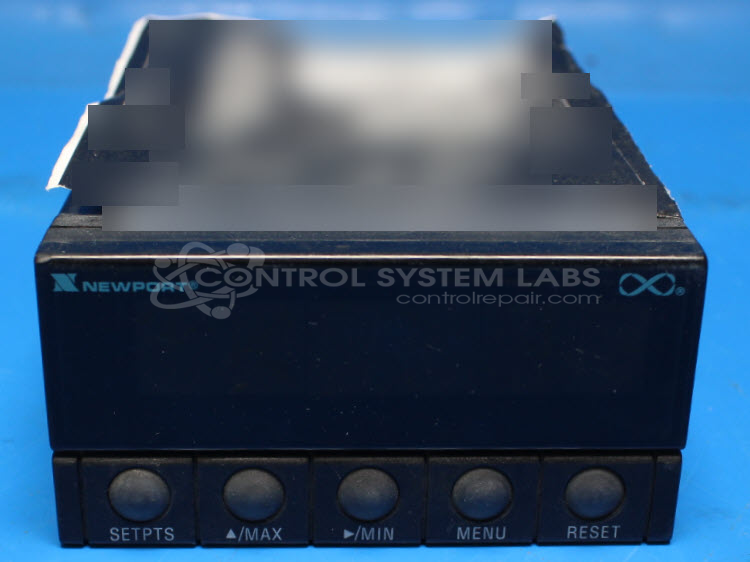
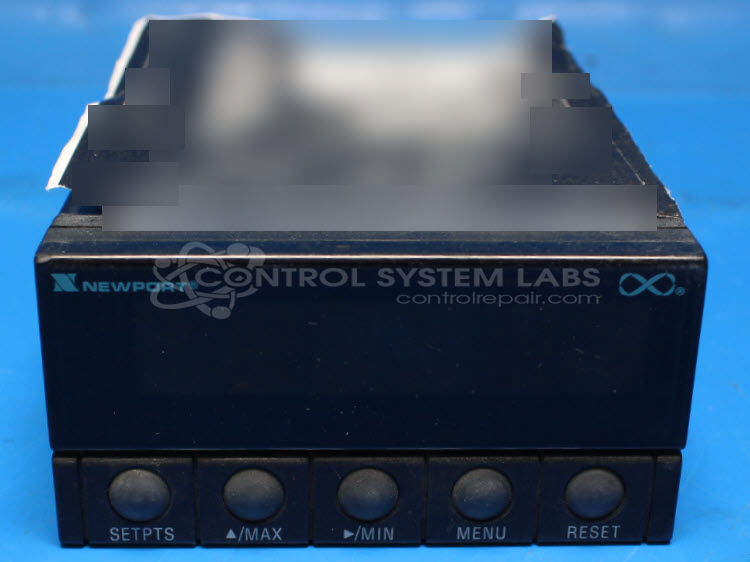
Product Overview: The Newport INFS-0100-DC7 is a panel meter designed to measure and display low-level DC voltage signals in the 0-50mV range. Part of the INFS Series, it features a digital display with multiple indicator LEDs and button controls for configuration. This meter is commonly used in industrial process monitoring, instrumentation systems, and test equipment where precise measurement of millivolt-level signals is required. The unit operates on DC power and includes signal conditioning circuitry to provide stable, accurate readings of small voltage inputs.
Category: Meters / Gauges / Readouts
Manufacturer: Newport
Manufacturer Part Number: INFS-0100-DC7
Series: INFS Series
Common Failures
This product may experience issues related to component failures. Electrolytic capacitors and surface-mounted diodes are among the components that can fail. In some cases, overheating can cause visible damage to the printed circuit board.
Repair Approach
Repairs typically involve replacing defective components, such as capacitors and diodes. When burn damage is present, the affected area of the circuit board is cleaned and repaired to address damage from overheating components.
Testing & Quality
After repair work is completed, each unit undergoes testing to verify functionality. Tests include checking voltage readings, button operation, indicator LEDs, and display digits to confirm proper operation.
Service and repair your broken Newport part
We can repair your Newport model INFS-0100-DC7 in our facility. Let our skilled technicians get your Newport back in operation quickly.
Step 1 - Click the green 'Repair Now' button above to add the part and then complete the RMA.
Step 2 - The RMA form will be sent to you via email. Print the RMA form and put it in a box with the item(s) for repair.
Step 3 - Ship or mail the box to the address listed on the RMA.
Once the user has seen at least one product this snippet will be visible.