



Repair
Repair Price: $ 1,292.00
Purchase
CSL Part Number: 36467
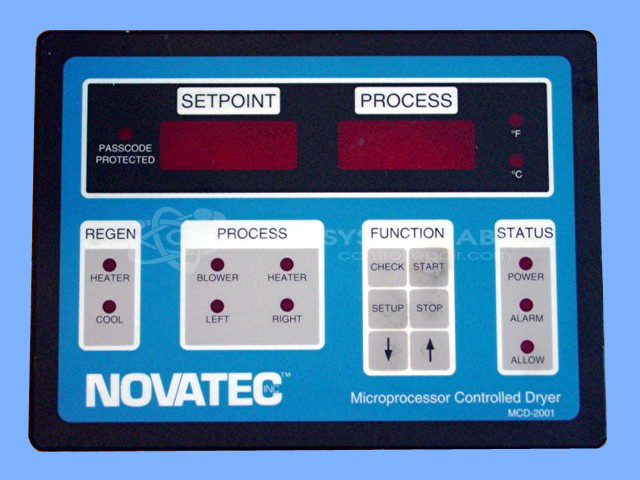
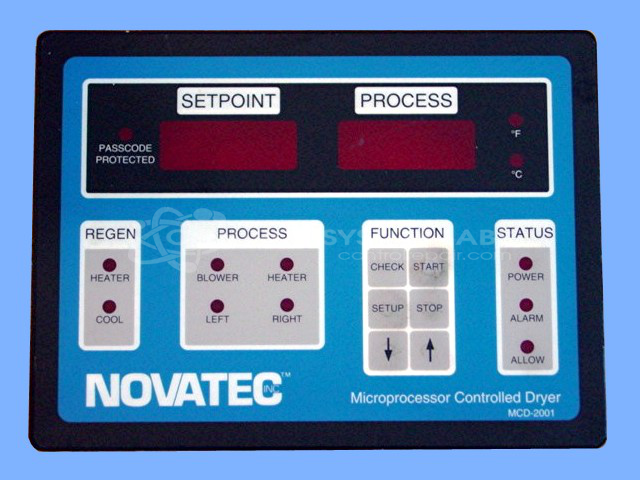
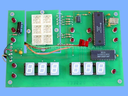
Product Overview: The MCD-2001 is a dryer control panel with integrated display manufactured by Novatec. It monitors and controls drying operations using thermocouple temperature feedback and provides operator interface through physical run/stop buttons and an onboard display. This panel is compatible with Novatec's MCD-2000 series architecture and typically controls industrial dryers in plastics processing, material handling, and manufacturing environments requiring precise temperature regulation and process monitoring.
Category: Operator & Control Panels
Manufacturer: Novatec
Manufacturer Part Number: MCD-2001
Also Known As(AKA): MCD-2001 CONTROL
Common Failures
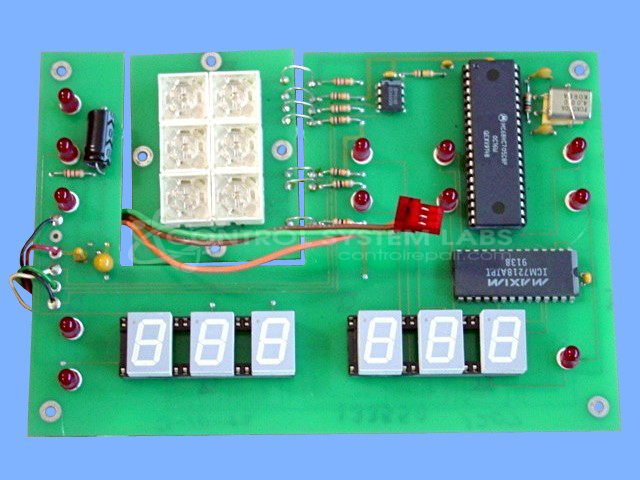
Customers often report alarms for no thermocouple detection. This can be due to customer thermocouple probes or internal component issues. Defective capacitors with high equivalent series resistance (ESR) have been identified as a common component failure.
Repair Approach
We replace defective capacitors and perform diagnostic testing using internal thermocouple probes to verify proper operation. When issues are detected with customer-supplied thermocouples, we can identify and resolve issues such as poor crimp connections.
Testing & Quality
Each repaired unit undergoes a burn-in test with load to verify functionality. These tests include feedback from thermocouples and are observed by qualified personnel.
Service and repair your broken Novatec part
We can repair your Novatec model MCD-2001 in our facility. Let our skilled technicians get your Novatec back in operation quickly.
Step 1 - Click the green 'Repair Now' button above to add the part and then complete the RMA.
Step 2 - The RMA form will be sent to you via email. Print the RMA form and put it in a box with the item(s) for repair.
Step 3 - Ship or mail the box to the address listed on the RMA.
Once the user has seen at least one product this snippet will be visible.