



Repair
Repair Price: $ 1,364.00
Purchase
CSL Part Number: 82102
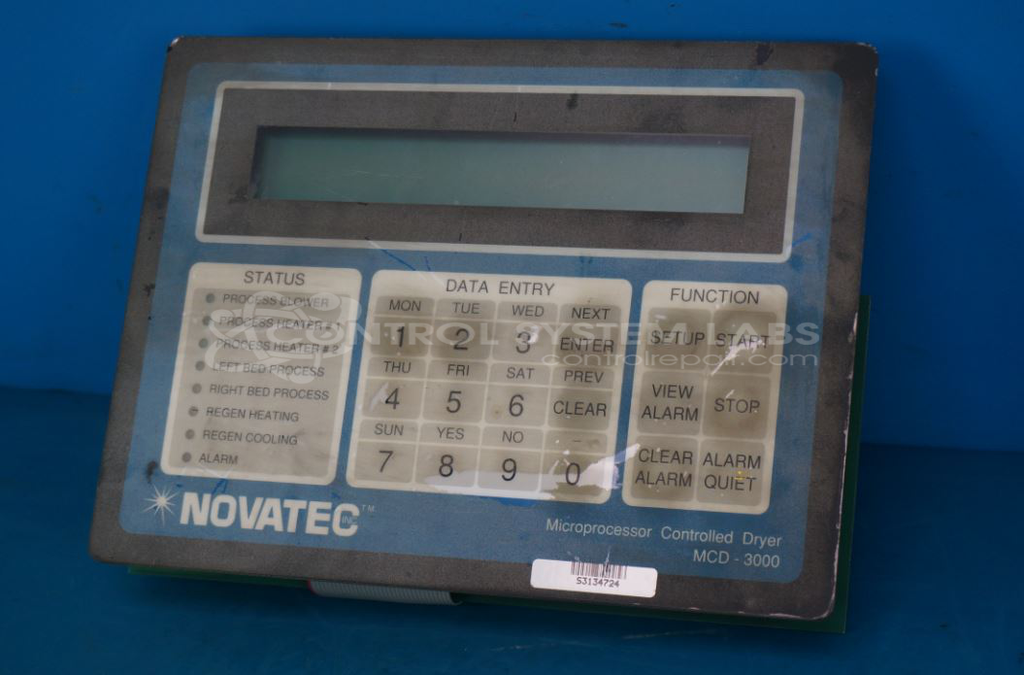
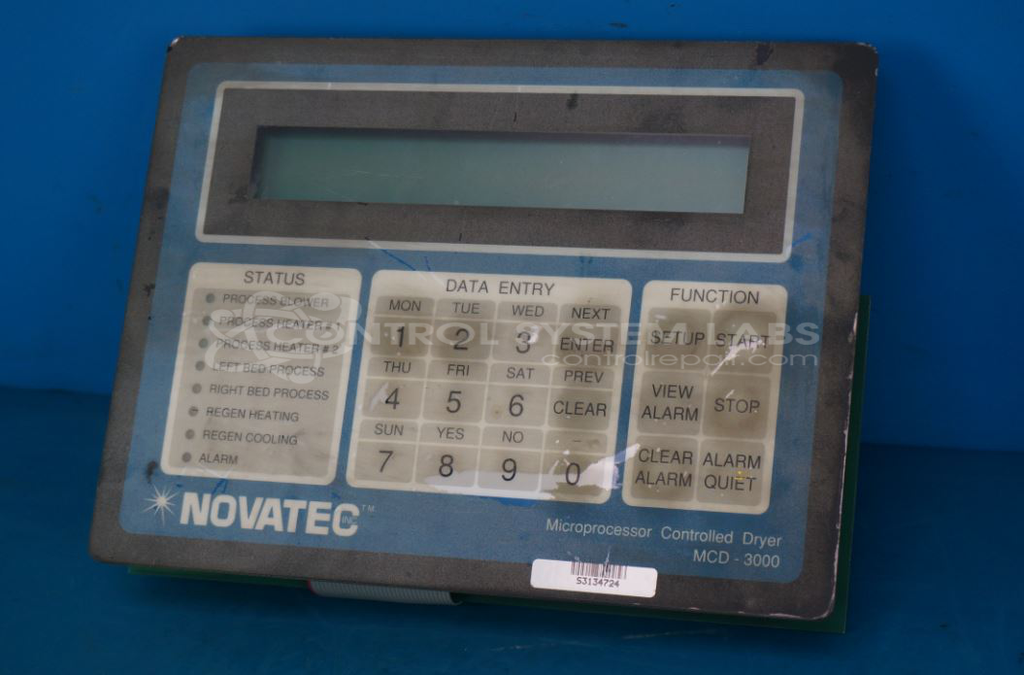
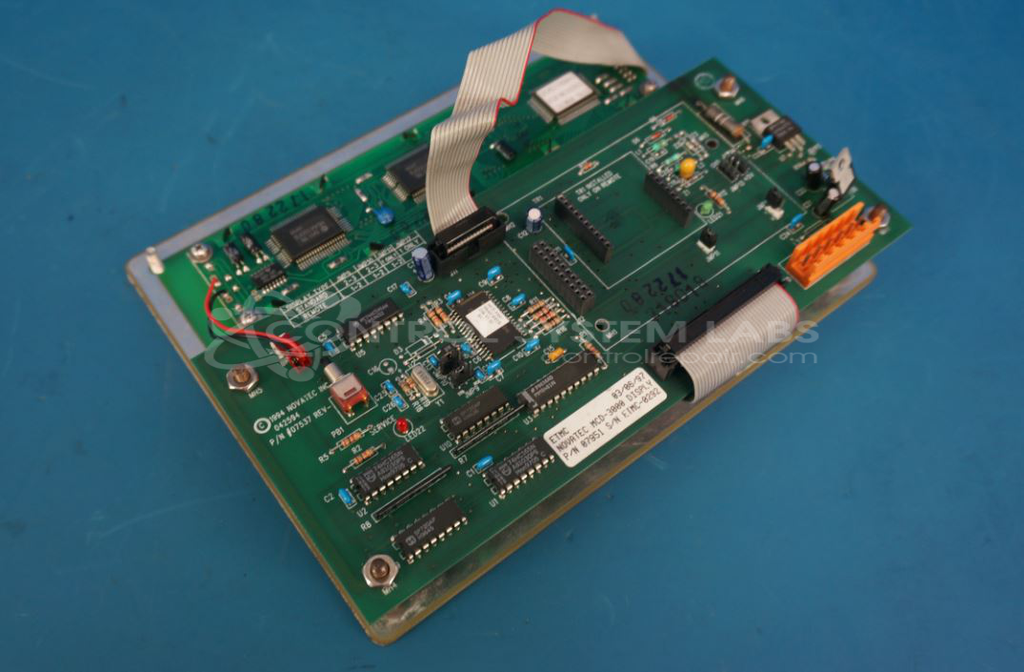
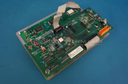
Product Overview: The MCD-3000 is an operator panel and driver assembly used in Novatec industrial dryers. It combines a display interface with driver board circuitry to provide user control and monitoring of dryer functions. The assembly (07951) includes the operator panel and driver board (07537), which manages display output and processes keypad inputs. Common in plastics processing and material drying applications, it enables temperature control, timer settings, and system status monitoring for drying equipment.
Category: Operator Interface
Manufacturer: Novatec
Manufacturer Part Number: MCD-3000
Series: MCD-3000 Dryer
Also Known As(AKA): 07951 with 07537
07951 is the entire assembly, 07537 is the driver board
Common Failures
Common issues reported with this product include non-functional displays and visible component damage. These issues are often related to component wear or failure over time.
Repair Approach
Our repair process typically involves component-level evaluation and replacement of failed parts as needed. Any associated circuit board damage is also addressed during the repair process.
Testing & Quality
After repairs are completed, the product undergoes functional testing to verify proper operation. Key functions such as the keypad and display are tested to confirm functionality. Each unit is evaluated to ensure that repair work meets CSL quality standards.
Service and repair your broken Novatec part
We can repair your Novatec model MCD-3000 in our facility. Let our skilled technicians get your Novatec back in operation quickly.
Step 1 - Click the green 'Repair Now' button above to add the part and then complete the RMA.
Step 2 - The RMA form will be sent to you via email. Print the RMA form and put it in a box with the item(s) for repair.
Step 3 - Ship or mail the box to the address listed on the RMA.
Once the user has seen at least one product this snippet will be visible.