



Repair
Repair Price: $ 1,768.00
Purchase
CSL Part Number: 105987
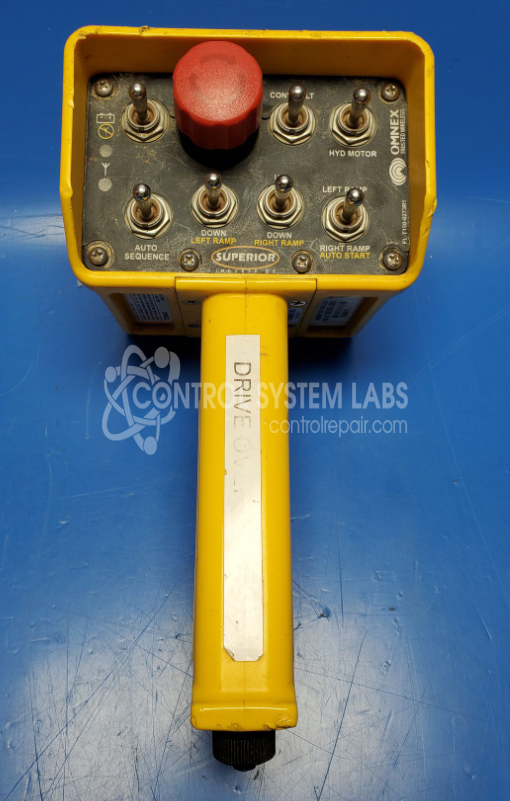
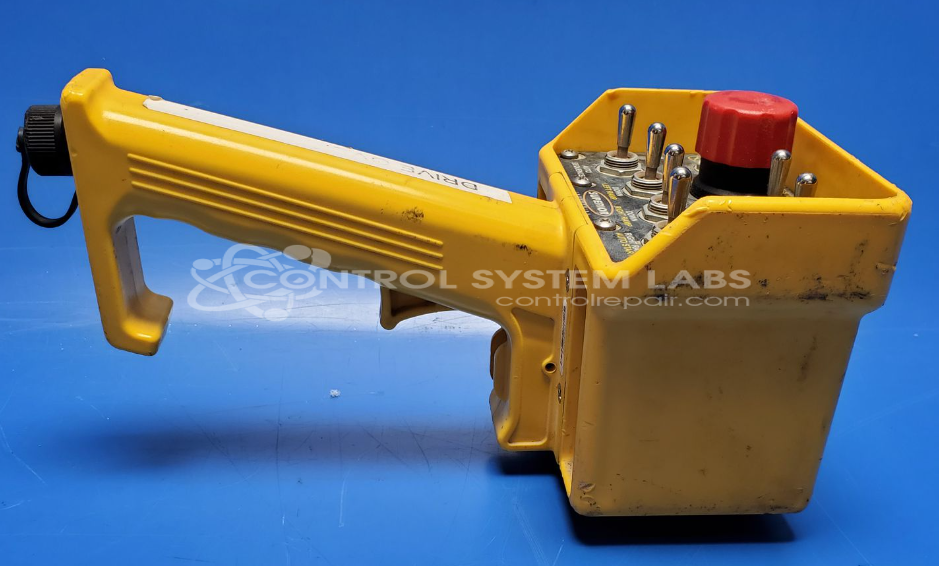
Product Overview: The T150 is a wireless handheld transmitter manufactured by Omnex for remote control of industrial equipment. It communicates with compatible receivers to operate machinery from a distance. Common applications include conveyors, cranes, and material handling systems. The unit features multiple switches and toggles for multi-function control, housed in a portable case with internal battery power. The internal circuit board is typically potted in protective compound to shield electronics from environmental exposure in industrial settings.
Category: Transmitter
Manufacturer: Omnex
Manufacturer Part Number: FW-T150A-12-01-A-0030R01
Series: T150 Handheld Remote Controller
Also Known As(AKA): ASSY-2242-58
Whether it's a broken switch, no communication, remote doesn't connect, broken case, or intermittent operation, or if it's been run over by a truck, send us your remote and we'll have you communicating. The repair price listed on the website is the normal repair price. After we receive the unit, it will be evaluated and a repair price will be quoted based on the expected repairs required. The repair price can be significantly greater if the control board needs to be extracted from the potting compound.
Common Failures
Units may experience issues such as unresponsiveness or errors when linking to receivers. These problems can be caused by environmental exposure, internal component faults, or damage to circuit boards from corrosion and moisture.
Repair Approach
Repairs may involve cleaning corrosion, accessing and replacing faulty or corroded components, and restoring protective materials to help prevent future issues. Our technicians perform diagnostic testing to evaluate customer-reported concerns and determine the appropriate repair steps.
Testing & Quality
After repairs are completed, testing is conducted to validate functionality. This may include operational testing to confirm stable performance before the unit is returned.
Service and repair your broken Omnex part
We can repair your Omnex model FW-T150A-12-01-A-0030R01 in our facility. Let our skilled technicians get your Omnex back in operation quickly.
Step 1 - Click the green 'Repair Now' button above to add the part and then complete the RMA.
Step 2 - The RMA form will be sent to you via email. Print the RMA form and put it in a box with the item(s) for repair.
Step 3 - Ship or mail the box to the address listed on the RMA.
Once the user has seen at least one product this snippet will be visible.