




Repair
Repair Price: $ 1,894.00
Purchase
CSL Part Number: 121187
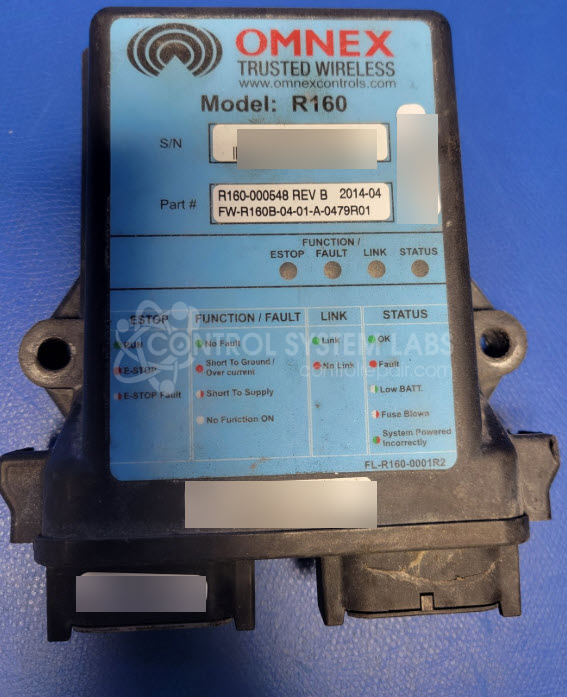
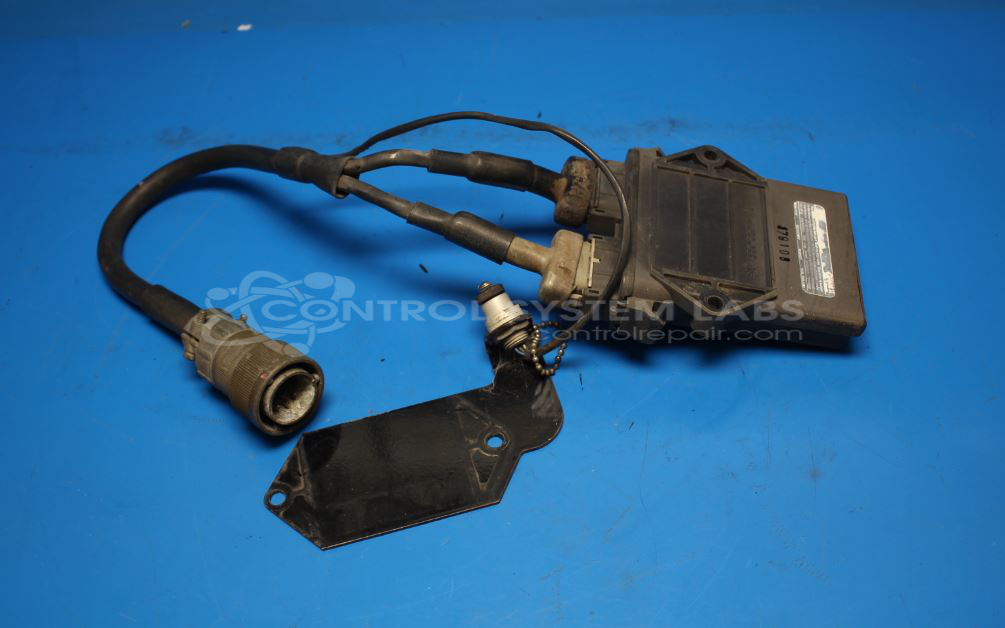
Product Overview: The Omnex R160 Trusted Wireless Control Receiver is an industrial radio control receiver designed for remote operation of mobile equipment such as cranes, conveyors, and specialized machinery. It pairs wirelessly with compatible Omnex transmitters (T110, T150, T300 series) to control multiple outputs including hydraulic functions, winches, booms, and auxiliary equipment. The receiver provides configurable digital and proportional outputs, requires external 12-24VDC power, and includes built-in safety features like E-stop circuits and fault detection for overcurrent or short conditions.
Category: Receiver
Manufacturer: Omnex
Manufacturer Part Number: R160-000548
Series: R160 Receiver
Also Known As(AKA): R160
Whether it's a broken switch, no communication, remote doesn't connect, broken case, or intermittent operation, send us your receiver and we'll have you communicating. Send In with your transmitter/remote to fully test.
Common Failures
Typical issues observed include communication problems, components damaged by physical impact or environmental factors such as corrosion and water ingress, and power-related faults. Common symptoms include e-stop light issues and non-responsive outputs.
Repair Approach
Repairs may involve component replacement, cleaning, and resealing to address environmental damage. Some units may require firmware updates or reprogramming by the original equipment manufacturer when internal firmware is outdated.
Testing & Quality
Units undergo testing including communication checks, functional tests of outputs and inputs, and burn-in tests. Verification is performed to confirm the unit meets functional expectations. Repairs are finalized with quality checks to confirm restored functionality and communication capabilities.
Service and repair your broken Omnex part
We can repair your Omnex model R160-000548 in our facility. Let our skilled technicians get your Omnex back in operation quickly.
Step 1 - Click the green 'Repair Now' button above to add the part and then complete the RMA.
Step 2 - The RMA form will be sent to you via email. Print the RMA form and put it in a box with the item(s) for repair.
Step 3 - Ship or mail the box to the address listed on the RMA.
Once the user has seen at least one product this snippet will be visible.