



Repair
Repair Price: $ 1,894.00
Purchase
CSL Part Number: 100039
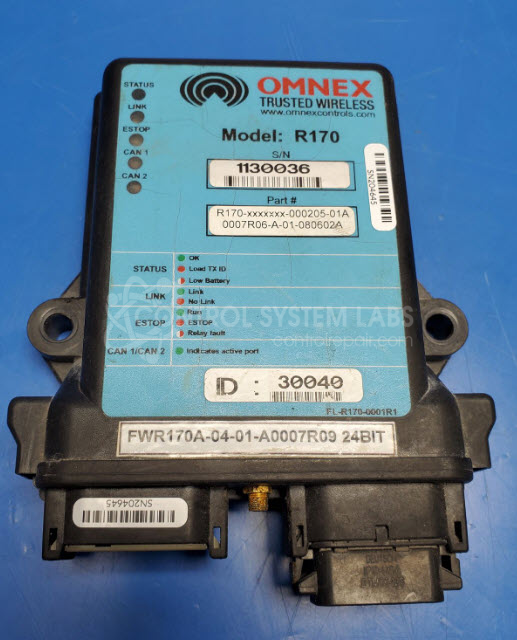
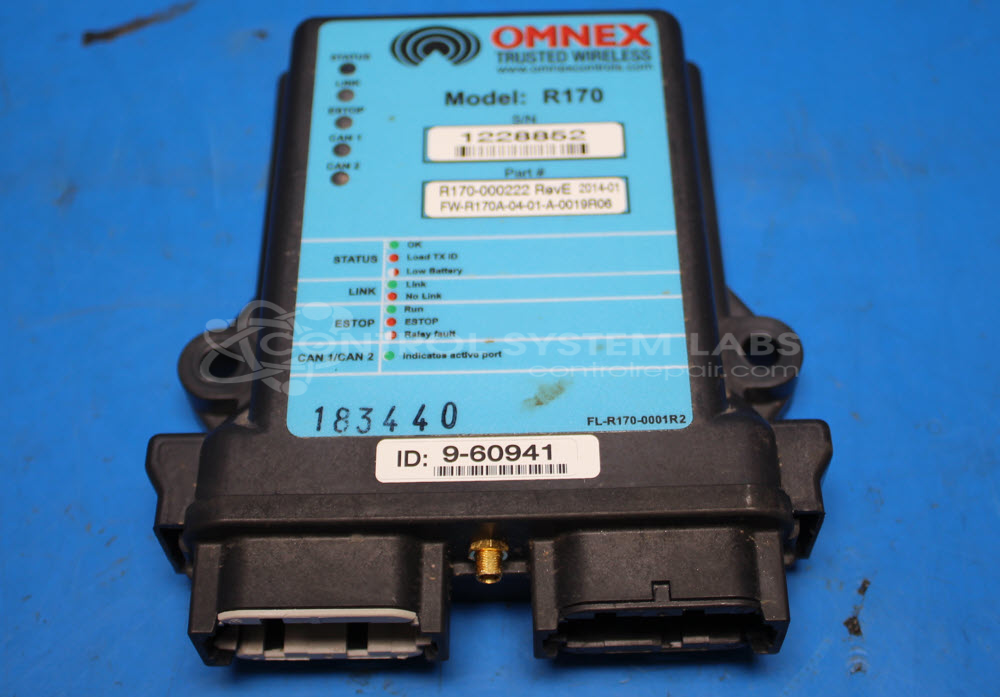
Product Overview: The Omnex R170 Trusted Wireless Remote Receiver is designed for secure, reliable wireless communication in industrial settings. It is part of the R170 series and facilitates signal reception from paired transmitters. Commonly used in remote control applications, it supports operations in equipment requiring wireless communication. Known for its capability of handling CAN messages, it features seamless integration with existing systems, becoming essential in complex wireless communications setups.
Category: Receiver
Manufacturer: Omnex
Manufacturer Part Number: R170-000205-01A
Series: R170 Receiver
Must send in matched/paired transmitter for full system normal repair test. Limited repair and no warranty on work done without this.
Common Failures
Customers have reported issues with wireless connectivity, specifically that the device does not link wirelessly with newer transmitters. Some units have also been received for power verification and proper function confirmation.
Repair Approach
In cases where the device is not linking wirelessly, it may be due to outdated firmware that does not support newer 24-bit ID transmitter setups. These situations typically require reprogramming. For such instances, further service by the original manufacturer may be necessary.
Testing & Quality
Each unit receives comprehensive power-up and communication tests to verify proper operation before return. Units undergoing a verification process are tested for acknowledgment of interfacing switches and potentiometers to confirm operational integrity when properly linked.
Repair your broken Omnex part
We can repair your Omnex model R170-000205-01A .
Please note: our repair turnaround time may be longer than our standard lead times for this item.
Step 1 -
Click the green button above, "Repair Now," and add to your RMA.
Step 2 -
Print the RMA form that is emailed to you, and put it in a box with the parts for repair.
Step 3 -
Mail the box to the address on the RMA.
You will be sent an authorization for repair via email. Your approval is needed before any work is started.
Once the user has seen at least one product this snippet will be visible.