



Repair
Repair Price: $ 984.00
Purchase
CSL Part Number: 86370
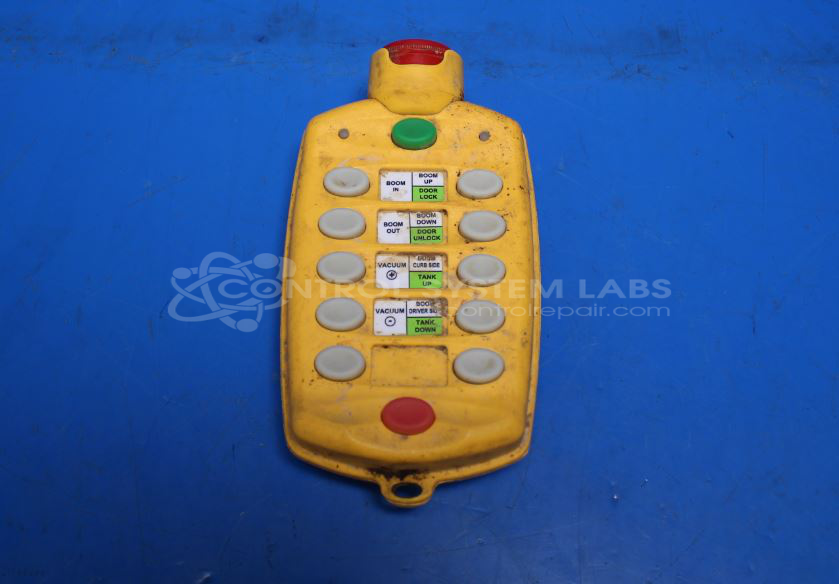
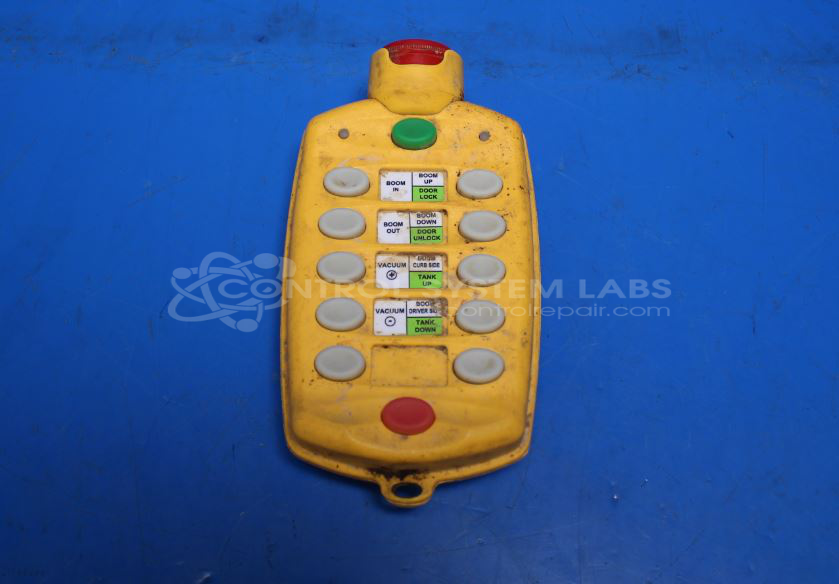
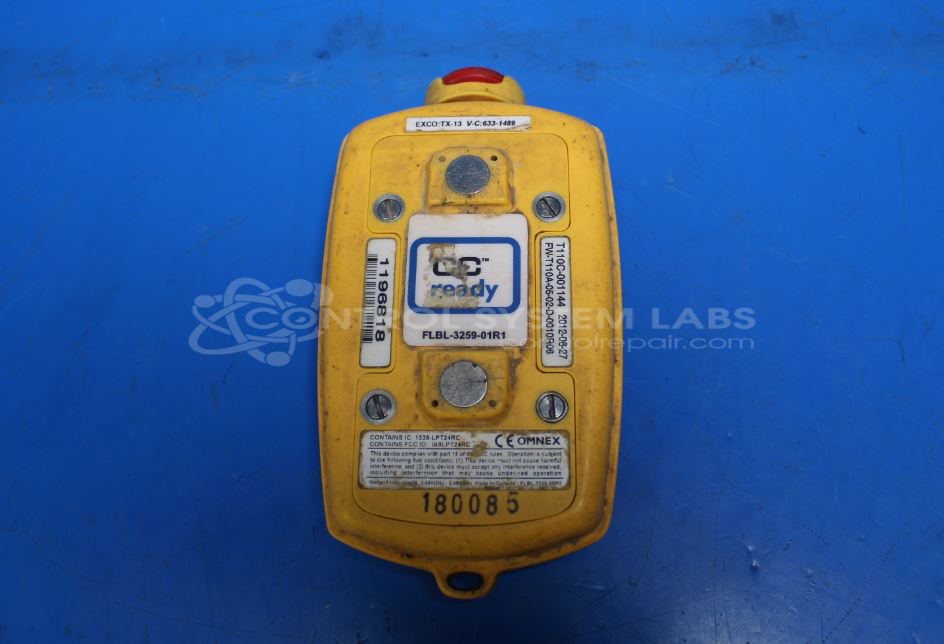
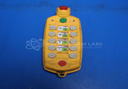
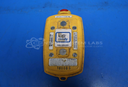
Product Overview: The T110C is a handheld radio remote control transmitter manufactured by Omnex (also sold under the EATON brand) used for wireless control of industrial equipment. It wirelessly communicates with compatible R170 series receivers to operate machinery from a distance. This transmitter is commonly deployed on hydro excavation units and similar mobile equipment where an operator needs remote control capability. The device features multiple control buttons including an emergency stop function and uses radio frequency transmission to send command signals to the receiver unit mounted on the equipment.
Category: Transmitter
Manufacturer: Omnex
Alternate Manufacturer Names: EATON
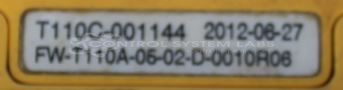
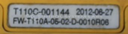
Manufacturer Part Number: T110C-001144
Series: T110 Handheld Remote
Also Known As(AKA): T110
Other Synonyms: EATON
Common Failures
One common issue involves the E-stop switch, which may exhibit steady flashing lights when any button is pressed. This can occur when the E-stop spring becomes bent or falls out of position.
Repair Approach
The typical repair approach involves re-tensioning the E-stop leaf switch to restore functionality. Replacement of the metal leaf or modification of the design is generally not practical. We recommend handling the E-stop carefully to help prevent future issues.
Testing & Quality
After repairs, communication functionality with the receiver is verified to confirm compatibility. The unit undergoes thorough testing to confirm restoration of E-stop button function.
Service and repair your broken Omnex part
We can repair your Omnex model T110C-001144 in our facility. Let our skilled technicians get your Omnex back in operation quickly.
Step 1 - Click the green 'Repair Now' button above to add the part and then complete the RMA.
Step 2 - The RMA form will be sent to you via email. Print the RMA form and put it in a box with the item(s) for repair.
Step 3 - Ship or mail the box to the address listed on the RMA.
Once the user has seen at least one product this snippet will be visible.