



Repair
Repair Price: $ 1,768.00
Purchase
CSL Part Number: 86530
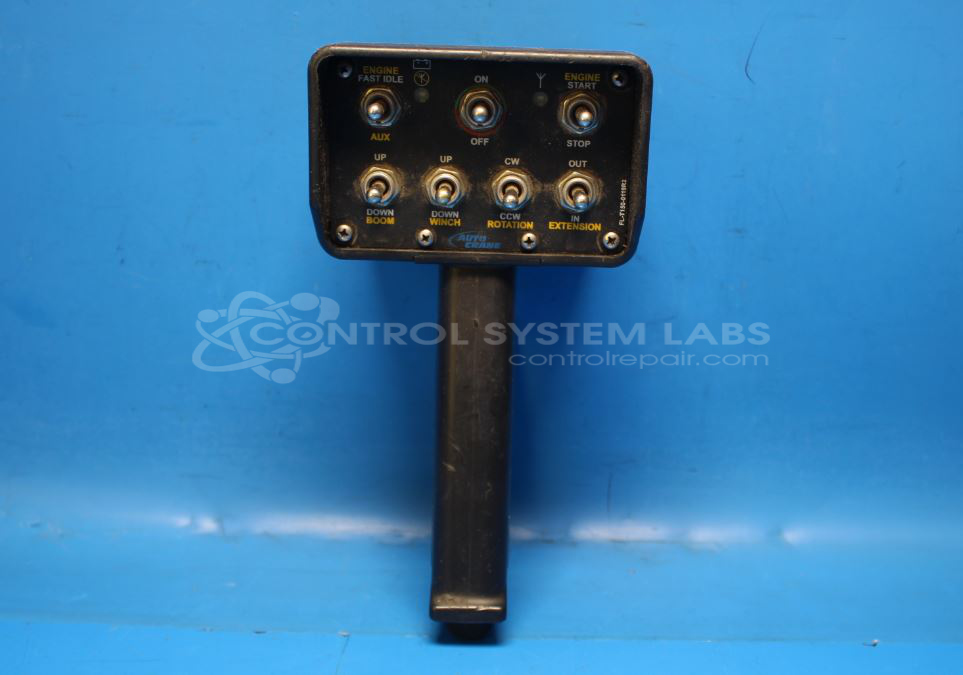
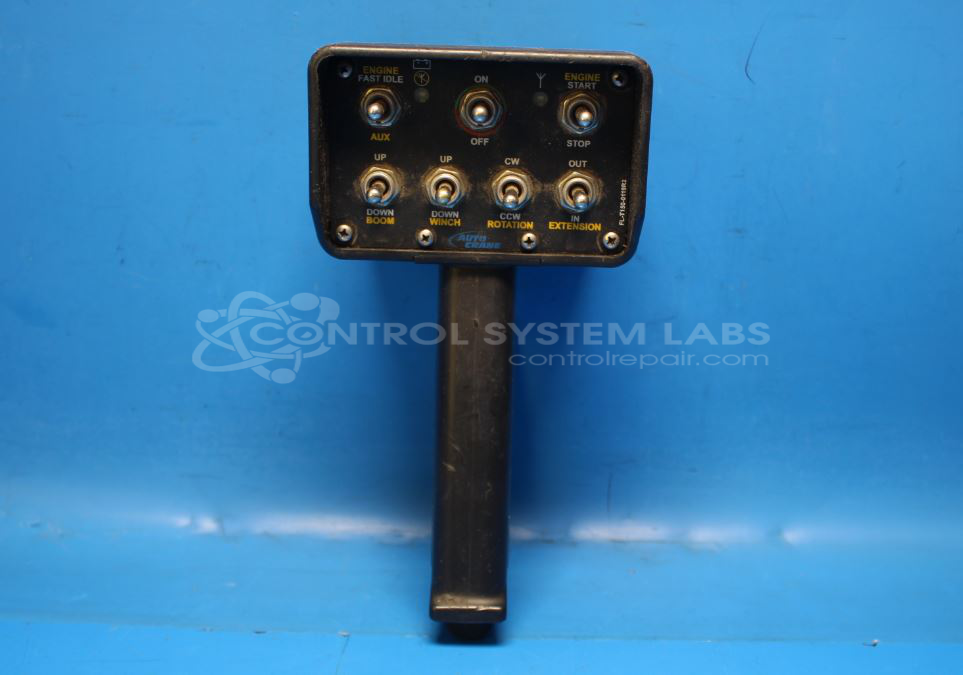
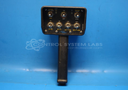
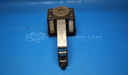
Product Overview: The T150 is a handheld wireless remote controller manufactured by Omnex that transmits radio frequency signals in the 900-930 MHz range to control industrial equipment. It features multiple toggle switches and a trigger button to command functions such as winch operation, boom movement, extension, and rotation on cranes and similar machinery. The unit operates on AA batteries and communicates with compatible receivers like the R170. It is commonly used in mobile crane, hoist, and material handling applications where operators need portable wireless control of hydraulic or electric functions.
Category: Transmitter
Manufacturer: Omnex
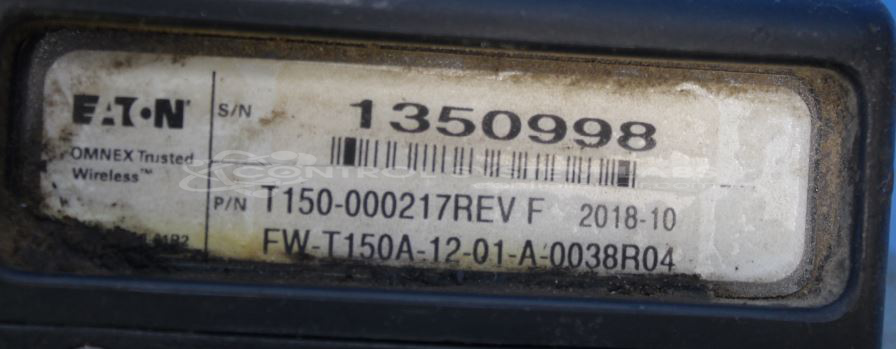
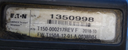
Manufacturer Part Number: T150-000217 Rev F
Series: T150 Handheld Remote Controller
Also Known As(AKA): T150
Whether it's a broken switch, no communication, remote doesn't connect, broken case, or intermittent operation, send us your remote and we'll have you communicating.
Common Failures
Units received for evaluation have exhibited various conditions, including physical damage from impacts, non-operation following battery depletion, and specific function concerns such as inoperative trigger buttons or incomplete operations like Boom Down and Rotate.
Repair Approach
Common repair solutions have included replacing damaged switches, addressing corroded harnesses and defective diodes, and conducting comprehensive diagnostic testing. In some cases, units have been found to function correctly upon evaluation without additional repair work required.
Testing & Quality
Units undergo testing to verify operational performance, including switch registration and RF output verification. Testing confirms whether units meet functional specifications following evaluation and any completed repair work.
Service and repair your broken Omnex part
We can repair your Omnex model T150-000217 Rev F in our facility. Let our skilled technicians get your Omnex back in operation quickly.
Step 1 - Click the green 'Repair Now' button above to add the part and then complete the RMA.
Step 2 - The RMA form will be sent to you via email. Print the RMA form and put it in a box with the item(s) for repair.
Step 3 - Ship or mail the box to the address listed on the RMA.
Once the user has seen at least one product this snippet will be visible.