




Repair
Repair Price: $ 2,636.00
Purchase
CSL Part Number: 29759
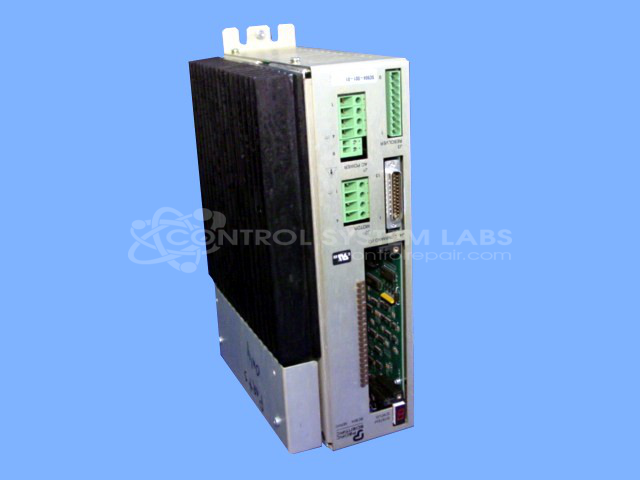
Product Overview: A 15-amp digital servo drive that controls the speed, torque, and position of brushless AC and DC servo motors. Used in industrial motion control and automation equipment, including paper-handling machinery. This base configuration ships without an option card.
Category: Servo Controls
Manufacturer: Pacific Scientific
Manufacturer Part Number: SC904-001-01 W/O OC950
Common Failures
This product has been observed to experience issues with output functionality and enable signals. Reported symptoms include incorrect status codes during power-up and status display anomalies despite verified power input.
Repair Approach
Repairs typically involve component-level evaluation and replacement targeting power supply circuits and status signaling paths. Our technicians verify DC power rails and replace components associated with the power stage and status reporting as needed. The scope of repair is determined following unit evaluation and quotation approval.
Testing & Quality
Following repair, units are tested to verify functionality. Testing may include extended run periods to confirm operational stability. All repaired units are reviewed against CSL quality standards before return to the customer.
Service and repair your broken Pacific Scientific part
We can repair your Pacific Scientific model SC904-001-01 W/O OC950 in our facility. Let our skilled technicians get your Pacific Scientific back in operation quickly.
Step 1 - Click the green 'Repair Now' button above to add the part and then complete the RMA.
Step 2 - The RMA form will be sent to you via email. Print the RMA form and put it in a box with the item(s) for repair.
Step 3 - Ship or mail the box to the address listed on the RMA.
Once the user has seen at least one product this snippet will be visible.