




Repair
Call for price
Purchase
CSL Part Number: 53234
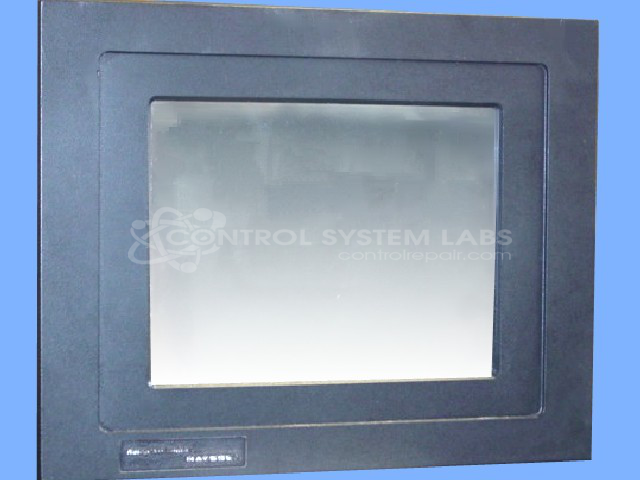
Product Overview: An industrial operator interface combining a touchscreen HMI with an onboard PC-based control platform. It provides machine monitoring, operator input, and process visualization for automation and production equipment. Features a resistive touchscreen, backlit display, flash-card storage, and serial communication ports (RS232/RS485) for PLC connectivity.
Category: Operator & Control Panels
Manufacturer: Parker Automation
Manufacturer Part Number: P21-2C2-A5-1D3
Also Known As(AKA): CTC-P2 FOR MANUAL
Common Failures
This product may experience issues including unresponsive touchscreen areas, dim displays, noisy fans, and software conflicts that can impact functionality. Cracked bezels and touchscreen calibration issues have also been observed in units received for evaluation.
Repair Approach
Repairs may involve the replacement of defective components such as the touchscreen, backlights, and fans. For dim displays, backlight replacement has addressed the issue in prior repairs. Touchscreen calibration issues have sometimes been resolved through touchscreen replacement. Software updates may address certain touchscreen initialization concerns. Each unit is evaluated to determine the appropriate repair approach, and a quotation is provided before work begins.
Testing & Quality
Units are tested following repair to verify functionality of the touchscreen, display brightness, and overall performance. In some cases, customer-specific software may need to be reloaded after servicing.
Service and repair your broken Parker Automation part
We can repair your Parker Automation model P21-2C2-A5-1D3 in our facility. Let our skilled technicians get your Parker Automation back in operation quickly.
Step 1 - Click the green 'Repair Now' button above to add the part and then complete the RMA.
Step 2 - The RMA form will be sent to you via email. Print the RMA form and put it in a box with the item(s) for repair.
Step 3 - Ship or mail the box to the address listed on the RMA.
Once the user has seen at least one product this snippet will be visible.