



Repair
Repair Price: $ 3,552.00
Purchase
CSL Part Number: 87125
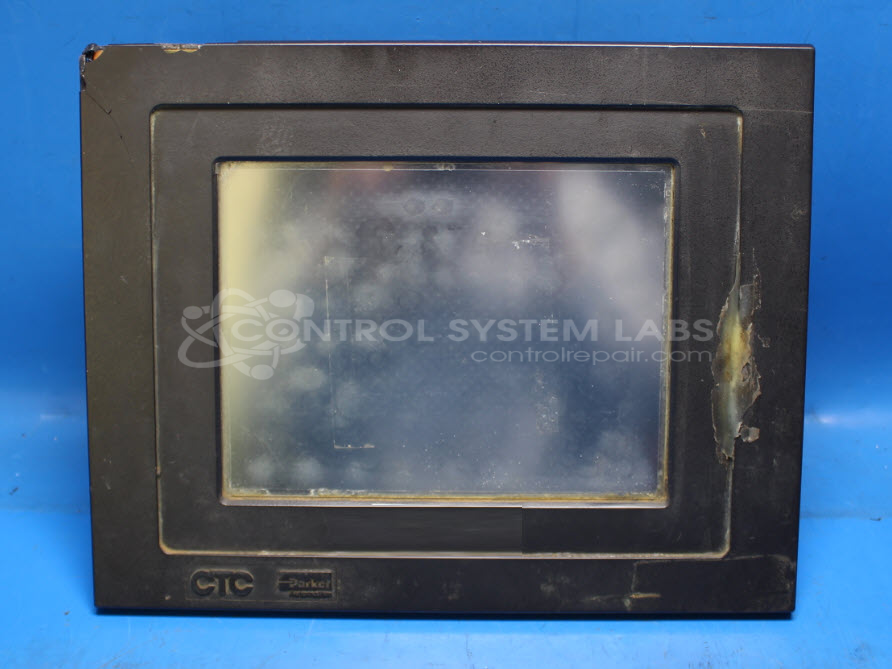
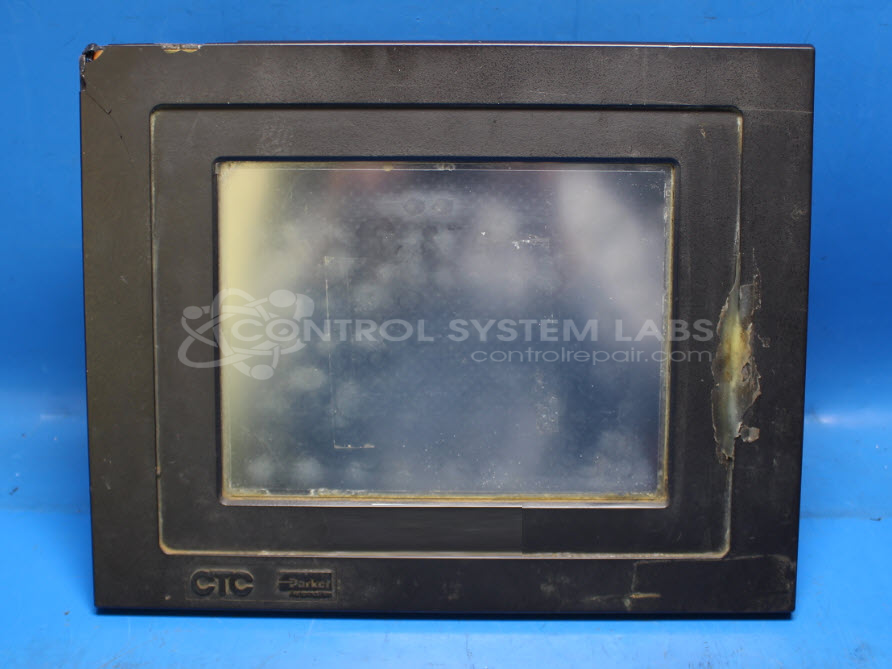
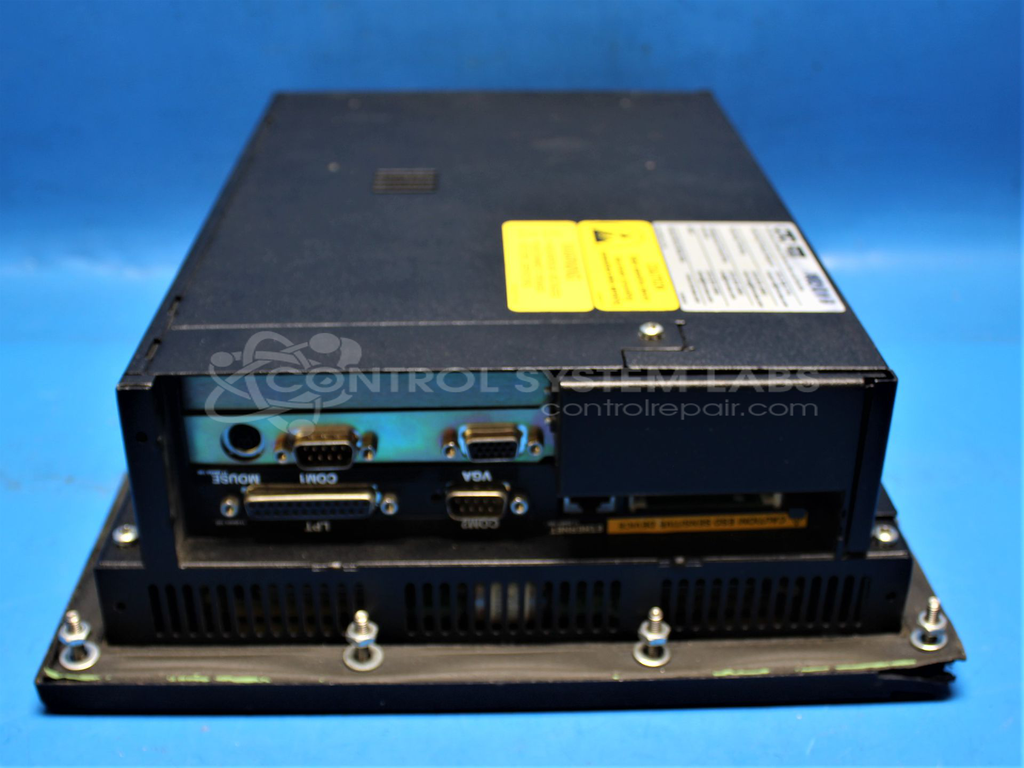
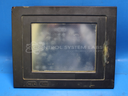
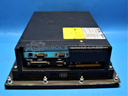
Product Overview: The CTC Touchscreen Powerstation is a human-machine interface panel manufactured by Parker Automation for industrial control applications. It combines a touchscreen display with integrated power distribution and control circuitry in a single unit. This operator interface is typically used in manufacturing automation, packaging machinery, and process control systems where operators need visual monitoring and control capabilities. The P21 series features a compact design suitable for panel mounting in control cabinets or machine-mounted applications.
Category: Operator & Control Panels
Manufacturer: Parker Automation
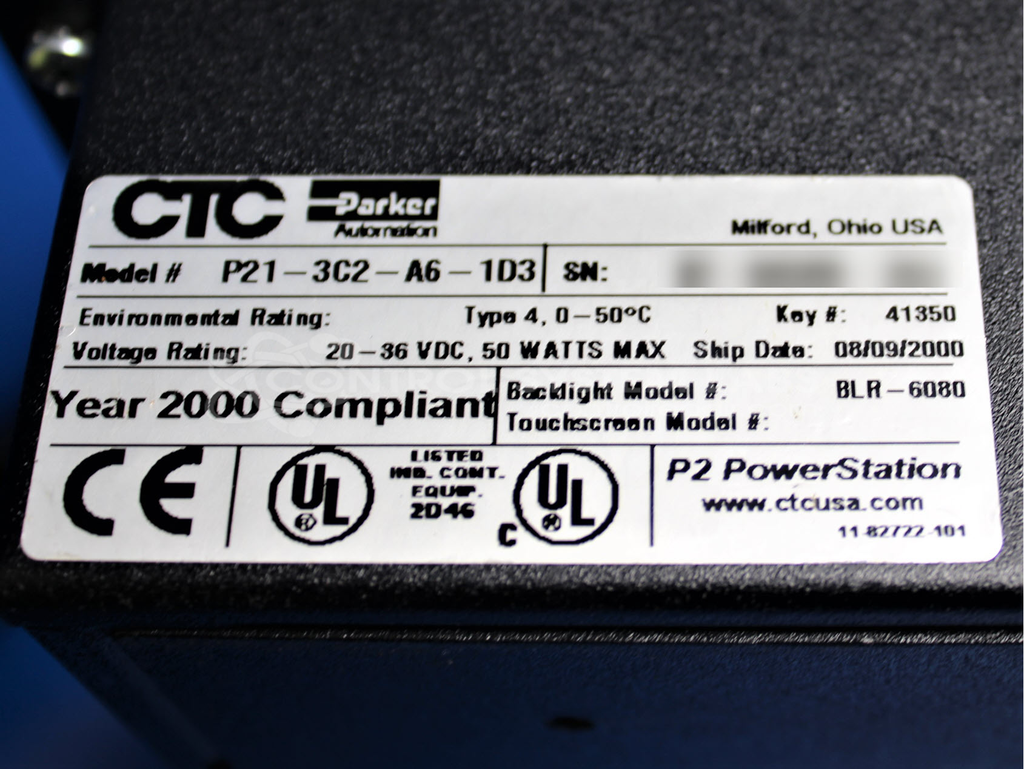
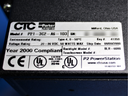
Manufacturer Part Number: P21-3C2-A6-1D3
Common Failures
Issues with this product may involve defective components, particularly semiconductors. Observed failures can include short circuits that may occur between board layers. In some cases, heat distribution across the board can make it difficult to identify the exact source of the failure during initial inspection.
Repair Approach
Our evaluation process includes verifying the condition of components such as fuses, capacitors, semiconductors, and coils to identify shorts and defective parts. Technicians may employ diagnostic methods including thermal testing to locate potential issues. Once the unit is received and reviewed, we can provide a quotation before any repair work begins.
Repair your broken Parker Automation part
We can repair your Parker Automation model P21-3C2-A6-1D3 .
Please note: our repair turnaround time may be longer than our standard lead times for this item.
Step 1 -
Click the green button above, "Repair Now," and add to your RMA.
Step 2 -
Print the RMA form that is emailed to you, and put it in a box with the parts for repair.
Step 3 -
Mail the box to the address on the RMA.
You will be sent an authorization for repair via email. Your approval is needed before any work is started.
Once the user has seen at least one product this snippet will be visible.