



Repair
Repair Price: $ 1,994.00
Purchase
CSL Part Number: 87687
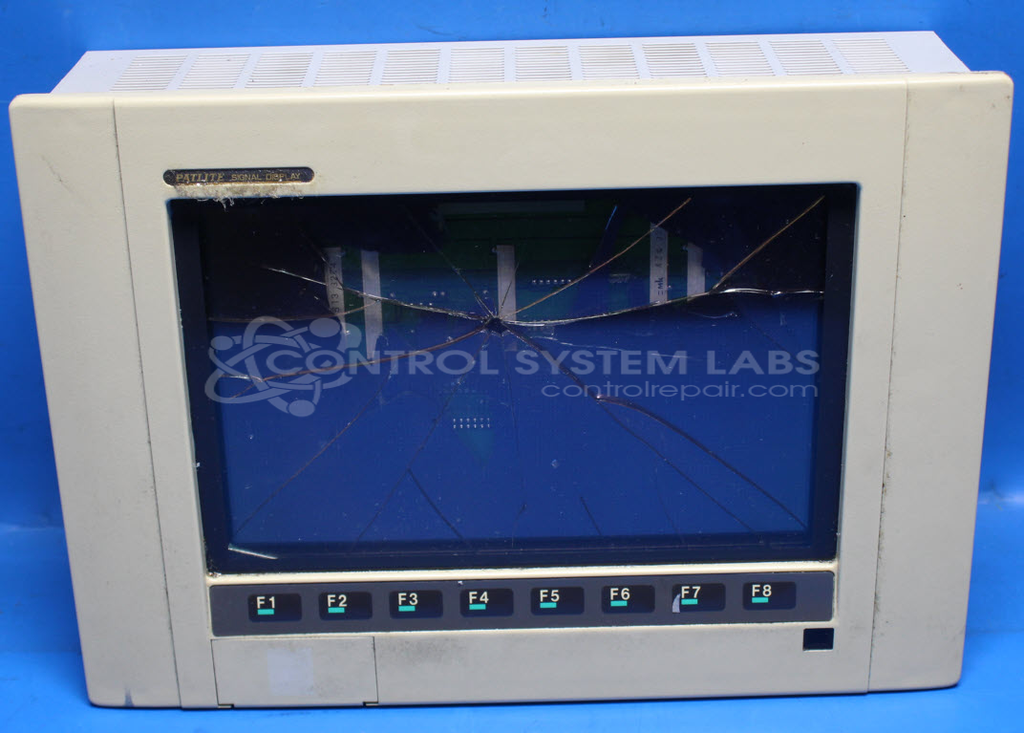
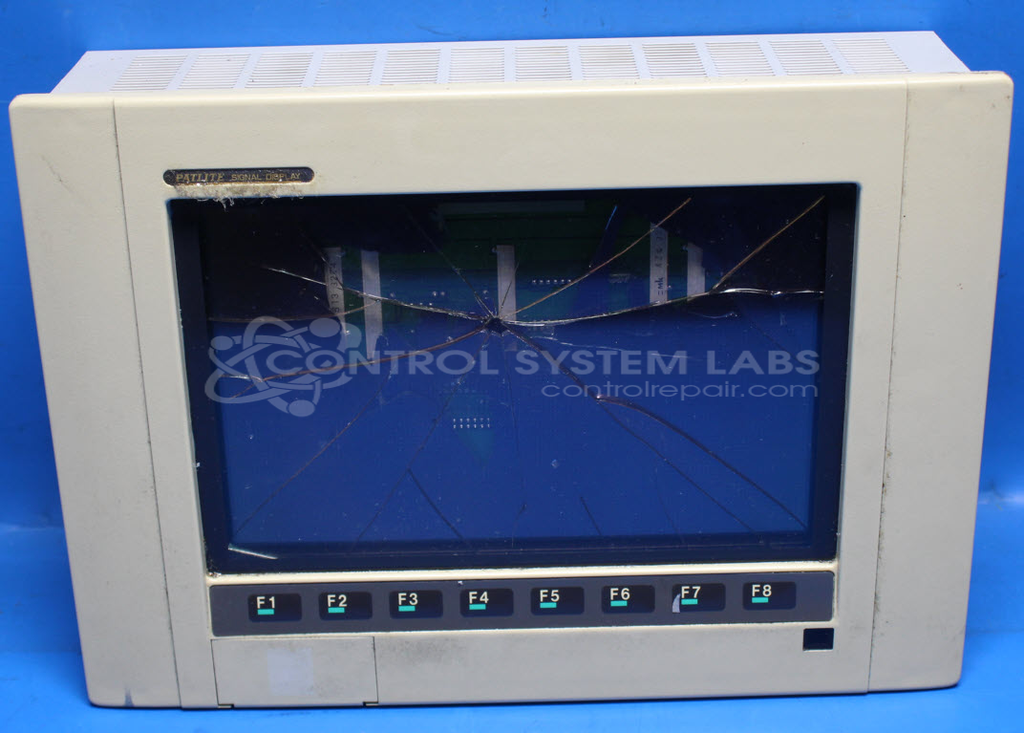
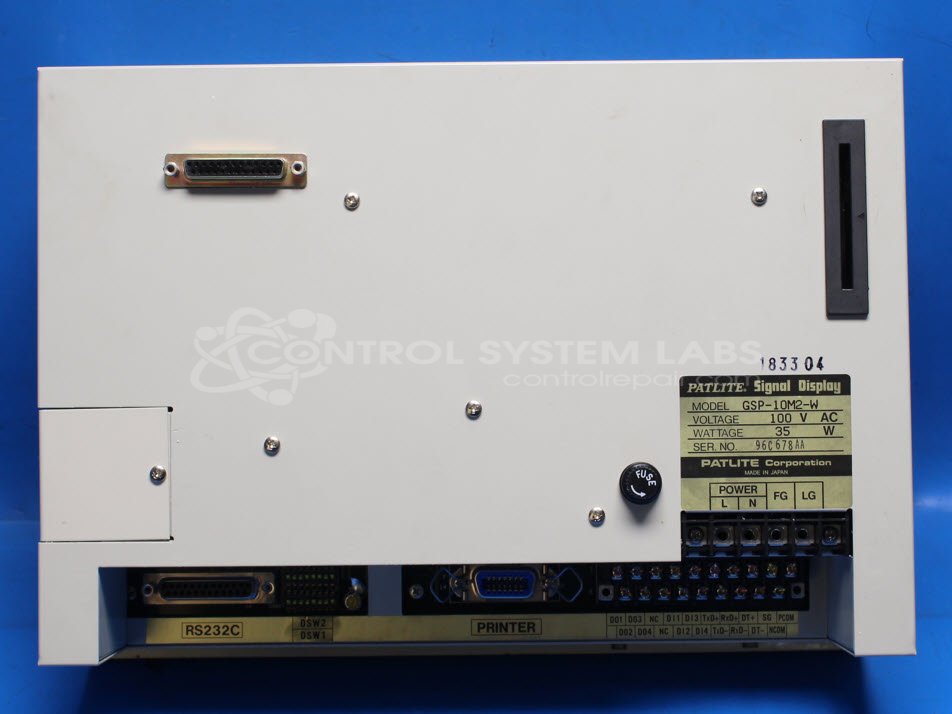
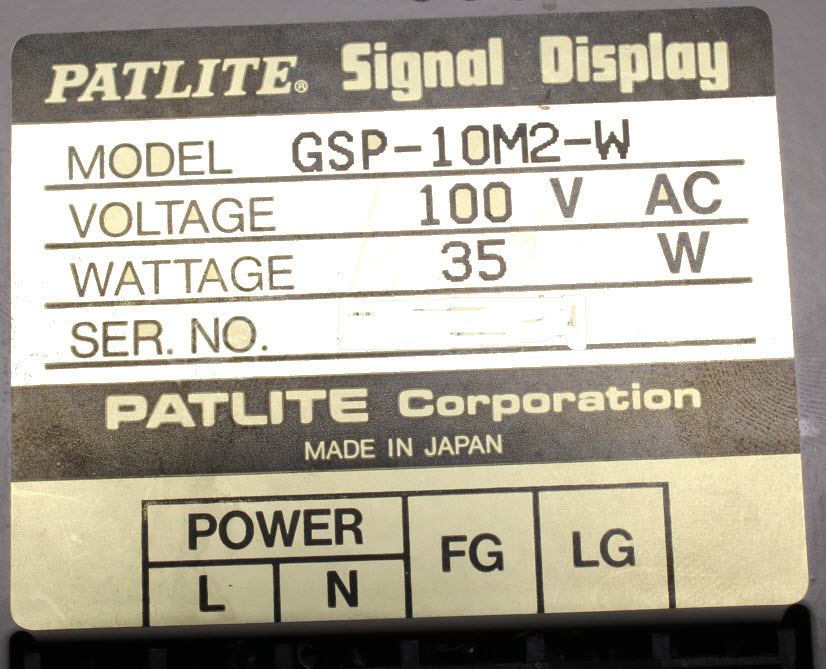
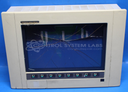
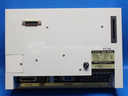
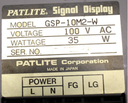
Product Overview: The Patlite GSP-10M2-W is an industrial signal display panel featuring a Fujitsu plasma display screen (Model FPF8050HRUC-001). Operating at 100V, it serves as a visual interface for process monitoring and operator communication in manufacturing and industrial automation environments. The unit includes keypad functionality and integrated power supply circuitry supporting multiple DC voltage rails. This display panel is commonly used in production lines and control systems where real-time status indication and user interaction are required.
Category: Display
Manufacturer: Patlite
Manufacturer Part Number: GSP-10M2-W
Standard repair price shown does not include a new display. If Display needed will be quoted additionally.
Common Failures
This product may experience issues with the screen not powering up. Potential causes can include component failures, power-related events, or component corrosion. Issues have been noted in the driver circuit affecting display functionality.
Repair Approach
The repair process may involve replacing defective components, including capacitors and MOSFETs, and repairing or replacing the display screen. In some cases, corrosion on the circuit board is addressed to restore proper function. Structural repairs such as fixing broken corners of the unit may also be performed using appropriate adhesives.
Testing & Quality
Repairs undergo testing, which includes display and keypad functionality checks, as well as burn-in tests to evaluate stability and performance. These measures are taken to confirm that the device is functioning properly before it is returned.
Repair your broken Patlite part
We can repair your Patlite model GSP-10M2-W .
Please note: our repair turnaround time may be longer than our standard lead times for this item.
Step 1 -
Click the green button above, "Repair Now," and add to your RMA.
Step 2 -
Print the RMA form that is emailed to you, and put it in a box with the parts for repair.
Step 3 -
Mail the box to the address on the RMA.
You will be sent an authorization for repair via email. Your approval is needed before any work is started.
Once the user has seen at least one product this snippet will be visible.