



Repair
Repair Price: $ 448.00
Purchase
CSL Part Number: 105371
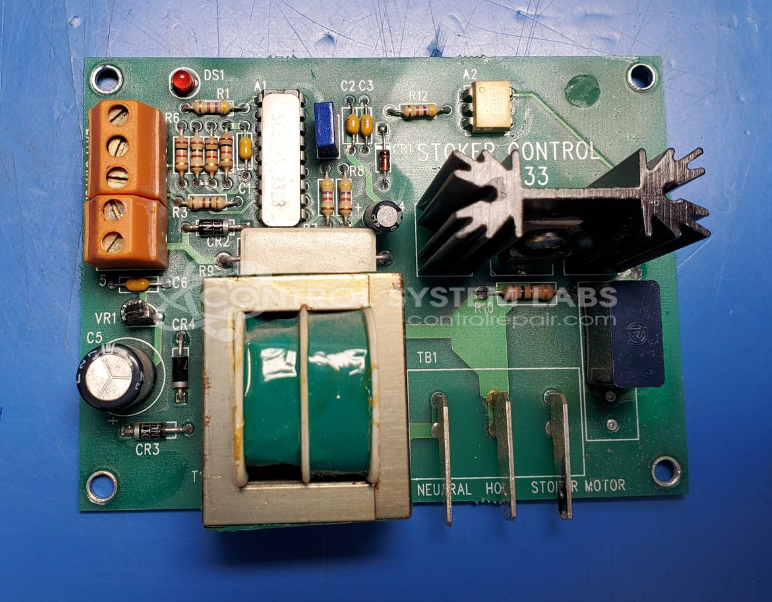
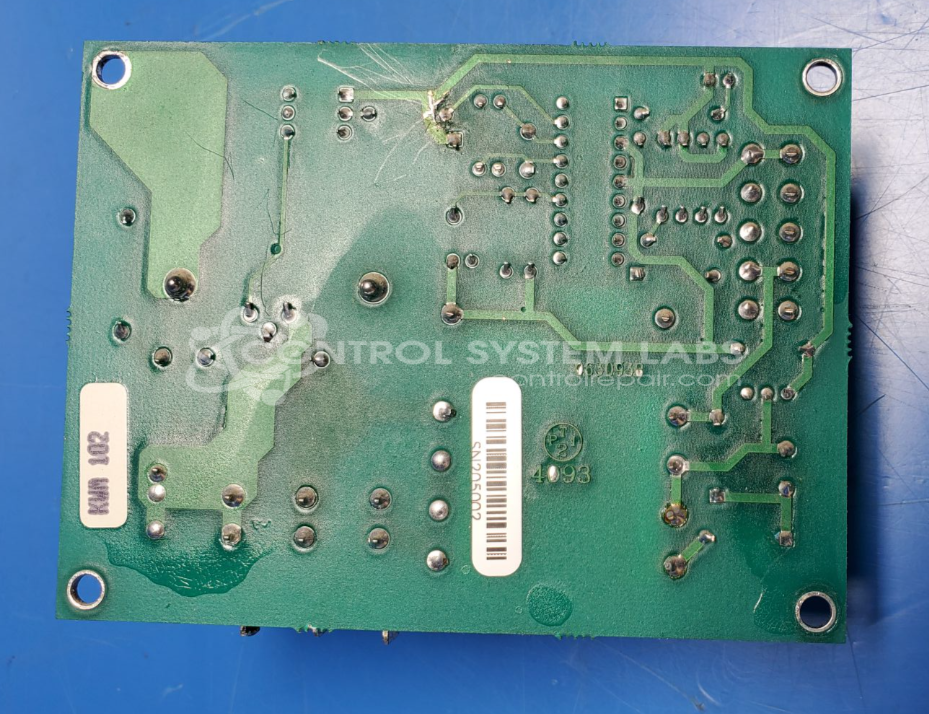
Product Overview: The Pellet Master SCS-233 is a stoker control board designed to regulate pellet feed systems in biomass heating equipment such as pellet stoves and boilers. It controls the stoker motor feed rate and firebox blower operation through triac-based switching circuits. The board includes microcontroller-based timing controls, a 5V linear voltage regulator, optocoupler isolation, and bidirectional triacs rated for 400V to manage AC loads. It provides adjustable feed rate settings for optimizing combustion in pellet-burning appliances.
Category: Control Board
Manufacturer: Pellet Master
Manufacturer Part Number: SCS-233
Please include a concise problem description and wiring diagram if available when sending in for repairs
Common Failures
Some prevalent issues with this product include stoker motor timing errors and non-functional firebox blowers. These problems are typically linked to component failures such as triacs, optocouplers, and voltage regulators. Customers may also encounter shorted connections and output issues.
Repair Approach
Repairs generally involve the replacement of faulty components such as triacs and optocouplers, as well as preventative replacement of capacitors. Diagnostic testing is performed to identify component failures and verify repairs.
Testing & Quality Assurance
Testing includes component level assessments and overall functionality verification. This includes burn-in tests to evaluate operational integrity under load conditions. Final tests are conducted after component replacement to confirm that functions such as voltage outputs perform as expected.
Service and repair your broken Pellet Master part
We can repair your Pellet Master model SCS-233 in our facility. Let our skilled technicians get your Pellet Master back in operation quickly.
Step 1 - Click the green 'Repair Now' button above to add the part and then complete the RMA.
Step 2 - The RMA form will be sent to you via email. Print the RMA form and put it in a box with the item(s) for repair.
Step 3 - Ship or mail the box to the address listed on the RMA.
Once the user has seen at least one product this snippet will be visible.