



Repair
Repair Price: $ 1,364.00
Purchase
CSL Part Number: 32973
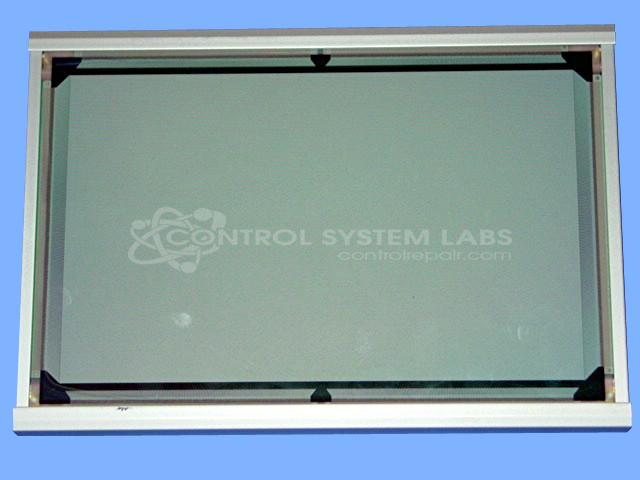
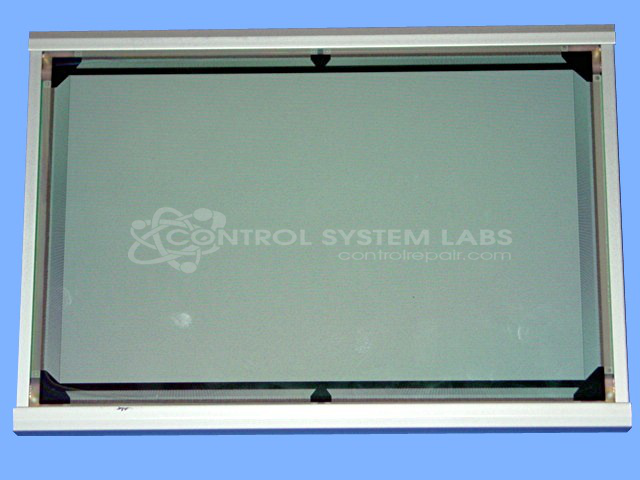
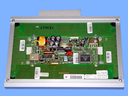
Product Overview: The EL640.400.CB1 is a 640 x 400 resolution electroluminescent (EL) flat panel display manufactured by Planar Systems. It utilizes EL technology to produce a thin, bright display suitable for industrial and embedded applications. Common uses include human-machine interfaces (HMIs), medical equipment, industrial control panels, and instrumentation where compact size, wide viewing angles, and reliable operation in harsh environments are required. The monochrome EL display offers high contrast and operates without backlighting, making it suitable for low-light conditions and applications requiring long-term durability.
Category: Display
Manufacturer: Planar Systems Inc.
Manufacturer Part Number: EL640.400.CB1
Common Failures
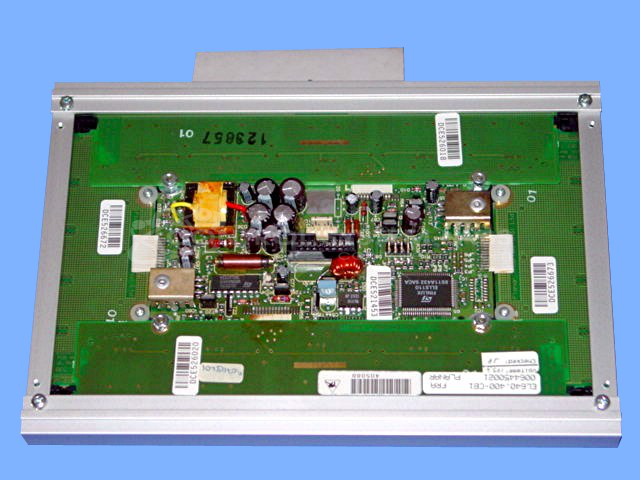
This product frequently experiences issues due to defective capacitors. Common symptoms include the device not working, often traced back to capacitors showing visible signs of failure.
Repair Approach
The repair process involves inspecting and replacing defective or aged capacitors. Additional capacitors may also be replaced as needed to support long-term reliability.
Testing & Quality
After capacitors are replaced, the product undergoes a quality assurance process, including a 30-hour burn-in test with load to verify functionality and reliability.
Service and repair your broken Planar Systems Inc. part
We can repair your Planar Systems Inc. model EL640.400.CB1 in our facility. Let our skilled technicians get your Planar Systems Inc. back in operation quickly.
Step 1 - Click the green 'Repair Now' button above to add the part and then complete the RMA.
Step 2 - The RMA form will be sent to you via email. Print the RMA form and put it in a box with the item(s) for repair.
Step 3 - Ship or mail the box to the address listed on the RMA.
Once the user has seen at least one product this snippet will be visible.