



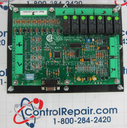
Repair
Repair Price: $ 1,224.00
Purchase
CSL Part Number: 75110
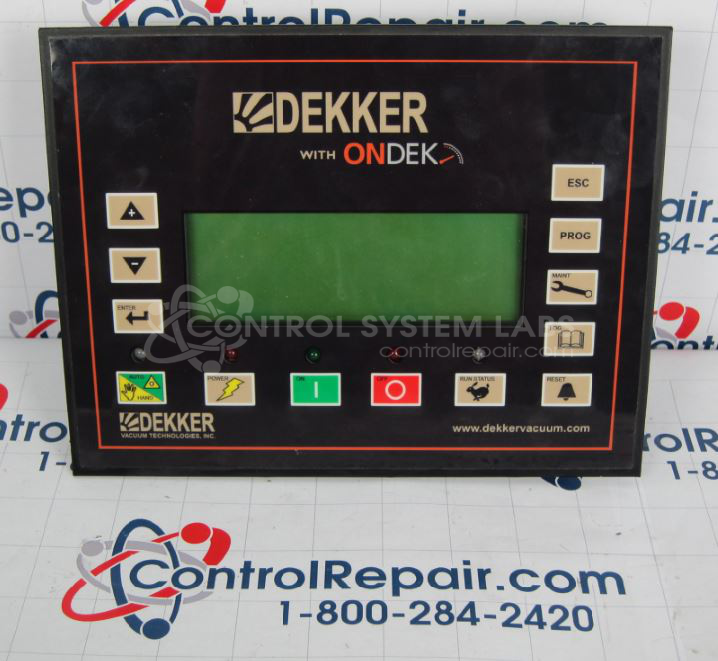
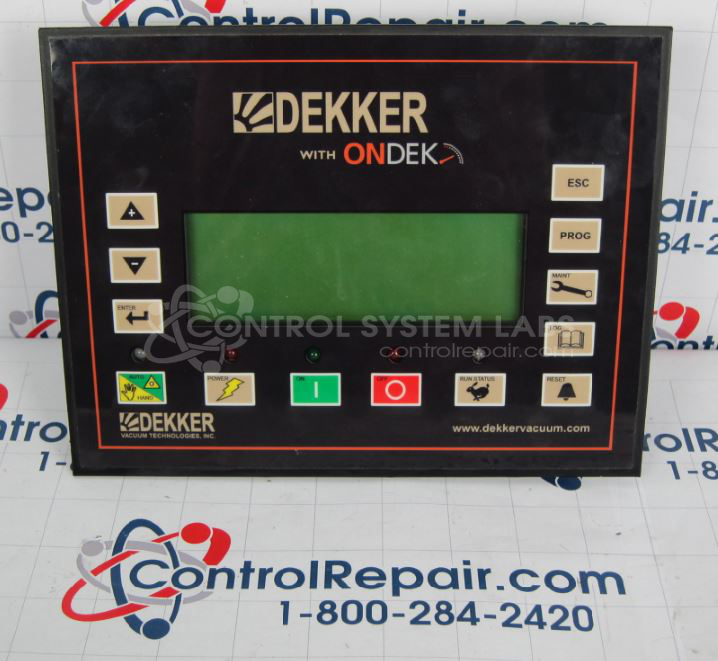
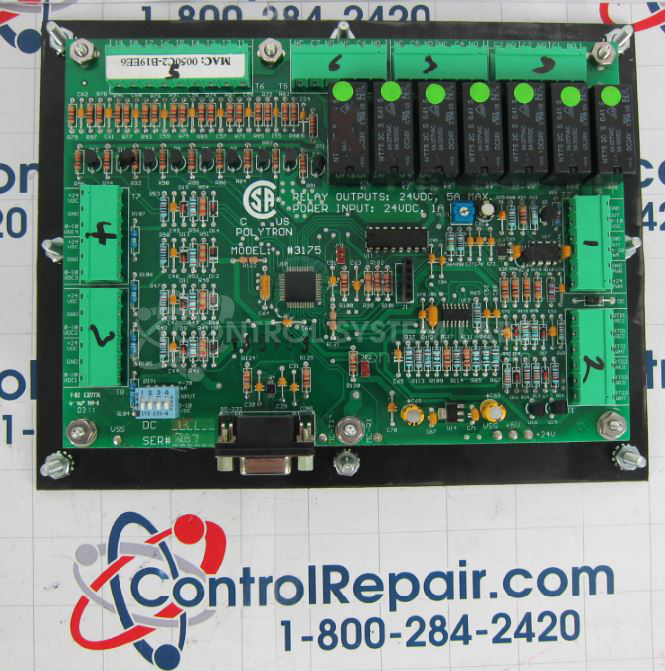
Product Overview: The Polytron 3175 (also known as Dekker Control Display) is an operator interface panel used in industrial control applications, particularly for monitoring and controlling vacuum pump systems. It features an LCD display, membrane overlay with tactile pushbuttons, and accepts multiple input types including digital inputs, analog inputs for pressure and temperature monitoring, and RTD temperature inputs. The unit communicates via serial interface and provides relay outputs for control functions. It operates on 24VDC and includes battery backup for maintaining configuration settings.
Category: Operator & Control Panels
Manufacturer: Polytron
Alternate Manufacturer Names: Dekker
Manufacturer Part Number: 3175
Series: Polytron 3175
Other Synonyms: Dekker
Replacement Overlays are available
Common Failures
Common issues reported with the Polytron Model 3175 include tactile switch failures or inconsistent operation. Physical damage, such as broken buttons and damaged screens, may also occur. Battery voltage inconsistencies and defective components have been observed in some units, which can impact device functionality.
Repair Approach
Our repair process typically involves replacing defective tactile switches and overlays as needed. Repairs may include replacing buttons and verifying that screens and batteries meet operational standards. When overlays are damaged, they are removed, cleaned, and replaced to ensure proper adhesion and performance.
Testing & Quality
Following repair, units are tested to verify button functionality and digital/analog input responses. Testing includes burn-in procedures under "Auto" mode. Any inconsistent button readings are addressed through additional testing and component replacement as required.
Service and repair your broken Polytron part
We can repair your Polytron model 3175 in our facility. Let our skilled technicians get your Polytron back in operation quickly.
Step 1 - Click the green 'Repair Now' button above to add the part and then complete the RMA.
Step 2 - The RMA form will be sent to you via email. Print the RMA form and put it in a box with the item(s) for repair.
Step 3 - Ship or mail the box to the address listed on the RMA.
Once the user has seen at least one product this snippet will be visible.