



Repair
Call for price
Purchase
CSL Part Number: 85978
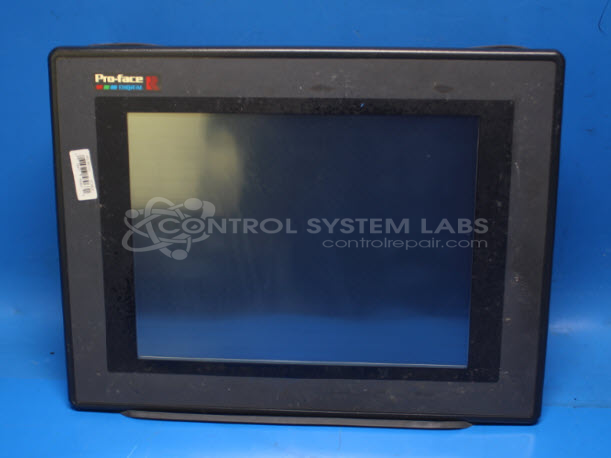
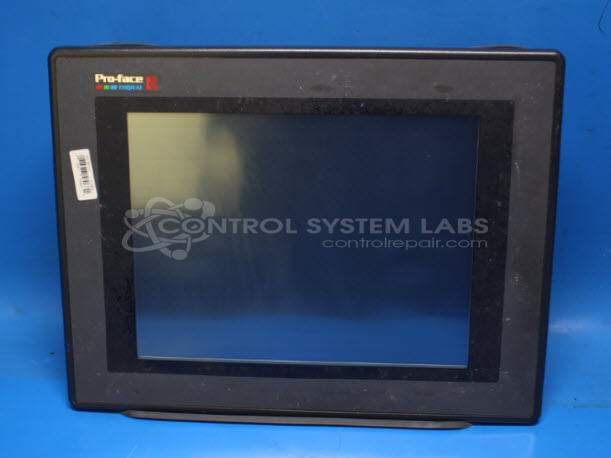
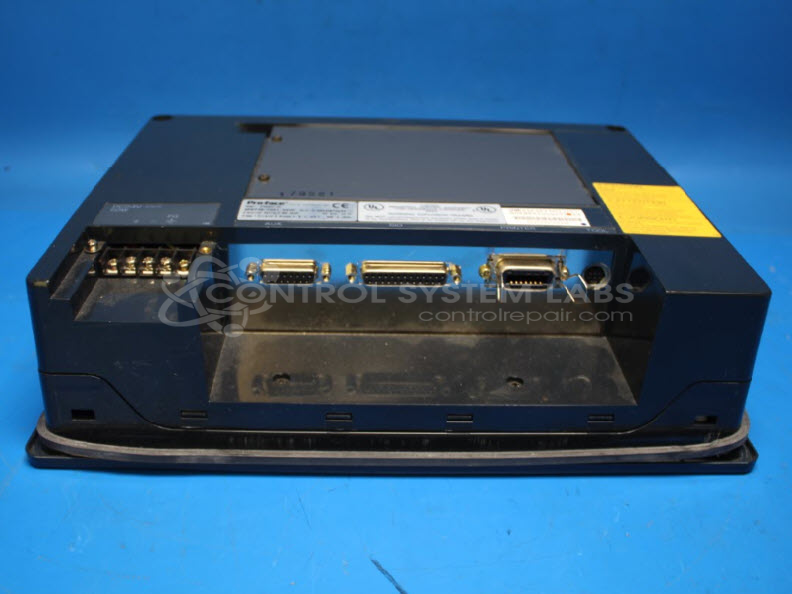
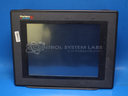
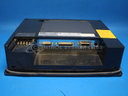
Product Overview: The Pro-Face GP577R-TC41-24VP is a 10-inch color LCD operator interface panel used for industrial machine control and process monitoring. It provides a graphical touchscreen interface allowing operators to view system status, input commands, and adjust parameters on automated equipment. This model features a 24VDC power input and is commonly found in manufacturing lines, packaging machinery, and other industrial automation applications where visual feedback and touch control are required. The unit integrates CCFL backlighting and inverter circuitry to drive the display.
Category: Operator & Control Panels
Manufacturer: Pro-Face America
Alternate Manufacturer Names: Pro-Face Digital Electronics
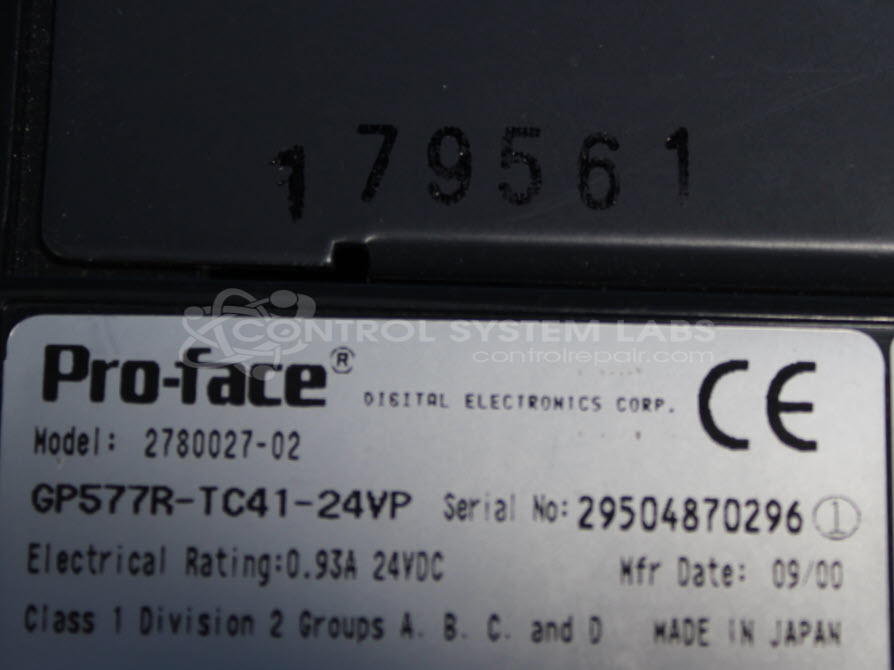
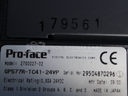
Manufacturer Part Number: GP577R-TC41-24VP
Also Known As(AKA): 2780027-02
Other Synonyms: Pro-Face Digital Electronics
Requires sending in to Control System Labs for a repair quote.
Common Failures
We have observed instances where the screen does not illuminate even after backlight replacement. In some cases, the underlying problems were identified as defective internal components such as fuses or wiring configuration issues.
Repair Approach
During evaluation and repair, our technicians conduct diagnostic testing to verify input power supply. Issues are often traced to fuses or wiring. Mechanical integrity checks are performed to address missing hardware or physical damage to the casing as needed.
Testing & Quality
After repair work is completed, the unit undergoes a power-on test to verify display function. Additional no-load testing is conducted to check overall operation. Each item is reviewed by our quality control process to meet CSL standards.
Repair your broken Pro-Face America part
We can repair your Pro-Face America model GP577R-TC41-24VP .
Please note: our repair turnaround time may be longer than our standard lead times for this item.
Step 1 -
Click the green button above, "Repair Now," and add to your RMA.
Step 2 -
Print the RMA form that is emailed to you, and put it in a box with the parts for repair.
Step 3 -
Mail the box to the address on the RMA.
You will be sent an authorization for repair via email. Your approval is needed before any work is started.
Once the user has seen at least one product this snippet will be visible.