



Repair
Repair Price: $ 2,080.00
Purchase
CSL Part Number: 84528
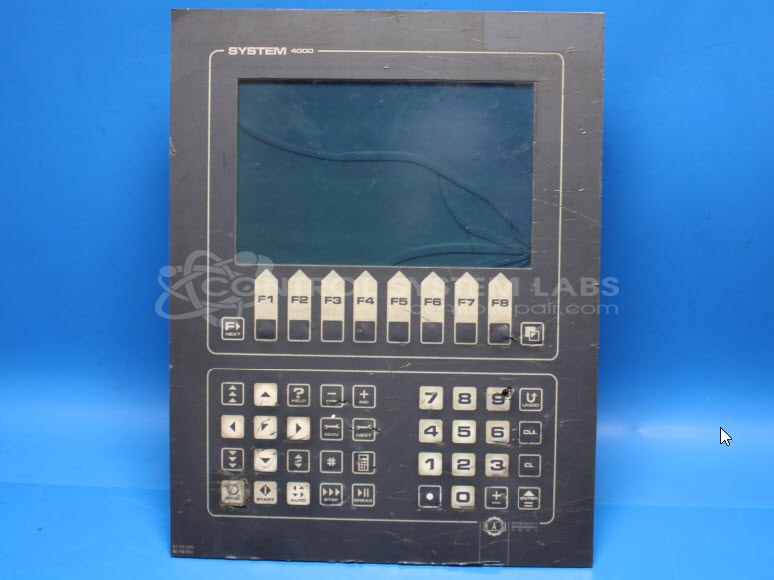
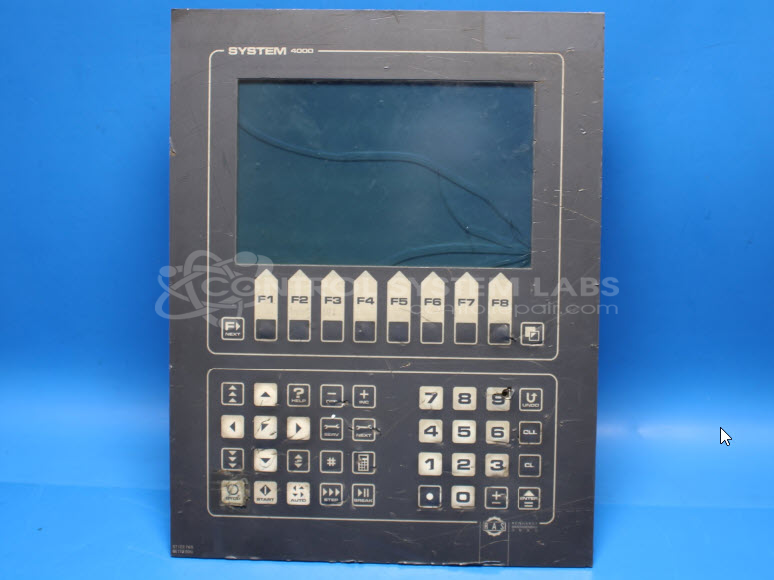
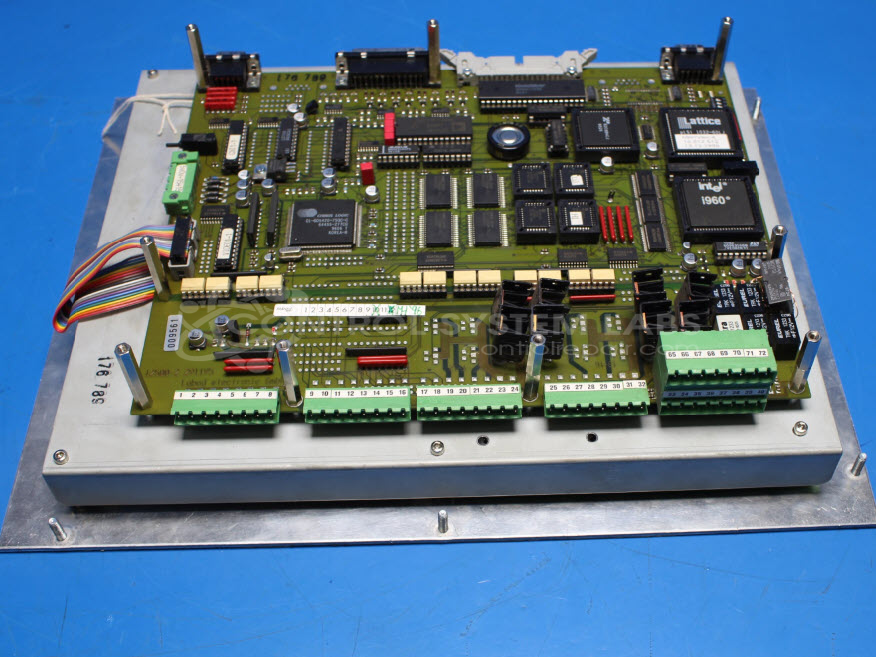
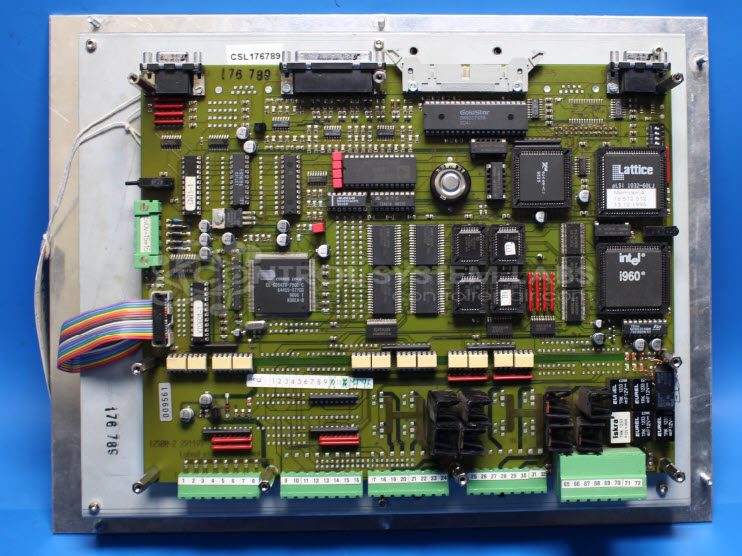
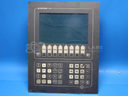
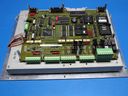
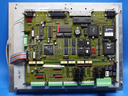
Product Overview: The System 4000 Display Panel is a CNC control interface designed by RAS Reinhardt Maschinenbau for metal fabrication equipment, specifically folding machines and Powercut swing beam shears. This operator panel integrates a 640x400 electroluminescent display, membrane keypad, and onboard control circuitry including graphics acceleration and digital-to-analog conversion. It serves as the primary human-machine interface for programming, monitoring, and controlling shear and brake operations in sheet metal processing applications.
Category: Machine Control
Manufacturer: RAS Reinhardt Maschinenbau
Manufacturer Part Number: System 4000
Series: System 4000 Display Panel
Common Failures
Typical issues encountered with this product include the display going dim or shutting off and damage to the screen overlay. Corrosion on the component traces has also been noted, leading to operational failures.
Repair Approach
Repairs may involve the replacement of defective components such as LED indicators, terminal blocks, and display panels. Diagnostic testing is performed to identify the issues, while cleaning procedures address any corrosion or residue present. In cases of physical damage, overlays and protective glass may be replaced to restore functionality.
Testing & Quality
Each repaired unit undergoes a series of tests, including Burn-In Testing and Level 2 Testing, to verify that digital activities and signals are functioning correctly. These tests verify that the repair has successfully restored the product's operational integrity.
Service and repair your broken RAS Reinhardt Maschinenbau part
We can repair your RAS Reinhardt Maschinenbau model System 4000 in our facility. Let our skilled technicians get your RAS Reinhardt Maschinenbau back in operation quickly.
Step 1 - Click the green 'Repair Now' button above to add the part and then complete the RMA.
Step 2 - The RMA form will be sent to you via email. Print the RMA form and put it in a box with the item(s) for repair.
Step 3 - Ship or mail the box to the address listed on the RMA.
Once the user has seen at least one product this snippet will be visible.