



Repair
Repair Price: $ 1,334.00
Purchase
CSL Part Number: 86824
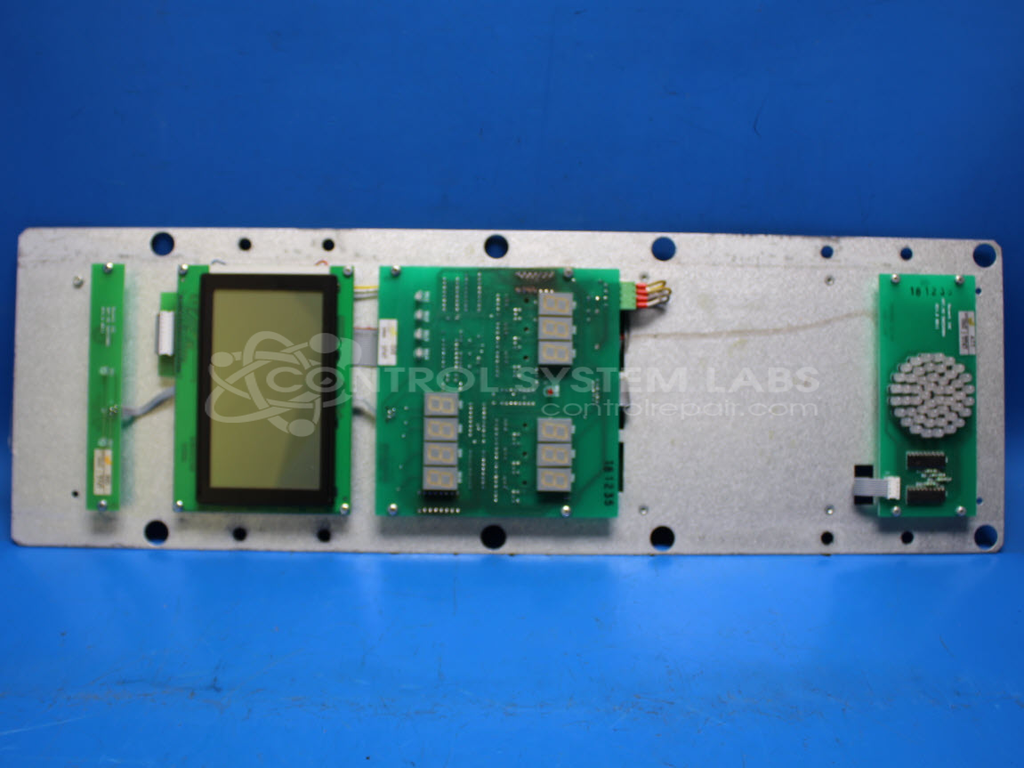
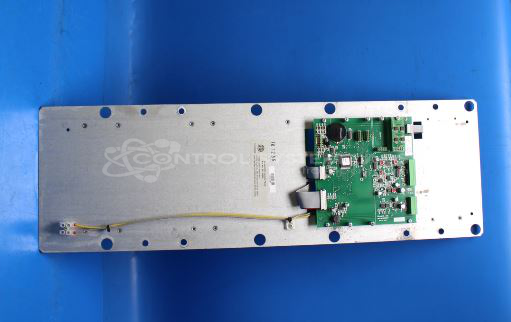
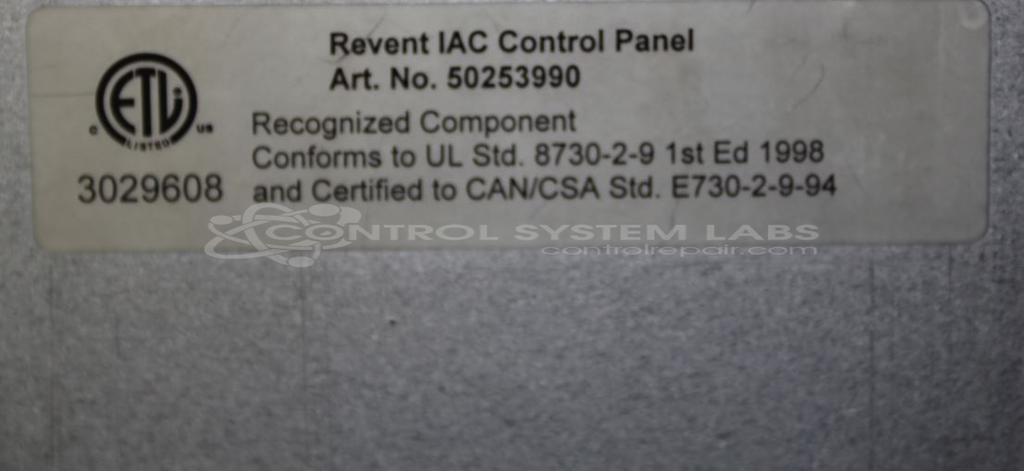
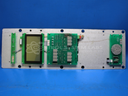
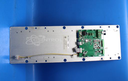
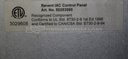
Product Overview: The Revent IAC Control Panel (part number 50253990) is an operator interface and control panel used in Revent commercial ovens. It provides user input, displays operational parameters, and coordinates oven functions including temperature control and baking programs. The panel includes a backup battery for memory retention and operates on 12VDC and 5V internal power rails. It is commonly found in industrial bakery equipment where it serves as the primary human-machine interface for programming and monitoring baking cycles.
Category: Operator & Control Panels
Manufacturer: Revent
Manufacturer Part Number: 50253990
Common Failures
One frequent issue reported is the board draining power, specifically at 12VDC. This has been primarily attributed to defective components, such as vanadium pentoxide lithium coin batteries, electrolytic capacitors, and overheating resistors. Customers often observe that the backup battery is old with a high discharge rate.
Repair Approach
Repairs typically involve replacing defective components like the lithium coin battery and capacitors. Preventative measures include replacing resistors that demonstrate signs of excessive heat. Diagnostic testing is used to identify faulty components, especially when dealing with illegible resistor values.
Testing & Quality
Following repair, the unit is tested to confirm functionality. This includes diagnostic protocols and burn-in tests to verify that issues like excessive heat and power drainage have been addressed.
Service and repair your broken Revent part
We can repair your Revent model 50253990 in our facility. Let our skilled technicians get your Revent back in operation quickly.
Step 1 - Click the green 'Repair Now' button above to add the part and then complete the RMA.
Step 2 - The RMA form will be sent to you via email. Print the RMA form and put it in a box with the item(s) for repair.
Step 3 - Ship or mail the box to the address listed on the RMA.
Once the user has seen at least one product this snippet will be visible.