



Repair
Call for price
Purchase
CSL Part Number: 83466
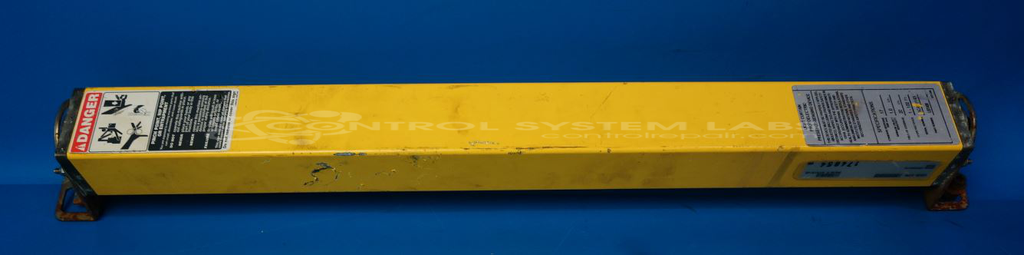
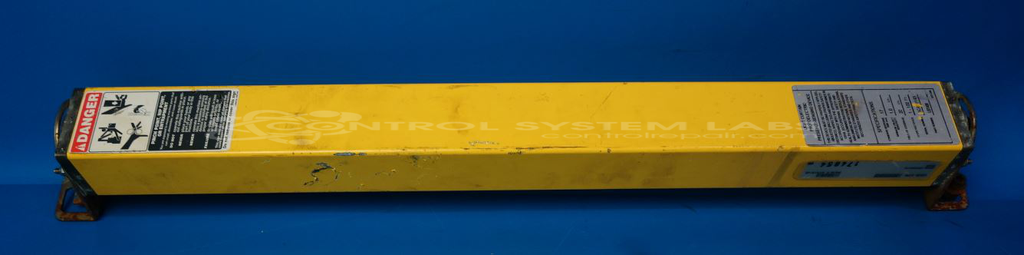
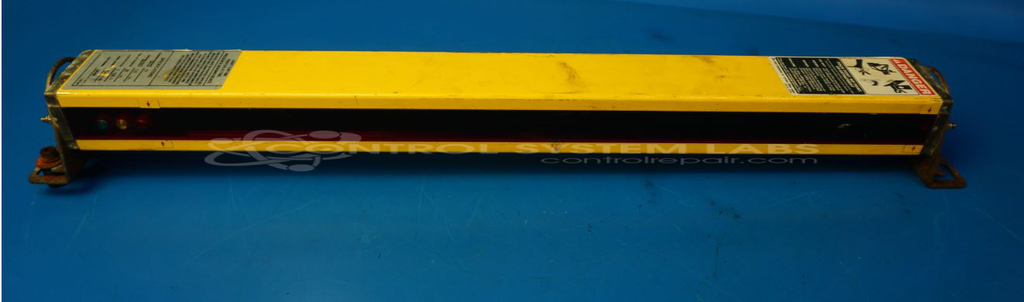
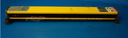
Product Overview: The Rockford MS4420X-NL (LBT420) is a light curtain photoelectric presence sensing device used for safeguarding machinery and equipment. It creates an invisible infrared beam field to detect intrusions or objects entering a hazardous zone, commonly applied in automated manufacturing, press brakes, robotic cells, and material handling systems. The system uses multiple IR sensors arranged in a curtain pattern to provide area protection, with status indicators (green, amber, red LEDs) for operational feedback. This safety-rated device helps prevent worker injury by triggering machine stops or alarms when the light field is interrupted.
Category: Light Curtain
Manufacturer: Rockford
Manufacturer Part Number: MS4420X-NL [LBT420]
We need the transmitter, receiver, controller and interconnecting cables in order to test and repair.
Common Failures
Common issues include all three indicator lights (Green, Amber, and Red) remaining illuminated, which may prevent normal operation. In some cases, a red lens may appear discolored or opaque, which could affect performance.
Repair Approach
Our evaluation includes inspection of components such as infrared sensors and other key elements. If issues are identified during evaluation, we can provide a quotation for repair. In some cases, units may be determined to be Beyond Economic Repair (BER) or returned unrepaired if specific defects such as lens damage are found during inspection.
Repair your broken Rockford part
We can repair your Rockford model MS4420X-NL [LBT420] .
Please note: our repair turnaround time may be longer than our standard lead times for this item.
Step 1 -
Click the green button above, "Repair Now," and add to your RMA.
Step 2 -
Print the RMA form that is emailed to you, and put it in a box with the parts for repair.
Step 3 -
Mail the box to the address on the RMA.
You will be sent an authorization for repair via email. Your approval is needed before any work is started.
Once the user has seen at least one product this snippet will be visible.