



Repair
Call for price
Purchase
CSL Part Number: 106503
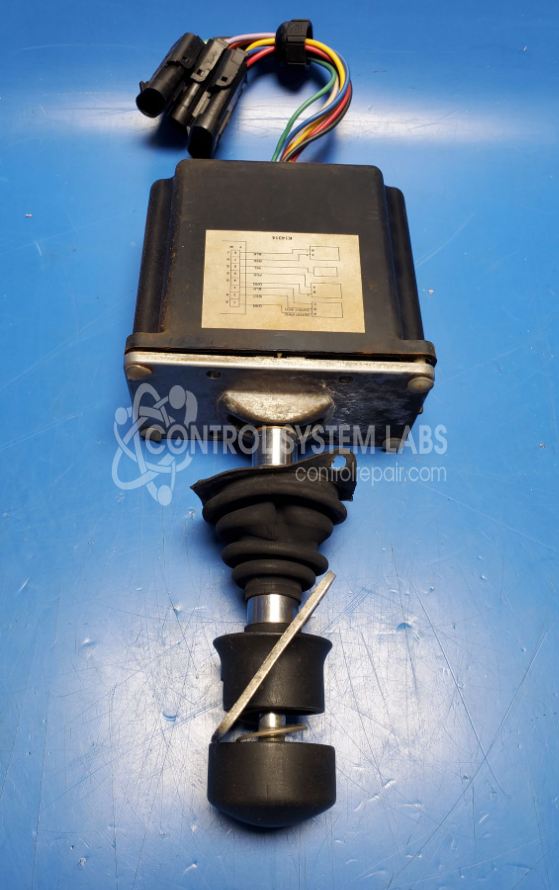
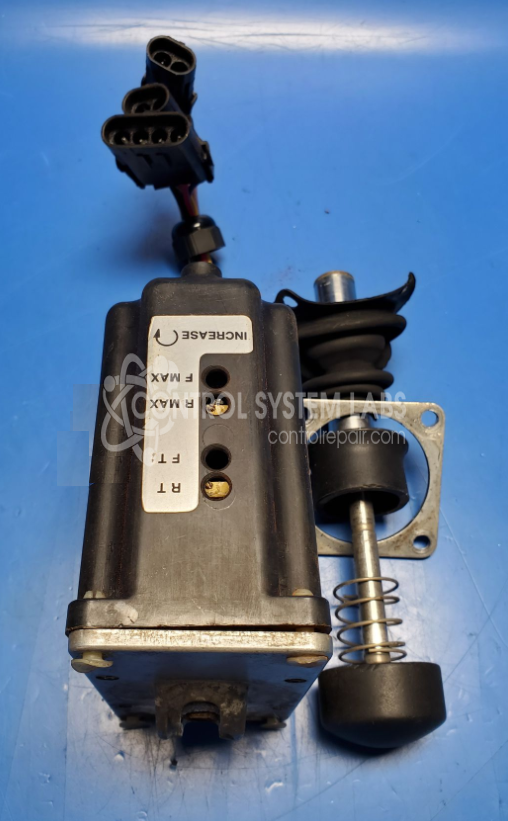
Product Overview: The Sauer-Sundstrand MCH42BL2227 is a proportional control joystick from the MCH Series designed for precise directional and speed control in mobile hydraulic machinery. It converts mechanical stick movement into electrical signals via internal potentiometers and electronic circuitry, enabling operators to command hydraulic valve positioning. Commonly used in construction equipment, material handlers, and forestry machines for travel and implement control functions. Features multi-turn trimmer potentiometers, analog signal conditioning, and mechanical centering with locking capability for precise operational feedback.
Category: Joystick / Controller
Manufacturer: Sauer-Sundstrand
Manufacturer Part Number: MCH42BL2227
Series: MCH Series Joystick - Control Handle
Some repair parts take 2 weeks plus delivery to receive.
Common Failures
Typical issues with this unit include uneven operation, where one side may operate at a different speed. This can result from component wear or electrical issues. Symptoms may include decreased responsiveness of control inputs and slower actuation.
Repair Approach
Repairs may involve replacing defective components such as potentiometers, mechanical parts, and protective covers. Cleaning and circuit board repair are performed as needed. Protective coatings may be applied to help prevent future damage.
Testing & Quality
After repairs, units undergo testing to verify that functionality has been restored. Each unit is reviewed by technicians to ensure that repairs meet operational standards.
Service and repair your broken Sauer-Sundstrand part
We can repair your Sauer-Sundstrand model MCH42BL2227 in our facility. Let our skilled technicians get your Sauer-Sundstrand back in operation quickly.
Step 1 - Click the green 'Repair Now' button above to add the part and then complete the RMA.
Step 2 - The RMA form will be sent to you via email. Print the RMA form and put it in a box with the item(s) for repair.
Step 3 - Ship or mail the box to the address listed on the RMA.
Once the user has seen at least one product this snippet will be visible.