



Repair
Repair Price: $ 1,174.00
Purchase
CSL Part Number: 115543
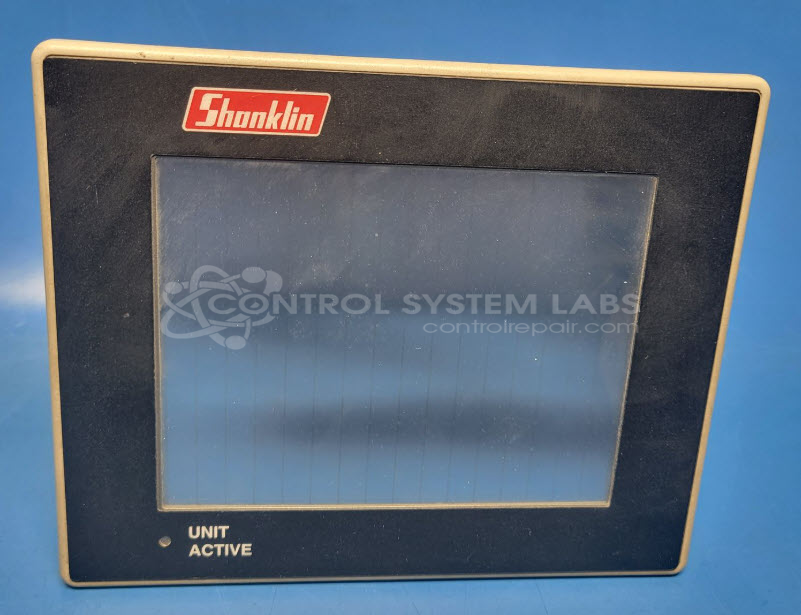
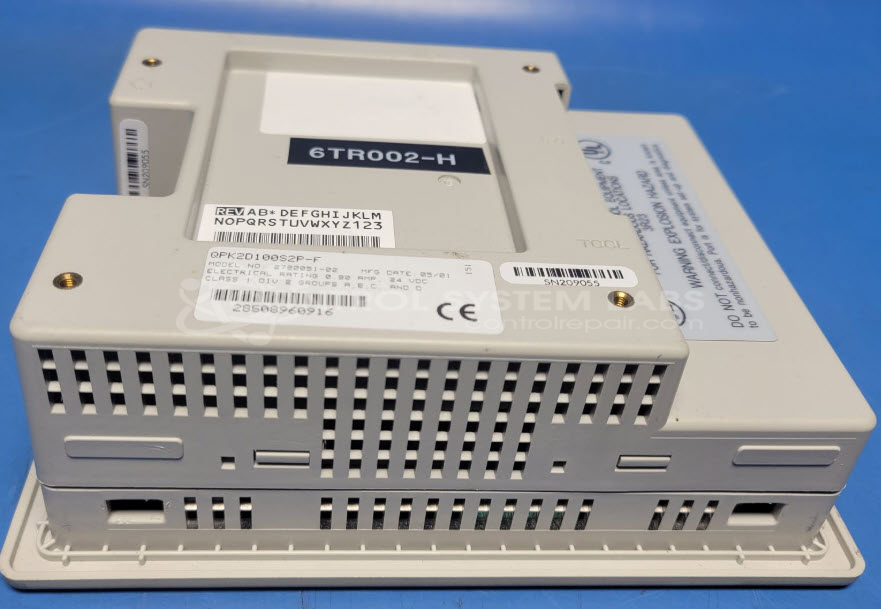
Product Overview: The Quickpanel 6-inch LCD (QPK2D100S2P-F) is a compact touchscreen operator interface panel used for monitoring and controlling industrial equipment. Part of the QuickPanel jr. series, it features a 6-inch color LCD display with integrated touch input for operator interaction with PLCs and automation systems. Commonly found in packaging machinery and industrial control applications, it provides real-time process visualization and parameter adjustment capabilities through its rear I/O connectivity.
Category: Operator & Control Panels
Manufacturer: Shanklin
Manufacturer Part Number: QPK2D100S2P-F
Series: QuickPanel jr. 6" Touch Screen
If display is defective may be quoted separately, they are getting hard to find.
Common Failures
This product can experience issues with the touchscreen display, including dimming that may be related to the LCD screen or backlight components. Compatible replacement displays can be difficult to source and may need to be acquired from donor units.
Repair Approach
When available, the repair process may involve sourcing a compatible replacement LCD screen from another unit. This approach can address dimming issues by replacing the defective screen component.
Testing & Quality
Following repair work, the unit undergoes functional testing to evaluate screen performance, which may include extended powered-on testing. Testing confirms the functionality that can be evaluated with available equipment and connections. Customers are informed of any testing limitations and any observations noted during evaluation.
Service and repair your broken Shanklin part
We can repair your Shanklin model QPK2D100S2P-F in our facility. Let our skilled technicians get your Shanklin back in operation quickly.
Step 1 - Click the green 'Repair Now' button above to add the part and then complete the RMA.
Step 2 - The RMA form will be sent to you via email. Print the RMA form and put it in a box with the item(s) for repair.
Step 3 - Ship or mail the box to the address listed on the RMA.
Once the user has seen at least one product this snippet will be visible.