


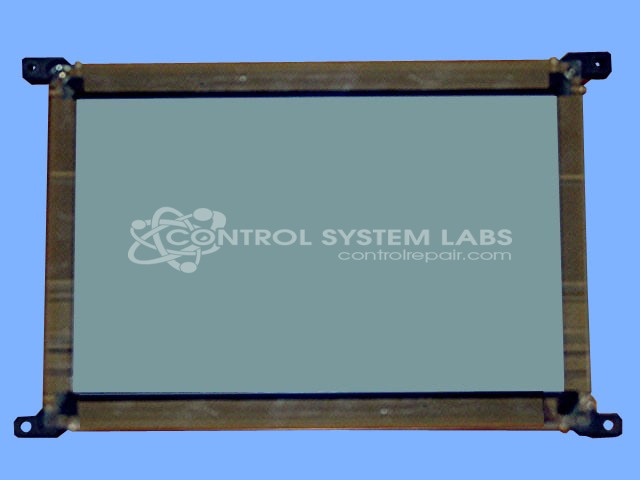


Repair
Repair Price: $ 1,040.00
Purchase
CSL Part Number: 35112
Product Overview: An 8.9-inch electroluminescent (EL) flat panel display with 640x200 resolution and multiple-column configuration. It renders monochrome text and graphics for industrial monitors, operator interfaces, and machine control panels. Operates on +12V at roughly 7W total power consumption.
Category: LCD Display
Manufacturer: Sharp
Manufacturer Part Number: LJ640U32
Also Known As(AKA): LJ64EU34 LATEST #
Obsolete. Send in for repair at our facility.
Common Failures
Common issues observed in these monitors include electrolytic capacitor deterioration, blown fuses, and damaged PCB traces. Reported symptoms may include screen clarity issues, voltage irregularities, or intermittent operation.
Repair Approach
Our repair process begins with evaluation to identify defective components. Repairs may include component replacement, PCB trace repair, and restoration of proper voltage levels. Once the unit is received and reviewed, we can provide a quotation before any repair work begins.
Testing & Quality
Following repair, units are tested to verify operation and stability. Testing procedures are designed to confirm that repaired units meet functional standards before return shipment. We will update you regarding any findings during the evaluation and repair process.
Service and repair your broken Sharp part
We can repair your Sharp model LJ640U32 in our facility. Let our skilled technicians get your Sharp back in operation quickly.
Step 1 - Click the green 'Repair Now' button above to add the part and then complete the RMA.
Step 2 - The RMA form will be sent to you via email. Print the RMA form and put it in a box with the item(s) for repair.
Step 3 - Ship or mail the box to the address listed on the RMA.
Once the user has seen at least one product this snippet will be visible.