



Repair
Repair Price: $ 608.00
Purchase
CSL Part Number: 30958
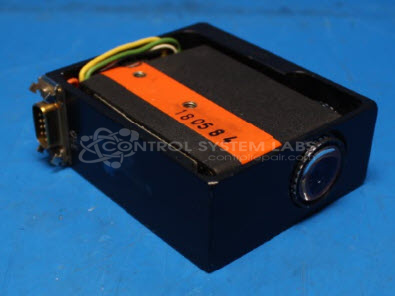
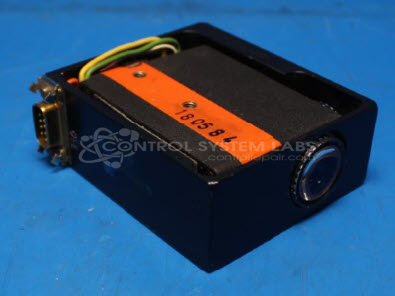
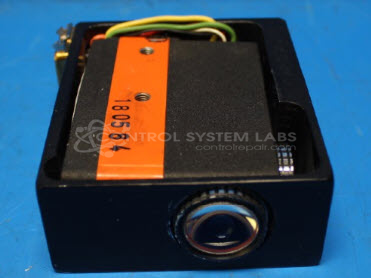
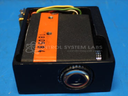
Product Overview: The SICK NT8-02 is a color mark scanner photoeye designed for detecting registration marks, color contrast, or print quality in paper handling and converting applications. This modified unit features a DB9 connector interface and uses a specialized vertical filament lamp for optical sensing. Commonly found in printing presses, web handling systems, and packaging lines, it provides precise mark detection to synchronize cutting, folding, or printing operations. The sensor head includes an integrated cable with Cannon connector for industrial machine integration.
Category: Photo Eye-Head-Controls
Manufacturer: SICK
Manufacturer Part Number: NT8-02
Lamp replacement if required is additional.
Common Failures
Common issues with this device include failure of the light to turn on while the controller remains functional, premature bulb failure after replacement, and loose internal components that may contribute to malfunctions.
Repair Approach
Our evaluation typically begins with bulb replacement and inspection of internal connections. In some cases, a substitute bulb model may be considered if the original part is unavailable. Repair feasibility depends on the availability of compatible parts and the condition of the unit upon evaluation.
Testing & Quality
Testing includes verification of power at the socket and functional testing after bulb replacement. Our technicians assess the unit's condition and provide findings based on observed performance and parts availability.
Service and repair your broken SICK part
We can repair your SICK model NT8-02 in our facility. Let our skilled technicians get your SICK back in operation quickly.
Step 1 - Click the green 'Repair Now' button above to add the part and then complete the RMA.
Step 2 - The RMA form will be sent to you via email. Print the RMA form and put it in a box with the item(s) for repair.
Step 3 - Ship or mail the box to the address listed on the RMA.
Once the user has seen at least one product this snippet will be visible.